What Happens When AI Gets It Wrong? An Honest Guide
Most content about AI assistants says: set it up, forget it, problem solved. Here's something more honest: don't adopt an AI assistant without first talking about what happens when it gets something wrong. The error rate isn't zero — and never will be.
That's not an argument against AI. An employee can quote the wrong price too. The difference: an AI assistant's errors can be measured, constrained, and planned for — if you understand how the system works.
We'll explain, without hype, why an assistant can give a wrong answer, how to narrow that risk, and when a human should step in. Still comparing tools? See our guide to choosing the right WhatsApp automation.
Why does AI get things wrong in the first place?
AI language models are not systems that "know the truth." They generate the most likely answer from the information they're given and the language patterns they were trained on. That's exactly where errors come from — and in practice there are three main causes.
1. The information is missing or vague
The most common cause. A customer asks "Are you open on Sundays?" — but you never gave the assistant your opening hours. Or your website says "weekdays 9 a.m.–7 p.m." and nothing about Sunday.
Unable to find the information, the assistant either says "I don't know" or pieces together a guess. The second is your problem — yet it isn't the assistant's flaw; it's the blank you left empty.
2. The information is contradictory or outdated
Your website shows last year's price list, Instagram has the new one, and you told the assistant a third number. It will pick one — and predicting which is hard.
Same for changed addresses, discontinued services, departed staff: the system can't verify on its own that what you gave it is still current.
3. The question is outside the assistant's lane
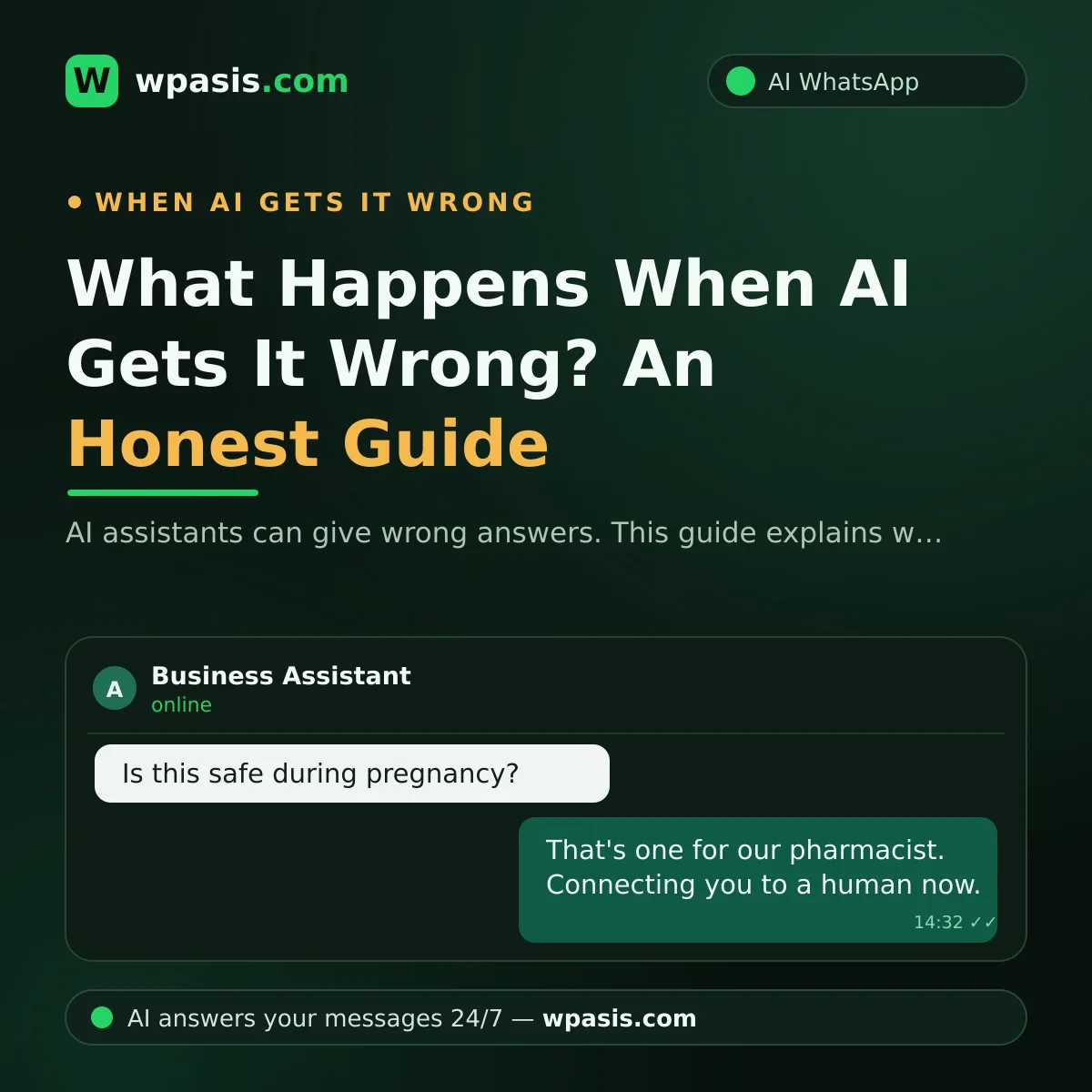
"Can I take this medication while pregnant?" or "What happens if I sign this contract?" are questions no business assistant should ever answer. The correct behavior is refusing — and handing the conversation to a human.
The first guardrail: a knowledge base
An AI assistant's strongest brake is its knowledge base. In systems like WpAsis, the assistant answers from the business information you provide — not general internet knowledge: your website is scanned, your FAQs added, your prices and services recorded.
The more complete and precise your knowledge base, the smaller the room to improvise. A thin base leaves the assistant filling in blanks; a solid one means the answer is already there.
What belongs in the knowledge base
Write these down explicitly — leave nothing to interpretation:
- Opening hours (including holidays and exceptions)
- The full service list, and what's not included
- A price range, or a clear policy like "message us for a quote"
- Cancellation and rescheduling rules
- Address, directions, parking situation
- A list of topics the assistant must not answer
That last item is the most skipped and most valuable: "if these topics come up, don't answer — hand it to me" drives wrong answers on those topics close to zero.
The second guardrail: draw hard lines
What you forbid matters as much as what you feed in. A well-configured assistant should have learned these behaviors:
When unsure, it doesn't guess. "I don't have that information — let me connect you with the team" beats a fabricated answer every time. Customers don't resent "I don't know" — they resent wrong information.
It doesn't make promises. "It will definitely be ready tomorrow" is a commitment in your name. An assistant gives information, not guarantees.
It steps back on critical topics. Health, legal matters, refunds, complaints, personal data: the assistant's job there isn't answering, it's routing to the right person.
The third guardrail: pick the handover moment well
An AI assistant is not a barrier — it's a filter. It absorbs the simple, repetitive questions; the rest should reach you.
A human should take over when:
The customer is upset
Complaints, frustration, the "what kind of service is this" tone. That customer isn't looking for an answer — they're looking for a person. An automated reply escalates things.
The topic is money
Refunds, discounts, billing errors, payment disputes: business decisions, not an assistant's.
The topic is health, legal, or personal data
A pharmacy's, veterinary clinic's, or law firm's assistant can book appointments, state hours, and give directions — but it cannot diagnose, recommend treatment, or interpret the law; those go to a qualified professional. Personal data carries regulatory obligations too — see GDPR and WhatsApp: what businesses need to know, and consult a legal professional for advice specific to you.
The customer explicitly asks for a human
Keeping someone who says "I want to talk to a person" stuck with an assistant is the fastest way to manufacture dissatisfaction. The moment that request appears, the chat lands in your hands.
The fourth guardrail: monitor and review
"Set it and forget it" doesn't exist — not in the first weeks, at least.
Read the conversations. All chats are visible in the dashboard. For the first 10–15 days, spend five minutes a day reviewing answers; when you spot a wrong or incomplete one, add the missing information to the knowledge base.
Note recurring stumbles. Tripping on the same question three times points at a gap in your knowledge base. Don't patch each instance — close the source.
Take over anytime. Jump into a live conversation and type yourself. The assistant doesn't replace you; it works when you're not there.
What's a realistic expectation?
Honestly: an AI assistant can make mistakes. Anyone promising zero errors either doesn't understand the system or isn't being straight with you.
The right question isn't "will it make mistakes" — it's "in which situations, and how big?"
In a well-configured assistant, the typical error is "I can't confirm that — let me connect you with the team." That's not a failure; it's good behavior. In a poorly configured one, it's a confident sentence about a topic it was never given — a setup failure, not a limit of the technology.
And compare against the right baseline: not a flawless human, but the message unanswered at midnight, the call returned three hours later, the forgotten booking request. Say a salon gets 40 messages a day, half outside opening hours. A system answering all of them quickly — and correctly the vast majority of the time — beats an inbox answering none.
Ask yourself before going live
Answer these three questions before switching the assistant on:
- Which topics must the assistant never discuss? Write the list.
- What are your 20 most common questions — and are the answers unambiguous? If not, fix the answers first.
- What's the human-handover signal? Which word or situation should pull you in?
If those answers are ready, the hardest part of setup is done. Brand new to AI? AI for small business: where to start is a good primer.
Frequently Asked Questions
Will one wrong answer cost me a customer?
Rarely — the real risk is an error repeating unnoticed. Review conversations regularly and fix the source in the knowledge base, and the same mistake doesn't happen twice. Routing critical topics straight to a human closes most of the remaining risk.
How do I stop the assistant from making things up?
The most effective method is a complete knowledge base — when the assistant can't find an answer there, it tries to fill the gap. Write clear answers to every common question, list the topics it must not answer, and have it say "let me connect you" whenever unsure.
Can I use an assistant in a health or legal business?
Yes — for operational tasks: booking appointments, stating hours, giving directions. For anything requiring professional judgment — diagnosis, treatment advice, legal interpretation — it must route the customer to a qualified professional instead of answering. For liability and regulation, consult an expert.
Can I review the assistant's answers afterward?
Yes. The full history is in the dashboard: read back what was answered, update information when you spot a problem, and jump into any active chat yourself.
Configured correctly, an AI assistant doesn't decide for you — it speaks with your knowledge. You draw the lines and keep the control.
Curious how WpAsis would work in your business? Explore it at wpasis.com and get in touch — current pricing is there too.