AI for Small Business: Where Do You Actually Start?
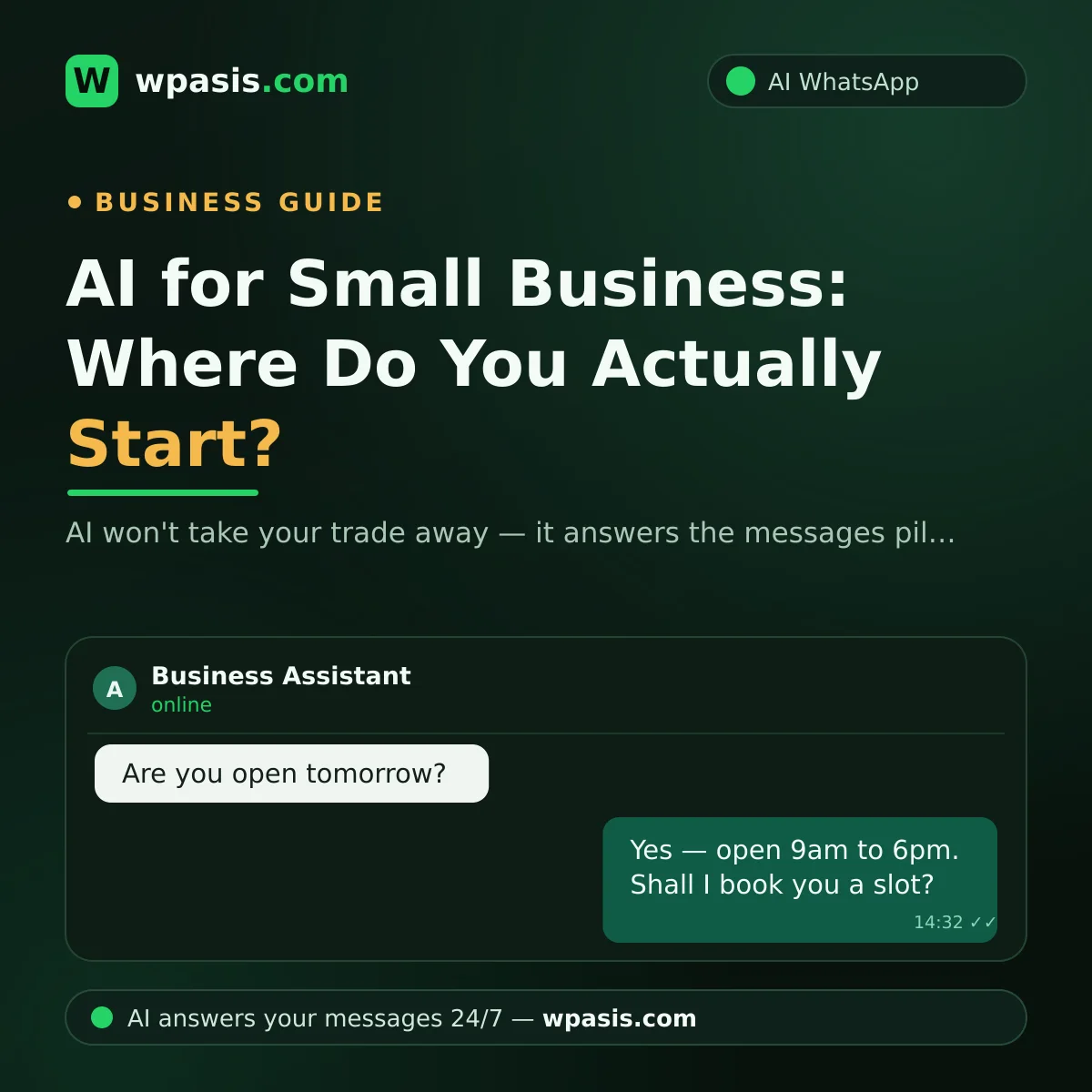
If the phrase "artificial intelligence" makes you picture robots, complicated software and an invoice you'd rather not open, you're in good company. But for most small businesses, AI turns out to be something far more ordinary: while you're finishing a haircut, kneading dough or serving someone at the counter, the "Are you open today?" message on your phone gets answered without you touching it. This guide covers what AI actually does for a small shop, what it plainly can't do, and where to start without any of the fear.
Let's Put the Worries on the Table First
Whenever AI comes up with owner-operators, the same three worries surface. First: "Is it going to take my job?" Second: "I'm not a tech person — this isn't for me." Third: "My customers don't want to talk to a robot."
All three are fair questions, and all three have honest answers. By the end of this piece you'll see that AI isn't a replacement for your craft; it's a helper that keeps up with messages during the hours you can't sit by your phone. There are versions that require no technical knowledge at all, and when it's set up properly, customers are happy — because they got a fast, accurate answer instead of silence.
What Can AI Actually Do for a Small Business?
Let's be concrete. Here are the clearest benefits a small business can get from AI today.
Answering messages around the clock
Your customers don't call anymore — they message you on WhatsApp. "How much is it?", "What time do you close?", "Any openings tomorrow?" These land at every hour of the day, and you can't drop what's in your hands to type a reply. An AI assistant answers those messages on your business's behalf, instantly. A message that arrives at midnight doesn't sit unread until morning, and an evening enquiry doesn't go unanswered and send that customer down the road to someone else. We covered exactly what unanswered messages cost you in the real cost of replying late to customer messages.
Taking bookings and orders
AI doesn't just chat — it gets work done. When someone writes "Are you free Saturday afternoon?", it can take the booking. When they say "I'd like the menu for two," it can collect the order. This applies to anyone who takes business by message: barbers, garages, bakeries, estate agents, and everyone in between.
Answering the same questions over and over
Every shop has five or ten questions it answers dozens of times a day: address, opening hours, price range, what services you offer. AI answers those using your business's own information. Systems like WpAsis crawl your website and build a knowledge base specific to you, so the assistant repeats your shop's real details rather than generic filler. And it can reply in whatever language the customer writes in — which, if you trade anywhere near tourists, is a relief in itself.
What AI Can't Do: An Honest List
We're not going to paint you a rosy picture. What AI can't do matters just as much as what it can:
- It can't do your trade. You cut the hair, you fix the engine, you roll the pastry. AI doesn't know a craft.
- It can't look a customer in the eye. The face-to-face relationship, the goodwill you've built, the chat over the counter — don't expect software to carry that.
- It can't run your business for you. It doesn't decide what stock to buy, who's good for a tab, or what to teach your apprentice.
- It can't know what you never taught it. Don't expect confident answers on topics that aren't in its knowledge base. That's exactly why good systems let you watch conversations from a dashboard and step in as a human whenever you need to.
In short: AI isn't the craftsman in the shop. It's the helper managing the message traffic at the door.
"Will It Take My Job?" — The Honest Answer
No — because your job isn't answering messages. You're a barber, a restaurateur, a mechanic. Replying to messages isn't the work itself; it's the admin that keeps interrupting the work. And that's precisely what AI takes over: typing the same answer forty times a day, running to your phone mid-job, missing the message that came in at 11pm.
Think of it this way: hiring a receptionist doesn't take your job away — it gives you more time for the work you're actually paid for. An AI assistant works on the same logic, except it doesn't keep office hours. If that comparison interests you, we weighed the two options side by side in receptionist or AI assistant: which one do you need?.
Here's what is genuinely changing: the gap is widening between the business that can't keep up with its messages and the business whose messages get answered instantly. AI won't take your job. But the shop down the street that uses it might take the customer you left on read.
The First Step: Start With the Low-Risk Uses
You don't have to hand your business over to get started with AI. Move in small steps that are easy to walk back.
1. Start with answering messages
This is the lowest-risk use there is. Let the assistant handle only the frequently asked questions: address, hours, list of services. If something goes sideways, all you've lost is one message — and you'll see it on the dashboard and fix it. Picture a shop that gets, say, 30 messages a day. If most of them are the same three or four questions, that weight is off your shoulders from day one.
2. Then turn on bookings and orders
Once you're comfortable with message replies, step two is taking bookings and orders. The customer asks for a day and time, the assistant locks in a slot, and you just check your list on the dashboard. If you're drowning in managing an appointment book by phone, we walked through how this step works in moving from a paper appointment book to digital.
3. Keep control in your hands
In a good system you see every conversation from the dashboard. If you don't like the answers the assistant is giving, you update the information. If a conversation gets sensitive, you cut in and message the customer yourself. AI isn't power of attorney — you keep hold of the reins.
A Simple Starting Plan
If you still don't know where to begin, follow these four steps:
- Watch your messages for a week. Which questions repeat? What hours are you missing messages? Write it down.
- Write out your 10 most common questions and their answers. That list becomes the core of your assistant's knowledge base. If you have a website, the system feeds from that too.
- Run a trial. With WpAsis, setup starts by scanning a QR code — no code to write, no technical knowledge needed, and your existing WhatsApp number stays exactly as it is.
- Watch the first week from the dashboard. Read the assistant's replies and add anything that's missing. By the end of a week you'll have seen with your own eyes whether it suits you.
The good thing about this route: no step requires a big investment or an irreversible decision. If you don't like it, you stop. If you do, the assistant becomes part of the shop.
Frequently Asked Questions
Do I need technical knowledge to use AI?
No. With systems like WpAsis, setup amounts to connecting your existing WhatsApp number by scanning a QR code. There's no code to write, no software to install, no need to be good with computers. Anyone who can use WhatsApp on their phone can set it up.
Will my customers be put off if they realise it's a bot?
What a customer actually cares about is getting a fast, accurate answer. Someone messaging at 11pm to ask "are you open tomorrow?" is pleased to get a reply straight away rather than waiting until morning. And because you can watch conversations from the dashboard and take over whenever you like, the human side of the conversation never fully closes.
What if the AI gives a wrong answer?
The assistant speaks from the information you give it and the knowledge base built from your website — it works from your details, not from invention. Even so, if you spot a missing or wrong answer, you'll see it on the dashboard and correct the information; from then on the assistant replies with the updated version. On critical conversations you can step in and continue the exchange yourself.
Is AI expensive for a small business?
Assistants like this generally run on a monthly subscription, so there's no large upfront installation to fund — you pay while you use it. When you weigh the cost, also count the customer you lose: every booking or order message left unanswered is a cost you're already paying, quietly. For current pricing, have a look at wpasis.com. And if you're making a decision that touches your accounts, your tax position or anything legal, run it past a qualified professional rather than a blog post.
AI is a tool that stands beside a small business, not against it — as long as you start in the right place. If you'd like to see the lowest-risk first step, answering messages, working in your own shop, visit wpasis.com. Setup starts with scanning a QR code, and the assistant gets to work on your existing WhatsApp number.