WhatsApp Automation Guide: Choose the Right Solution for Your Business
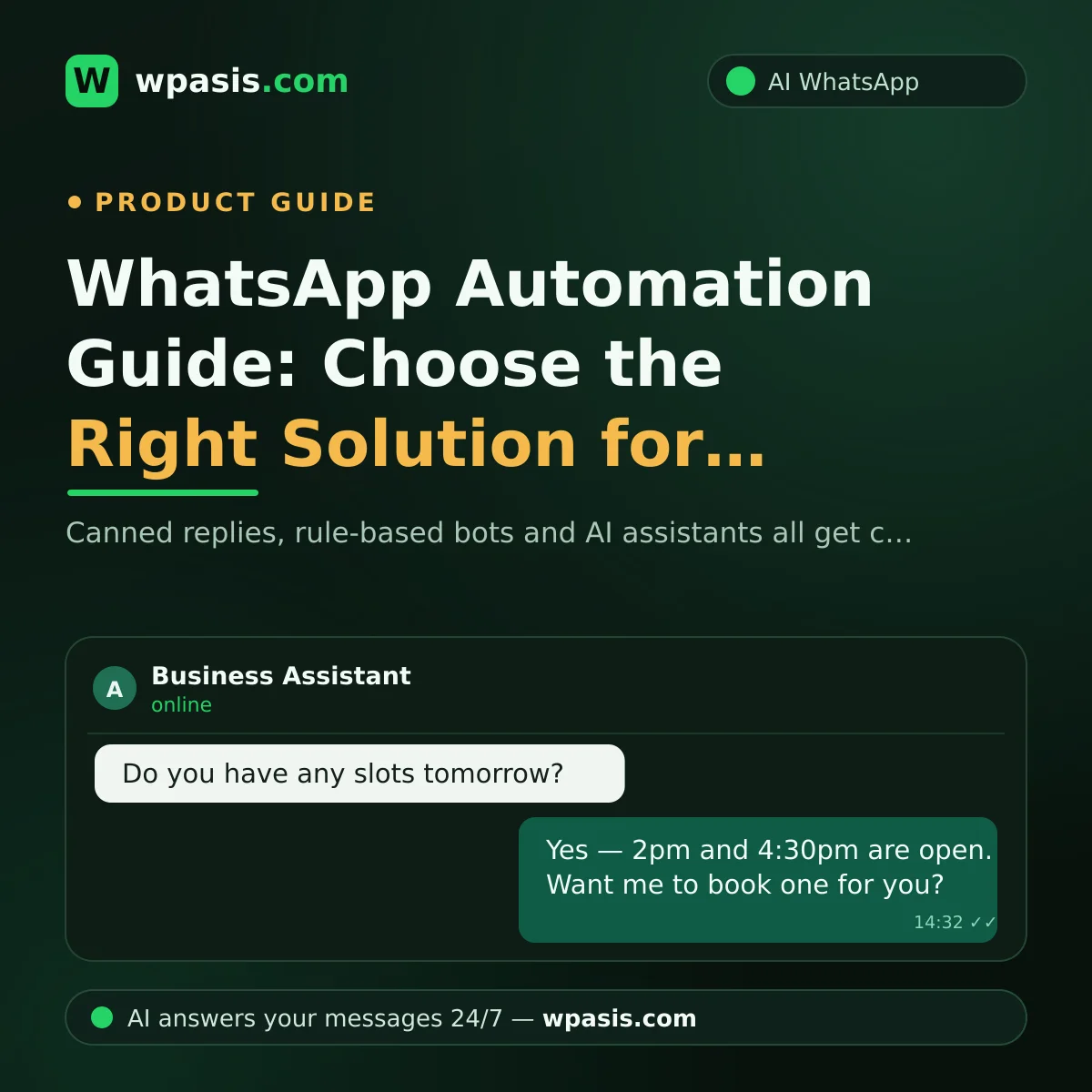
Your customers stopped calling. They text instead. Price questions, booking requests, a quick "are you open right now?" — they arrive all day long, and when you're busy actually doing the work, keeping up with every one of them is close to impossible. That's usually the moment someone mentions WhatsApp automation: systems that reply to incoming messages on your behalf. The catch is that the market is full of very different products and every one of them gets called a "bot." This guide skips the brand names and puts the solution types side by side, so you can see which one fits which kind of business.
What Is WhatsApp Automation, and Why Now?
At its simplest, WhatsApp automation means some or all of the messages arriving at your business number get answered without a human touching them. The goal isn't to remove you from the conversation. It's to stop customers from waiting, so you only spend your attention on the conversations that genuinely need you.
Why is everyone talking about it now? Because customer habits shifted. Picture a shop that gets 40 messages a day. If each one takes you two minutes on average, that's over an hour a day spent purely on typing. And most of those messages are the same three or four questions: "How much is it?", "What time do you close?", "Do you have anything free tomorrow?" Handing that repetitive load to a system is one of the most concrete wins a small business can get from technology.
But "automation" isn't one thing. There are three distinct levels, and the gap between them is roughly the gap between a bicycle and a car.
The Three Types of WhatsApp Automation
1. Canned Replies (Automated Messages)
This is the entry level: everyone who messages you gets the same greeting, and outside business hours a "we're currently closed" note goes out. The WhatsApp Business app includes this for free. If you want the step-by-step setup, we covered it in how to set up WhatsApp auto-replies.
Pros: Free or very cheap, set up in five minutes, zero technical knowledge needed.
Cons: The reply never changes based on the question. When someone asks "Do you have a 3pm slot tomorrow?", they get the same greeting text. It acknowledges the message but doesn't resolve anything — the customer is still waiting on you.
Who is it enough for? Businesses with a handful of messages a day, where the answer is always the same, and where you can already keep up during the day.
2. Rule-Based Bots (Menu Bots)
One level up: bots that work on a "press 1" logic. The customer gets a menu — "Reply 1 to book, 2 for pricing" — and a pre-written script advances based on what they choose.
Pros: Consistent for standardised jobs that always follow the same steps. Fine for fixed processes like collecting a simple order or getting a form filled in.
Cons: It jams on the first question that falls outside the script. If the customer writes in their own words instead of picking a menu option — and most people do exactly that — the bot doesn't understand and the conversation dead-ends. On top of that, someone (you or a specialist) has to write every scenario up front, and every time something changes in your business you have to update the script by hand. Plenty of customers also clock that they're talking to a robot from the very first message.
Who is it for? Businesses that ask their customers for the same information, in the same order, every time — and where the range of questions is very narrow.
3. AI-Powered Assistants
The most advanced level: systems that understand a message written freely, in the customer's own words, and reply naturally using information specific to your business. A good AI assistant is fed by your own knowledge base — your website can be crawled, and the assistant learns your services, your opening hours and the answers to your frequently asked questions from there. It can take bookings and orders, handle multiple languages, and you can watch every conversation from a dashboard and step in as a human whenever you want.
Pros: The customer isn't trapped in a menu; they just explain what they need. A booking request that lands at 11pm gets answered at 11pm. Instead of writing scripts, you simply supply your business information.
Cons: There's a monthly subscription cost. And for the assistant to answer correctly, your business information has to stay current — if your price list changes, the knowledge base needs updating too.
Who is it for? Businesses with high message volume, varied questions, and booking or order traffic. From a barber shop to a dental clinic, a café to an estate agent — anyone who does business by messaging customers falls into this group.
Which Solution Fits Which Business?
Three questions will roughly place you:
- Few messages, always the same questions: Canned replies are probably enough. Try the free option first.
- Fixed process, every customer goes through identical steps: A rule-based bot is worth considering — but don't underestimate how strongly your customers prefer typing freely over tapping through a menu.
- You take bookings or orders, questions vary, and you can't keep up: An AI assistant is your league. It absorbs nearly all of the repetitive load and leaves you handling the exceptions.
There's also a migration path. Starting with canned replies and moving to AI once message traffic grows is a perfectly reasonable sequence. Nothing wrong with it — the trick is noticing the moment your current setup starts slowing you down.
8 Questions to Ask Before You Buy
Whichever type you settle on, put these questions to the solution in front of you. The answers will save you from a bad purchase.
- Does it work with my existing WhatsApp number? Your customers know you by that number. A solution that requires a new one hands you the cost of rebuilding customer habit from scratch.
- Does setup need technical skills or a developer? Good solutions install about as easily as scanning a QR code. If you're hearing "you'll need a developer for the integration," add that expense to the total cost.
- What happens when a customer asks something unexpected? This is the weakest point of menu bots. Test it yourself before buying: write a question that's outside the script and watch what happens.
- Where does it learn my business-specific information from? Answers need to be grounded in your prices and your services, not generic filler. Ask whether it's fed by your website or by information you enter.
- Can I take over the conversation whenever I want? The point of automation isn't to cut you out. You should be able to watch conversations from a dashboard and jump in as a human when it matters.
- Can it actually take bookings and orders, or does it just chat? This is precisely the difference between a system that "replies" and one that "finishes the job." If your business runs on appointments, this is the most critical question on the list.
- Does it support multiple languages? If you're in a tourist area or serve customers who don't share your first language, an assistant that answers in the customer's language translates directly into revenue.
- How is customer data stored? Conversations involve personal data, and you may have obligations under GDPR or your local data protection law. Ask the provider for their data retention policy, and consult a qualified professional for anything definitive — this article is not legal advice.
How Should You Judge the Cost?
Looking at the price tag alone is misleading. A cheap-looking menu bot can get expensive once you count the effort of writing and updating scripts, while a subscription-based AI assistant can pay for itself the moment it catches bookings you'd otherwise have lost. If you want a closer look at what drives the price, have a read of what makes WhatsApp chatbot pricing vary.
The comparison that actually matters is this one: what do the hours you currently spend on messages cost you, plus the customers you lose because nobody answered in time? Even a rough estimate of that number usually makes the right level obvious on its own.
Frequently Asked Questions
Do I need a new phone number for WhatsApp automation?
It depends on the solution, but not needing one should be a deciding factor. With systems like WpAsis that connect to your existing line, you set it up by scanning a QR code and your customers keep messaging the number they already know. Changing numbers puts years of accumulated customer habit at risk.
What if the AI assistant gives a wrong answer?
A well-built assistant only generates answers from the business information it has been given, and when it doesn't know something it should hand the conversation to you rather than invent something. Because you can see every conversation from the dashboard, you can take over a dialogue that's going sideways immediately. Keeping your knowledge base current also cuts the error rate substantially.
How long does setup take, and do I need technical skills?
Canned replies take a couple of minutes. Rule-based bots take longer because the scenarios have to be written first. With modern AI assistants, setup usually amounts to scanning a QR code and introducing your business information — no code, no developer.
Is WhatsApp automation compliant with data protection rules?
Automation itself isn't prohibited; what matters is how customer data is processed and stored. Requirements such as informing customers about data use vary depending on your business and jurisdiction. Always ask your chosen provider for their data policy, and consult a data protection specialist about your own obligations.
If you're feeling the strain of not keeping up with messages, don't decide before you've tried the most advanced level in your own business. WpAsis is an AI assistant that connects to your existing WhatsApp line, feeds on your business's own information, and takes bookings and orders. Visit wpasis.com for details and current pricing.