WhatsApp Chatbot Number: A Complete Guide for UK Businesses
A WhatsApp chatbot number is a dedicated phone number linked to a business account that uses automated software to send and receive messages at scale. It acts as the official channel for your bot.
- A WhatsApp chatbot number must be able to receive SMS or voice calls to verify ownership during setup.
- Using a personal WhatsApp number for a chatbot violates WhatsApp's terms of service and can lead to a permanent ban.
- WhatsApp requires businesses to use approved message templates for any conversation initiated by the business.
Table of Contents
- What Is a WhatsApp Chatbot Number?
- Why a Dedicated Number Matters for Chatbots
- How to Choose the Right WhatsApp Chatbot Number
- Setting Up Your WhatsApp Chatbot Number with the API
- Best Practices for Managing Your Chatbot Number
- Common Mistakes to Avoid with WhatsApp Chatbot Numbers
- Frequently Asked Questions
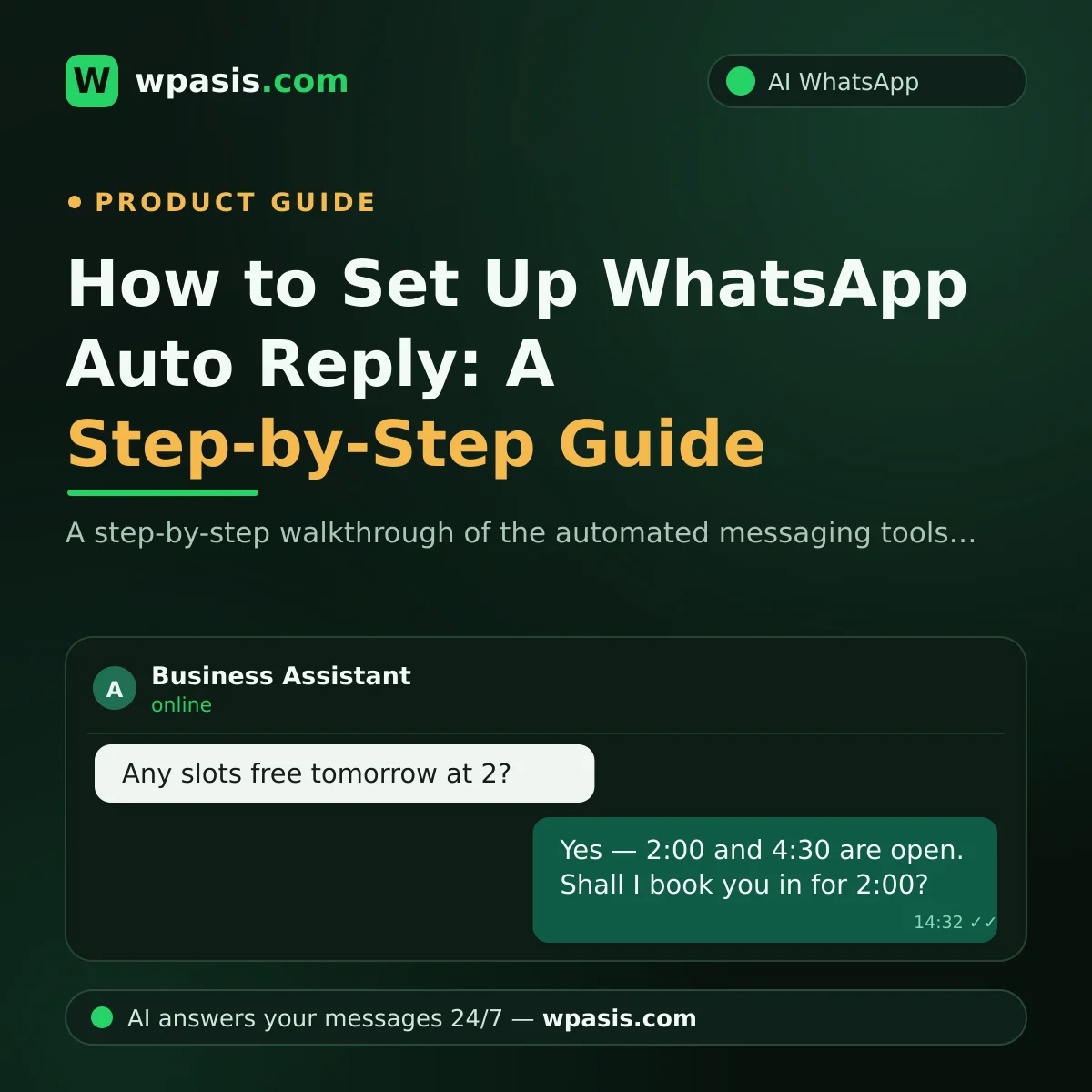
If you're starting from scratch, this guide on how to set up WhatsApp auto-reply explains the basics before you connect a chatbot to a business number.
What Is a WhatsApp Chatbot Number?
A WhatsApp chatbot number is a business-verified phone number that runs automated WhatsApp conversations without requiring a human at the other end.
A WhatsApp chatbot number is simply the phone number your business uses to connect to WhatsApp's platform. When customers send a message to that number, the chatbot receives it and responds automatically.
This number is not the same as your personal mobile. It can be a landline, a virtual number, or a dedicated SIM used only for customer conversations. The key is that it must be able to receive verification codes.
Once verified, the number becomes the identity of your chatbot on WhatsApp. Every reply, broadcast, and automated workflow is delivered through this number, making it essential to choose and manage it carefully.
Why a Dedicated Number Matters for Chatbots
Using a dedicated WhatsApp chatbot number prevents account conflicts, preserves your personal identity, and improves trust with customers.
If you use your personal mobile number for a chatbot, you risk being banned or blocked. WhatsApp requires a separate number for business automation, especially when using the Business API.
A dedicated number also keeps your private life separate from customer interactions. You can set working hours, auto-replies, and away messages without mixing them with family chats.
From a UK customer perspective, a recognisable business number builds confidence. People expect a consistent identity when reaching out for support or placing orders through WhatsApp.
Moreover, a standalone number lets you switch between manual and automated modes smoothly. You can scale your support without asking customers to re-save a different contact.
How to Choose the Right WhatsApp Chatbot Number
Choose a WhatsApp chatbot number that is not already registered with WhatsApp, can receive SMS or voice calls for verification, and is appropriate for your business size.
Start by checking that the number is not linked to an existing WhatsApp account. WhatsApp allows one number for one account, so a previously used number creates conflicts.
The number must be able to receive an SMS or a voice call during verification. This is non-negotiable for most official setups, including the WhatsApp Business API.
You can use a landline, a mobile, or a virtual number from a provider. For large UK companies, a dedicated virtual number is often the most flexible choice because it can forward calls and messages.
Consider future growth. If you plan to handle many conversations, choose a number that supports multiple agents and integrates with your existing CRM or helpdesk tools.
Setting Up Your WhatsApp Chatbot Number with the API
To set up a WhatsApp chatbot number for business, you must register with a Business Solution Provider (BSP), verify your number, and configure the messaging flow.
The official route to a WhatsApp chatbot number is the WhatsApp Business Platform. This service is managed by Meta and requires you to use a Business Solution Provider such as WpAsis or another certified partner.
After selecting a provider, you submit your number for verification. Meta will call or text you with a code. Once entered, the number becomes active for automated messaging.
Next, you configure the chatbot logic. This includes welcome messages, auto-replies, and integration with your website or booking system. For a step-by-step approach, see our guide on how to set up WhatsApp auto-reply.
Finally, test the number thoroughly before launching. Send a few messages as a customer, check the responses, and verify that inbound and outbound messages work correctly.
Best Practices for Managing Your Chatbot Number
Best practices for a WhatsApp chatbot number include setting clear availability hours, providing a smooth handover to humans, and continuously monitoring message quality.
Your customers expect a quick reply. Set up instant acknowledgment messages so they know their message was received. This reduces anxiety and improves satisfaction.
Be clear about your chatbot's limitations. If the bot cannot answer a query, it should offer to connect the customer with a human. Keep that fallback simple and fast.
Monitor your number's reputation. WhatsApp restricts numbers that receive many user blocks or spam reports. Avoid sending unsolicited broadcasts and always respect opt-ins.
Regularly review chat logs to spot repeating issues. Update your bot's responses based on real conversations. For advanced workflows, consult a guide on choosing the right WhatsApp automation solution.
Common Mistakes to Avoid with WhatsApp Chatbot Numbers
Avoid using a personal number, skipping verification, ignoring WhatsApp's policy, and lacking a human handover strategy when running a chatbot number.
The most common mistake is using your personal WhatsApp number for a chatbot. This violates WhatsApp's terms and can get your number banned permanently.
Another mistake is ignoring message templates. WhatsApp requires approved templates for business-initiated messages. Sending unapproved messages can lead to restrictions.
Many businesses also forget to plan for human handover. If your bot fails, customers get stuck. Always include a fallback option, such as a phone link or a well-maintained FAQ.
Finally, don't set up a number and forget it. Your chatbot needs ongoing tuning and monitoring. For a broader view, explore our collection of WhatsApp guides for different industries.
If you'd rather have experts handle that ongoing tuning and monitoring, WpAsis WhatsApp automation services can manage the technical side while you focus on your UK customers.
Frequently Asked Questions
Can I use my personal phone number for a WhatsApp chatbot?
No. WhatsApp requires a separate number for business API use, and using a personal number violates the terms of service. It can also cause your personal account to be banned.
Do I need a landline or a mobile number for a WhatsApp chatbot?
You can use either, as long as it can receive an SMS or a voice call during verification. Many UK businesses prefer a virtual number because it offers more flexibility.
Can I change my WhatsApp chatbot number later?
Yes, you can migrate to a new number through the WhatsApp Business API, but you will need to verify the new number and rebuild your integration. Plan ahead to avoid downtime.
Is a WhatsApp chatbot number free?
Getting a number and registering with WhatsApp is free, but using the Business API requires paying a per-conversation fee or using a third-party platform. Costs vary depending on volume.