WhatsApp Automation Bot: A Complete UK Business Guide
A WhatsApp automation bot is a software tool that uses rules, keywords, or artificial intelligence to send and respond to WhatsApp messages automatically. It lets businesses deliver instant replies, qualify leads, and manage conversations at scale while keeping customers inside their favourite messaging channel. For UK brands, this means shorter response times, happier customers, and fewer manual tasks.
- WhatsApp has more than two billion users worldwide, making it one of the most widely used messaging platforms for business communication.
- The WhatsApp Business API uses a 24-hour customer service window, meaning automated free-form replies are allowed only after a user sends a message.
- Non-compliant WhatsApp automation tools risk a permanent phone number ban, so using an official or certified solution is essential.
Table of Contents
Before you choose a provider, it helps to understand how WhatsApp chatbot numbers in the UK are provisioned and regulated, since that decision affects deliverability and compliance.
What Is a WhatsApp Automation Bot?
A WhatsApp automation bot is software that automatically replies to messages, sends notifications, and handles routine conversations through WhatsApp without human effort.
At its core, a WhatsApp automation bot sits between your business phone number and the official WhatsApp platform. It uses the WhatsApp Business API or helper tools to read incoming messages and return pre-written or AI-generated replies.
Some bots are simple keyword responders. Others use natural language processing to understand context, check your product catalogue, and even place bookings. This is not a separate robot; it is an application layer that works with WhatsApp's security and delivery systems.
To understand which solution fits you, see our guide to WhatsApp chatbot numbers in the UK.
Why British Businesses Use WhatsApp Automation in 2026
British businesses use WhatsApp automation to offer faster responses, reduce staffing pressure, and increase sales through a channel customers already prefer.
Your customers do not want to wait on hold. They want quick answers on a channel they already open every day. WhatsApp automation helps UK businesses deliver that speed without paying for a huge support team.
Retail, hospitality, fitness, and home services use bots to confirm orders, send appointment reminders, and follow up after a sale. A well-designed bot can often handle a large share of routine questions, leaving humans to solve complex problems.
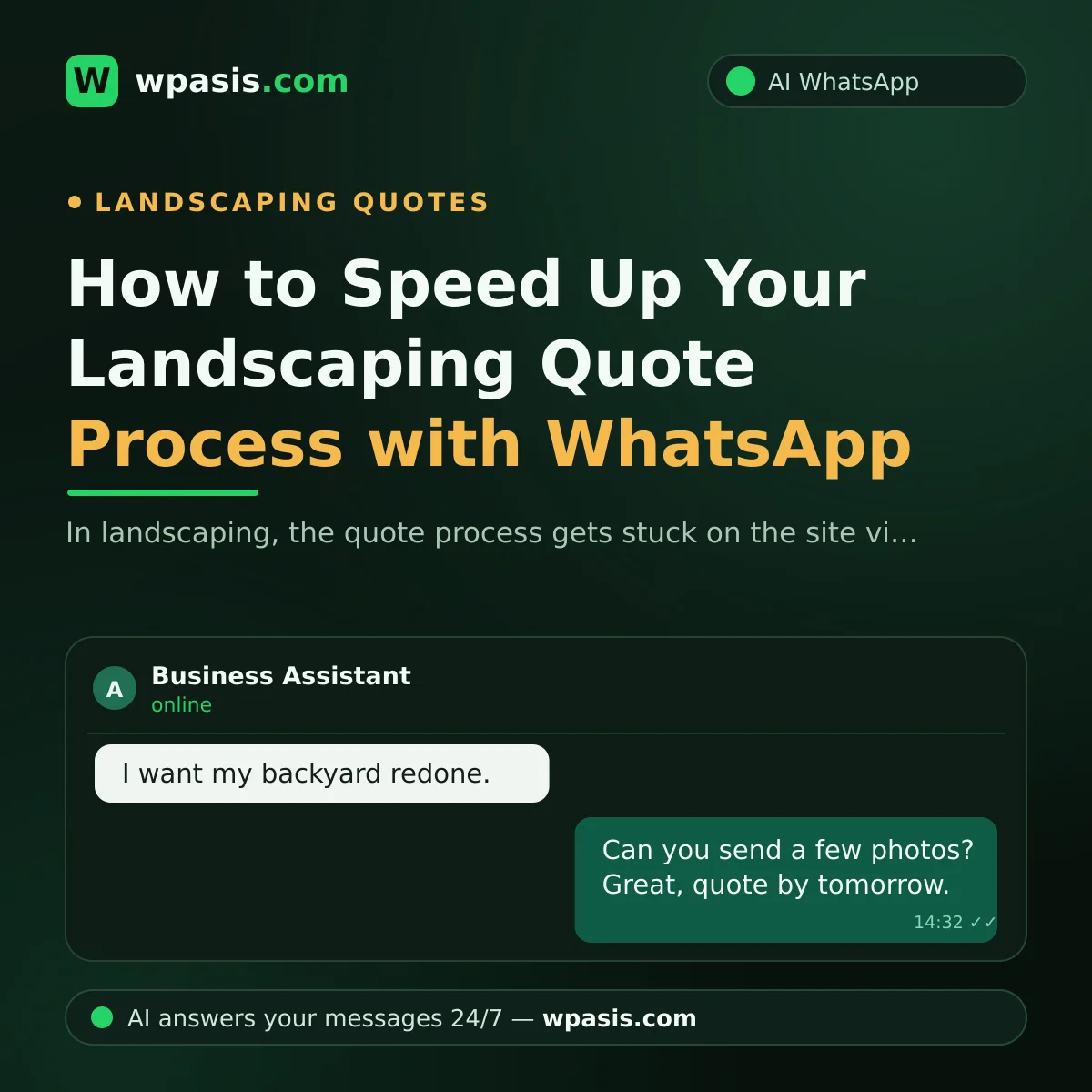
If you run a small service business, automation can turn WhatsApp into a booking system. See how landscapers use WhatsApp to send quotes and how yoga studios manage memberships.
Core Features and Use Cases
A typical WhatsApp automation bot can send welcome messages, answer FAQs, confirm appointments, share order updates, and assign chats to human agents when needed.
First, instant replies. A bot greets customers in seconds and lets them know their message was received. This simple step raises confidence before a human takes over.
Second, FAQ handling. The bot recognises common questions about opening hours, delivery policies, prices, and returns. If it cannot help, it escalates to a team member. Third, booking reminders and payment requests work well for service businesses such as hairdressers, tutors, and dental practices.
Fourth, order notifications. Ecommerce shops can share tracking numbers, dispatch confirmations, and delivery updates automatically. All these features reduce repetitive work and keep each conversation in one place.
How to Set Up a WhatsApp Automation Bot
To set up a WhatsApp automation bot, choose an official API provider, connect your number, design your conversation flows, and test the bot thoroughly before launch.
Start by choosing a solution that works inside the WhatsApp Business Platform. Use the official API where possible because it supports templates, rich media, and reliable delivery. Unofficial automation risks a permanent phone number ban.
Next, map your customer journey. Write the common questions, decide which answers are automated, and where human support should take over. Then connect your number using QR code or SMS verification.
Test the bot with a small team before going live. Check that keywords, links, and fallback replies work. You can also combine automation with a knowledge base to improve answers over time. Learn how in our guide to building a business knowledge base.
Best Practices and Common Pitfalls
The best WhatsApp automation strategies protect your number reputation, send only useful messages, and offer a clear handover to human support.
Do not spam. WhatsApp users expect messages for a reason. Confirm opt-in, respect the customer's choice to stop, and avoid long marketing texts. One useful notification is better than five ignored ones.
Use a friendly, human voice. Customers dislike robotic replies, so write your bot responses naturally. Add small pauses and display typing indicators if your platform supports it. This matches the tone of a good WhatsApp conversation.
Always give an exit. Let customers type "agent" or tap a button to speak to a person. Automation should improve the experience, not hide your team.
WhatsApp Automation Limits You Must Respect
WhatsApp restricts cold messaging, session windows, and message templates, so compliant automation must work inside those boundaries.
WhatsApp was designed as a private messaging app, not an open email channel. Automated messages must follow the Business Policy. In most cases, you can reply to an incoming message within a 24-hour session. Marketing or template messages require prior user opt-in and approval from Meta.
Break the rules and your number can be blocked. This is why serious businesses use the official API or a verified provider. For a deeper understanding of the platform, read our comparison of WhatsApp Business versus regular WhatsApp.
Keep your automation transparent, relevant, and compliant. That is the surest way to build long-term customer trust in the UK market.
If you would rather hand the technical and compliance work to a specialist, WpAsis WhatsApp automation services can help you put those principles into practice without slowing down your team.
Frequently Asked Questions
Is a WhatsApp automation bot allowed by WhatsApp?
Yes, when it uses the official WhatsApp Business Platform or a certified partner and follows Meta's policies. Unofficial or self-built bots that violate the terms can lead to a permanent number ban.
How much does a WhatsApp automation bot cost?
Prices vary. The WhatsApp Business App is free for small teams, while the WhatsApp Business API uses pay-per-conversation pricing plus provider fees. UK businesses should compare per-message costs, setup fees, and monthly charges before choosing.
Can a bot handle customer service without human agents?
A bot can handle routine questions and simple tasks, but complex or sensitive conversations still need human empathy and judgement. Most successful setups combine automated replies with a clear handover to live support.
How long does it take to set up a WhatsApp bot?
A small business can set up a basic automated greeting within minutes using the WhatsApp Business App. For the full Business API, you need Meta business verification and development time, which usually takes days or a few weeks.