WhatsApp AI Assistant App: The Complete Guide for US Businesses
A WhatsApp AI assistant app is a software solution that leverages artificial intelligence to automate, personalize, and scale customer conversations directly on WhatsApp.
- Businesses that respond to WhatsApp messages instantly are significantly more likely to convert leads into customers.
- A WhatsApp AI assistant can reduce average response time from hours to just two or three seconds.
- Using the WhatsApp Business API with an approved provider is safer than unofficial automation tools and reduces the risk of account bans.
Table of Contents
- What Is a WhatsApp AI Assistant App?
- How Can a WhatsApp AI Assistant App Benefit Your Business?
- Key Features to Look For in a WhatsApp AI Assistant App
- How to Set Up a WhatsApp AI Assistant App Correctly
- Best Practices for AI-Powered WhatsApp Messaging
- The Future of WhatsApp AI Assistants
- Frequently Asked Questions
For more, see our appointment booking automation page.
What Is a WhatsApp AI Assistant App?
A WhatsApp AI assistant app uses artificial intelligence to understand and respond to customer messages on WhatsApp without human input.
A WhatsApp AI assistant app connects to your WhatsApp Business account and uses natural language processing to interpret incoming messages. It can answer common questions, share catalogs, collect orders, and book appointments. This helps businesses stay responsive around the clock.
Unlike simple auto-reply tools, modern AI assistants learn from past conversations. They recognize intent, sentiment, and context. That means they can handle complex requests and route people to the right department when needed. For US businesses, this creates a seamless customer experience.
These apps vary in complexity. Some are plug-and-play chatbots. Others integrate with CRMs and payment systems. The best ones combine speed with a human-like tone, helping brands maintain trust while saving staff time.
How Can a WhatsApp AI Assistant App Benefit Your Business?
A WhatsApp AI assistant app benefits your business by cutting response times, reducing support costs, and turning casual chats into revenue.
Speed matters in messaging. Most customers expect a reply within a few minutes. An AI assistant responds instantly, so you never miss a lead. That immediacy also improves customer satisfaction and reduces the anxiety of waiting.
Cost is another factor. Hiring support agents for every time zone is expensive. An AI assistant handles routine questions 24/7, allowing your team to focus on high-value tasks. You also avoid lost sales when your staff is busy or offline.
Revenue grows because AI assistants can recommend products, send reminders, and follow up on abandoned carts. They can even qualify leads before a human agent steps in. For small businesses and large brands alike, this translates into a measurable return on investment.
Key Features to Look For in a WhatsApp AI Assistant App
When choosing a WhatsApp AI assistant app, prioritize natural language understanding, CRM integrations, broadcast tools, and multilingual support.
Natural language understanding is the core of any good assistant. It should understand slang, typos, and variations in phrasing. This ensures the bot gives useful answers instead of generic responses. Test it with real customer messages.
Integration matters too. Look for apps that connect with your CRM, help desk, or e-commerce platform. This lets you sync contacts, order history, and preferences. The result is a more personalized conversation that feels less robotic.
Broadcast tools allow you to send updates and promotions to multiple customers. Make sure the app supports opt-in lists and respects WhatsApp policies. Also consider multilingual support. If your US audience includes Spanish speakers, the assistant should handle both languages.
How to Set Up a WhatsApp AI Assistant App Correctly
Set up your WhatsApp AI assistant by mapping out goals, writing clear answer flows, connecting your number, and running tests before launch.
Start by defining what you want the assistant to do. Do you want to book appointments, answer FAQs, or generate leads? Write down the most common customer questions and the ideal answers. This becomes your conversation map.
Connect the app to your WhatsApp Business number. Most tools require a Facebook Business Manager verification. Give the assistant permission to read and reply to messages, but always respect user privacy and WhatsApp’s terms.
Then test relentlessly. Send messages from different phones, including edge cases like emojis or incomplete sentences. Monitor the fallback option. When the AI cannot answer, it should hand off to a human. Never leave a customer stuck.
Best Practices for AI-Powered WhatsApp Messaging
To use a WhatsApp AI assistant effectively, keep messages concise, personalize replies, offer human handoff, and give users a clear opt-out.
Nobody enjoys long automated paragraphs. Keep your messages short and actionable. Use bullet points or quick reply buttons when possible. This makes it easy for customers to choose what they need next.
Personalization changes everything. Use the customer’s name and reference previous orders or questions. An AI assistant can pull this data from your CRM. Just be careful not to sound overly familiar or creepy.
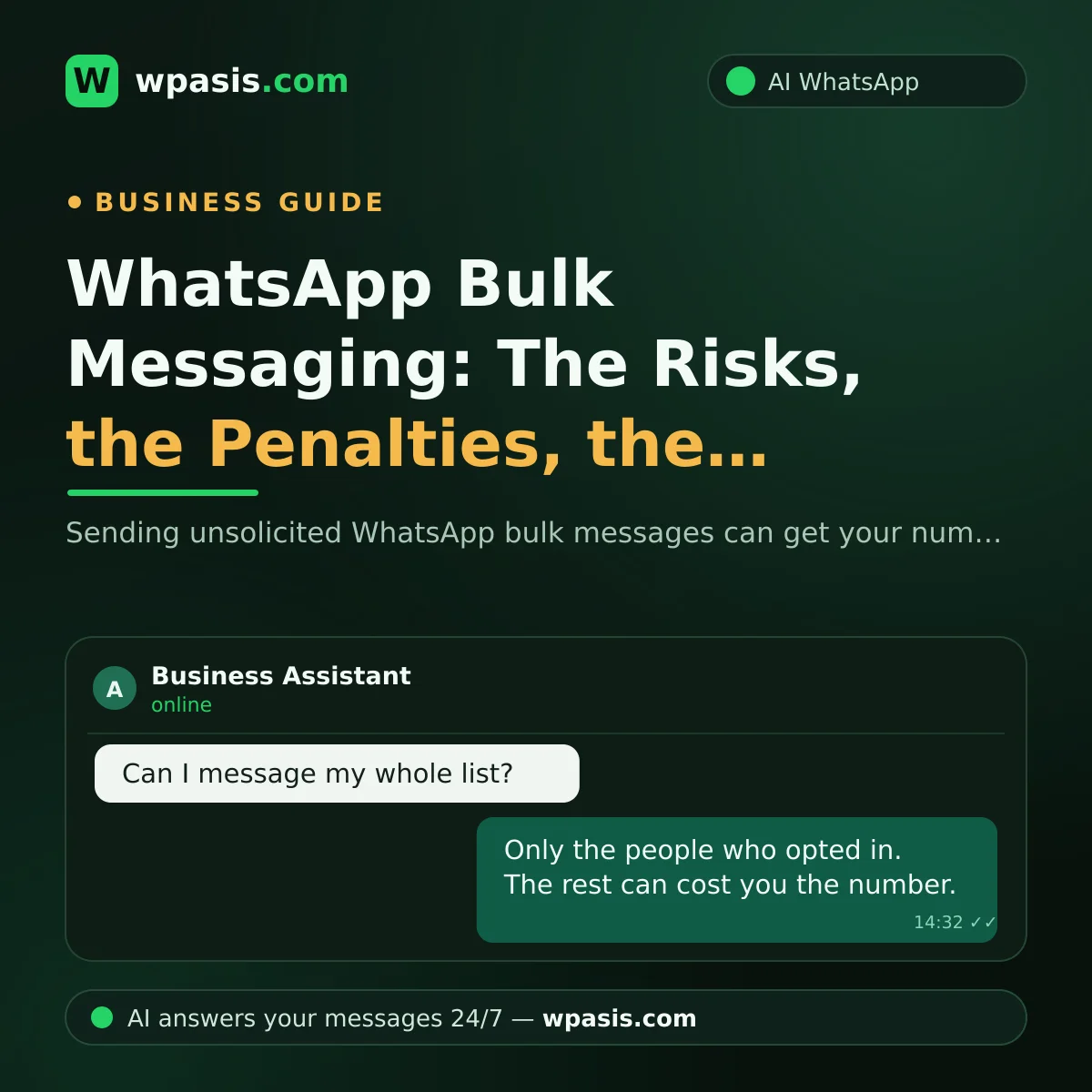
Always provide a path to a human. Some customers prefer real agents for complex issues. Include a “Talk to a person” option. Finally, respect opt-out requests immediately. Sending unwanted messages can damage your reputation and lead to penalties.
The Future of WhatsApp AI Assistants
The future of WhatsApp AI assistants includes deeper API integrations, voice-based conversations, and proactive commerce features.
WhatsApp is expanding its business tools with the WhatsApp Business API and new AI features. Soon, AI assistants will handle voice notes, video messages, and even real-time order tracking. Brands that adopt these tools early will stay ahead.
Proactive commerce is also emerging. Instead of waiting for the customer to ask, the assistant will send timely product updates, restock alerts, or payment reminders. This turns WhatsApp into a full sales channel.
However, privacy and trust will remain central. Regulations around AI transparency and data usage will shape how these apps operate. The winning approach is a hybrid: AI for speed, humans for empathy.
You can explore WpAsis WhatsApp automation services.
Frequently Asked Questions
Can I use a WhatsApp AI assistant app for free?
Some apps offer free tiers with basic features, but full automation, CRM integration, and API access typically require a paid plan. Treat the cost as an investment in faster response times and higher sales.
Will WhatsApp ban my account for using an AI assistant?
No, if you use an official WhatsApp Business API or a trusted app that complies with WhatsApp policies. Avoid bulk messaging without consent, as it can lead to penalties.
Do AI assistants on WhatsApp understand multiple languages?
Many modern AI assistants support several languages, including English and Spanish. This is especially useful for US businesses serving diverse communities.
Can an AI assistant book appointments on WhatsApp?
Yes, many apps integrate with your calendar and let customers pick a time slot directly in the chat. This reduces no-shows and saves staff time.