The Easy Way to Book Pest Control Appointments over WhatsApp
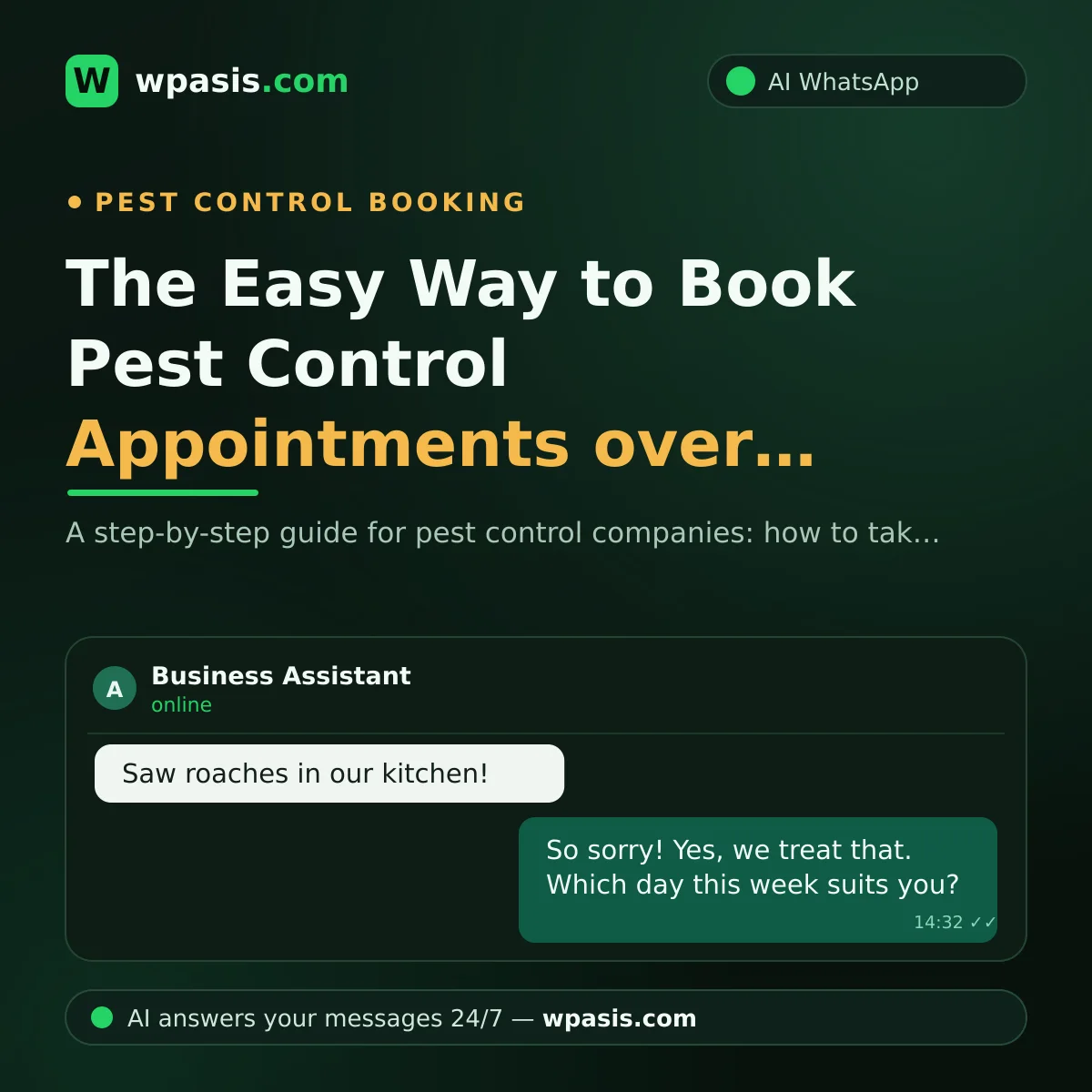
If you run a pest control business, most of your day happens on-site: gear in hand, moving from an apartment basement to a restaurant kitchen. That's exactly when the phone rings and WhatsApp fills up with back-to-back messages: "We saw a cockroach in the house, when can you come?", "There's an ant nest in the garden, how much do you charge?", "When can we go back inside after the treatment?" Keeping up with these while you're mid-treatment is almost impossible — and every message that goes unanswered is, most likely, a customer heading to another company.
Here's the good news: most of these messages look alike. Pest type, area details, appointment requests and post-treatment questions come in a fairly predictable pattern. A well-configured AI assistant can carry most of that load for you. In this article, we'll walk through, step by step, how pest control companies can ease their WhatsApp booking, information-gathering and follow-up work.
Why Do Pest Control Requests Always Land on WhatsApp?
A customer with a pest problem is usually in a bit of a panic, and picks the easiest way to explain the issue: snap a photo and send it on WhatsApp. Sending a picture of the bug they spotted in the kitchen is far easier than describing it over the phone. On top of that, these problems are often noticed in the evening — meaning a large share of messages arrive outside working hours.
Say your day was spent on two on-site treatments, and when you check your phone in the evening, 15 unanswered messages have piled up. Some of them wrote in the morning, got no reply, and may already have booked another company. In pest control, customers don't wait; they want the problem solved "now." The company that replies fast is usually the one that wins the job.
Getting the Right Information Before the Visit Is Half the Job
Every experienced pest control technician knows it: arriving with the right information is half the work. A visit made with missing or wrong information means the wrong equipment, the wrong time plan, and an unhappy customer.
The key questions to ask
The main things to nail down before the appointment are:
- Pest type: Cockroaches, ants, bed bugs, rodents… each needs different preparation and treatment.
- Area details: Home or business? How many rooms, or roughly how many square feet? Are there extra spaces like a basement, storage room or garden?
- Special conditions: Is there a baby, a pregnant person or a pet at home? Is it a food business?
- Urgency: How long has the problem been going on, and has any treatment been done before?
Asking every customer these questions one by one means typing the same messages dozens of times a day. This is exactly where automation steps in.
How Does AI Book a Pest Control Appointment?
WpAsis connects to your existing WhatsApp line by scanning a QR code — no new number, no codes to type, no technical know-how required. Once connected, it answers incoming customer messages on your behalf 24/7, asks the questions above in a natural conversational flow, and collects the booking request.
A sample flow might go like this:
- Customer: "Hi, we saw cockroaches in the kitchen — do you do pest control?"
- Assistant: "Sorry to hear that — yes, we do. Could I get a few details? Is it a home or a business, and roughly how many rooms?"
- Customer: "A home, 3 bedrooms. We also have a cat."
- Assistant: "Thank you, noted. For homes with pets we share extra guidance before and after the treatment. Which weekday and time window works best for you?"
At the end of the conversation, you have a tidy booking request with the pest type, area details, special conditions and a suitable time window already laid out. You just check the panel and slot it into your schedule. If you're curious about the setup that decides which questions the assistant answers and how, take a look at our step-by-step guide to setting up automatic WhatsApp replies.
You stay fully in control of pricing: the assistant says whatever you put in your knowledge base. For jobs that need an inspection, it can steer the conversation with something like "Let's arrange a quick inspection visit for an exact quote."
Post-Treatment Follow-Up: The Most Neglected Step
The treatment ends, the team leaves — and that's when the real questions start: "When can we go back inside?", "How long should we keep the windows open?", "Do we need to wipe down the counters?", "We still see a few bugs, is that normal?"
These questions are legitimate and important; left unanswered, the customer worries and trust erodes. Your assistant can answer them instantly using the general guidance you've added to your knowledge base: ventilation advice, general points to watch after treatment, and roughly when a repeat treatment might be needed.
An important caveat here: post-treatment rules depend on the product used and the area treated. For anything health-related, exact guidance must come from the technician who carried out the treatment and the product's own instructions; the general information the assistant shares is not a substitute for that.
WhatsApp is also a strong channel for recurring treatments. For customers who need regular service — like restaurants and food businesses — sending a short reminder when the next round is due is the easiest way to win repeat work. For ready-made templates, see our appointment reminder message examples.
You're Always in Control: Panel and Human Takeover
"What if the AI says something wrong on my behalf?" is a perfectly natural worry. In the WpAsis panel you watch every conversation in real time. When a complex request, a negotiation or a complaint comes in, you take over the chat with a single tap and carry on typing yourself. The assistant never goes beyond the information you've set; instead of making up an answer it doesn't know, it hands the conversation to you.
At the end of a day spent on-site, the assistant has dissolved the routine questions and gathered the booking requests. When you check the panel in the evening, you don't face a messy pile of messages — you find an orderly job list.
Frequently Asked Questions
Do I need to change my WhatsApp number?
No. WpAsis connects to the WhatsApp line you already use via a QR code. Your customers keep messaging you on the same number; the only thing that changes is that messages now get answered 24/7.
Can the assistant give pricing?
It can share the prices or price ranges you've added to your knowledge base. For jobs that need an inspection, you can set it to suggest an inspection visit instead of an exact price. You always decide what it says.
Can the assistant answer post-treatment safety questions?
It can share the general guidance you've added to your knowledge base, such as ventilation and waiting times. But for critical details that vary by product and area, exact information should come from the expert; in those cases the assistant can be set to pass the matter to you.
What happens with urgent requests?
The assistant responds instantly, collects the needed information, and the conversation appears in the panel. You take over and plan as soon as you're free; at the very least, the customer feels "seen and being handled" within the first second.
Not being able to reach the phone while you're on-site comes with the pest control job — but you don't have to lose customers over it. You can try WpAsis free on your own WhatsApp line: leave a demo request at wpasis.com and get set up in minutes.