The Small Business Digital Roadmap: Getting the Order Right
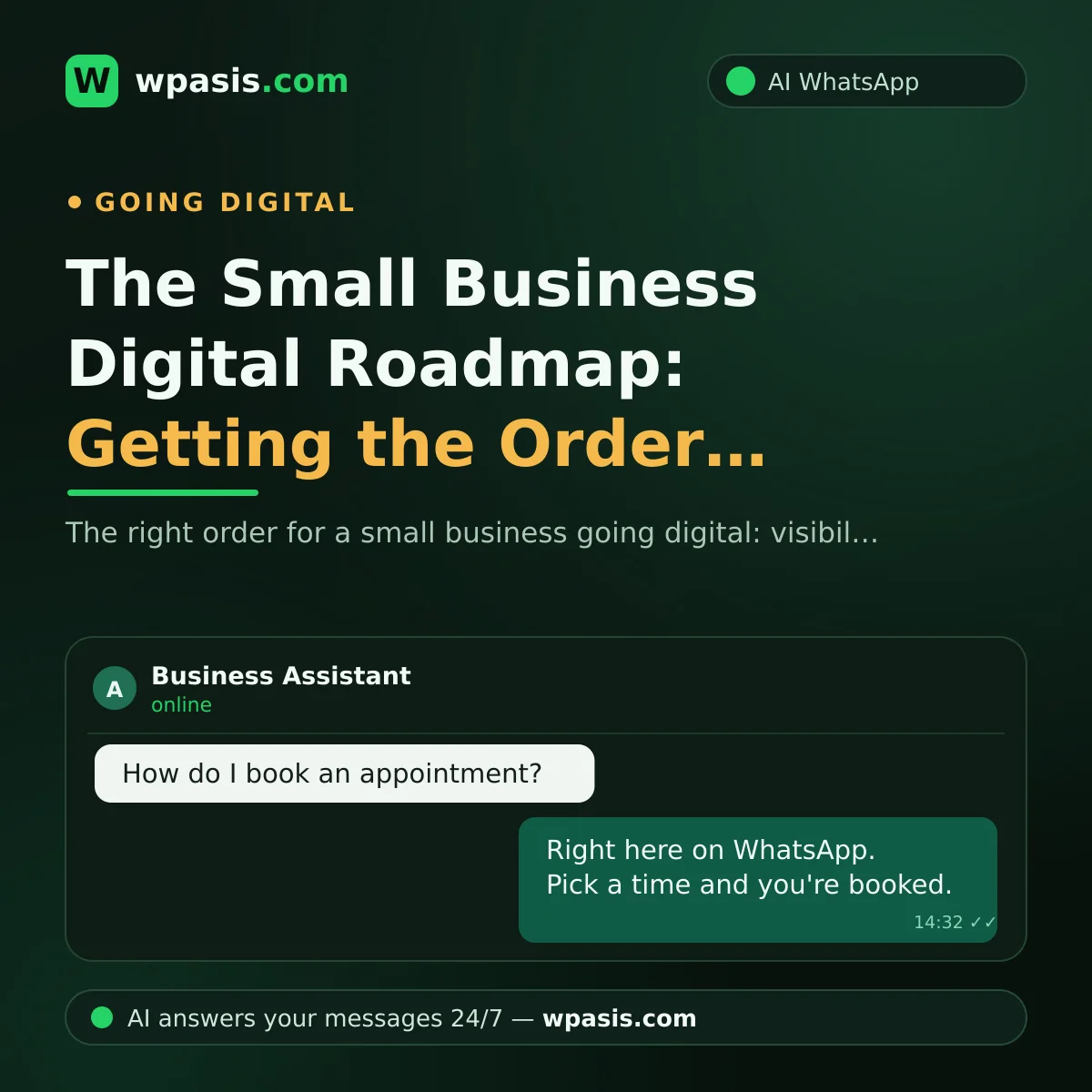
When small business owners hear "going digital," the first thought is usually a website. Then social media, maybe an app... A month later: five tools that don't talk to each other, three passwords, and a phone that still isn't ringing.
The problem isn't digitalization — it's the order. Start wrong and the money doesn't come back; start right and you see the difference in the first week.
Here's a sensible sequence for anyone running a shop, salon, or clinic — with "what does this earn me?" answered at every step.
The Logic: Be Found First, Then Be Reachable
Every customer's path is the same:
- They find you (Google, maps, word of mouth)
- They contact you (call, message, walk in)
- They get an answer — or they don't
- They decide: book, order, or walk away
- They return or tell others
Follow that path: if nobody can find you, automation is pointless; if everyone finds you but nobody gets an answer, a website is pointless. Do the four steps below in order.
Step 1: Google Business Profile — Be Visible
When a customer searches "barber near me," they first see the business cards on the map. That card is your Google Business Profile — and it's free.
What does it earn you?
Local search visibility: someone who has never heard of you can reach you from their phone. Without a website, this card is often your only address online.
What to do in this step
- Verify it (use whichever method Google shows).
- Enter opening hours accurately — a wrong hour means a customer at a locked door.
- Add real photos, not stock images.
- Enter your service list and a contact channel.
A WhatsApp link on your card gets tapped far more readily than a "call" button — many customers prefer to write. The profile takes an afternoon, verification a few days, at zero cost.
The website comes after this step. Building a site while your Google profile is a mess is like polishing the window display of a shop with no sign.
Step 2: WhatsApp Business — Be Textable
Many customers now prefer messaging: younger ones dislike calls, working ones can't call at work, and the one with a toddler on an arm can't talk — but can type.
What does it earn you?
Reachability: a missed call is gone; an unread message is still there in the evening.
What to do in this step
Switch to the WhatsApp Business app — free, with a business identity separate from your personal account. You get business info fields (name, address, hours), a greeting and away message, a product catalog, and quick replies — your most-typed sentences on a shortcut. They live under "Business Tools" in Settings.
What not to do in this step
Don't blast bulk messages to every number you have — it risks your account and creates legal exposure, as unsolicited messaging and personal data are regulated. See GDPR and WhatsApp: what businesses need to know and get advice from a legal professional.
Step 3: Appointment and Order Automation — Be Scalable
Do the first two steps and you'll soon have a nice problem: rising message volume.
A rough calculation: say your salon gets 30 messages a day at 4 exchanges each — 120 glances at the phone per day, scissors in hand, customer's hair still wet. Your numbers will differ; the point is the compounding load.
Automation comes in here — not before. Automating with no message traffic is like buying a cash register for an empty shop.
What does it earn you?
Response speed. The customer who writes at 11:40 p.m. and hears nothing until 9 a.m. may have gone elsewhere.
Mental load. The "who did I reply to" anxiety ends.
A record. Conversations live in one place; who wanted what stays visible.
What to do in this step
Think of automation in three tiers:
Fixed replies: greeting, hours, address — WhatsApp Business's own free tools. How to set up a WhatsApp auto-reply covers the basics.
Smart replies: "Is Saturday 2 p.m. free?", "My dog is vomiting — can I come in today?" Questions that don't fit a template — here an AI assistant comes in, drawing on your business's own information and answering in your voice.
Taking action: bookings, order notes, reminders — which help reduce no-shows; ready-to-use texts are in appointment reminder message examples.
Appointment-heavy businesses (clinics, studios, salons) build the flow around a calendar; order-heavy ones (florists, dry cleaners, food) around products and delivery. Either way, the assistant only works if it's fed accurate information — price list, hours, service scope, FAQs — compiled up front.
Step 4: Review Management — The Customer Who Comes Back
The first three steps bring new customers. The fourth multiplies them.
What does it earn you?
Google's own guidelines say reviews factor into local ranking, and the star rating visibly influences whether people tap your card. Yet nobody reviews unprompted — happy customers leave quietly; unhappy ones are more motivated. The fix is asking.
What to do in this step
- Ask for a review with a short message right after the service.
- Reply to every review — especially negative ones; a calm, solution-focused reply convinces the next reader more than a five-star one.
- Note repeated complaints — a free report on your business's real problem.
And don't buy fake reviews — seemingly effective short-term, but it can end in profile suspension.
Three Common Ordering Mistakes
Mistake 1: Website first. A site isn't bad — just not step one. The Google profile + WhatsApp pair brings most local businesses more work than a site; build it after the pair is running.
Mistake 2: Social media first. Instagram is a beautiful shop window, but windows don't take bookings. Followers climbing while the phone stays silent means a broken link — usually at "love it, but how do I book?"
Mistake 3: Everything at once. Launch all four in one month and none gets done properly. Give each 2–3 weeks and don't move on before it settles.
If You're a One-Person Business
The sequence applies to solo businesses even more: what you lose isn't money, it's time. Consider pulling Step 3 forward — with no second person to absorb messages, automation pays off proportionally more.
A Simple 90-Day Plan
Days 1–30: Google Business Profile. Verification, hours, photos, service list, WhatsApp link.
Days 31–60: WhatsApp Business. Profile, catalog, greeting, quick replies. All month, note every incoming question — raw material for the next step.
Days 61–90: Automation. Turn the notes into a knowledge base, set up auto-replies, switch on reminders.
After day 90: Review management — and the website, if you want one.
If the timeline feels tight, slow down — two steps done properly beat five half-finished.
Frequently Asked Questions
I have zero budget — where do I start going digital?
Both are free — the first two steps cost nothing but time: an afternoon for the profile, a few hours for the catalog. Money only enters at Step 3, the automation side.
Do I count as "digital" without a website?
Yes. Going digital means "customers can find and reach me easily," not "having a page on the internet." For most local service businesses, the Google profile + WhatsApp pair delivers that; a website becomes worthwhile when you want a more established presence.
Will customers notice they're talking to automation?
Set up well, they won't; set up poorly, they'll know by the first sentence. The difference is whether the assistant is fed your real business information. The other critical piece is handover: when it hits a question it can't answer, it must pass the conversation to you.
Is there anything data-protection-related to watch for?
Yes. Customer numbers, message records, and especially unsolicited bulk messages fall under data protection law — GDPR, UK GDPR, or your local equivalent. Collect only what you need, use it for its purpose, keep customers informed, and consult a legal professional for your situation.
Going digital isn't finished in one go — it's small steps in the right order. When you reach step three and messages start piling up, WpAsis connects to your existing WhatsApp number, draws on your knowledge base, answers 24/7, and takes appointments and orders. Setup is a QR code; no coding needed.
Watch conversations from the dashboard and take over anytime. To see how it works and view current pricing, visit wpasis.com.