12 Auto-Reply Templates for the Questions Customers Always Ask
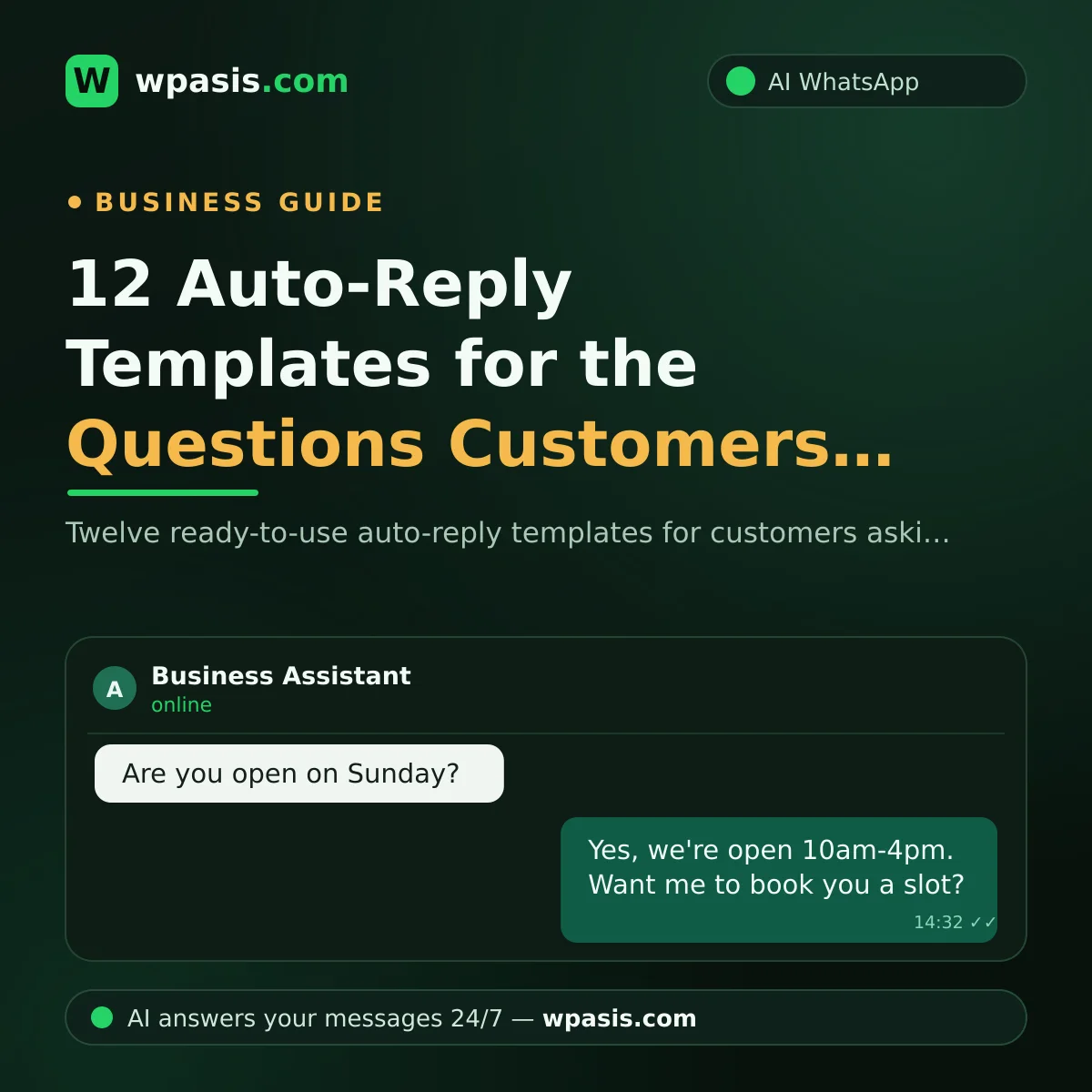
Scroll through today's WhatsApp messages and you'll notice something: most of them are variations of four questions. "How much is it?" "Where are you?" "What time do you close?" "Do you have anything free?" That's exactly what auto-reply templates are for. You write one good answer to each common question, then reuse it instead of typing the same thing from scratch every single time.
This guide gives you 12 templates you can copy and start using right away. At the end, we'll tackle the question that actually matters: should you keep pasting these by hand, or set up something that sends them for you?
Why templates make your day easier
Answering the same question thirty times a day is both a time sink and a source of mistakes. When you're rushed, the address gets left out, a price gets typed wrong, or the message never gets sent at all.
Ready-made templates give you three concrete wins:
- Speed: The reply goes out in seconds, so the customer doesn't drift off to a competitor while waiting.
- Consistency: Everyone gets the same correct information. Whether you answer or a new team member does, the message reads the same.
- Completeness: You add the address, hours and parking notes once, and they're never forgotten again.
Let's get to the templates. Just fill in the [bracketed fields] with your own details.
Templates for the four most common questions
1. When someone asks about price
Hi, thanks for reaching out! 😊 Our pricing depends on the service. Tell me which one you're interested in and I'll give you an exact figure. Here's our current price list: [list or link]
Never leave a pricing question unanswered. An ignored price question is usually a lost customer.
2. When someone asks where you are
Hi! We're at [full address]. Here's the map link: [Google Maps link]. We're right next to [well-known landmark]. If you're driving, [parking info]. Just message us if you get stuck on the way. 📍
3. When someone asks about opening hours
Hi! Our hours are: Monday–Friday [9am–7pm], Saturday [9am–6pm], Sunday [closed/open]. We're usually busiest [in the afternoon], so if you'd rather not wait, message ahead and we'll hold a slot for you.
4. When someone asks "Are you free?" or "Any availability?"
Hi! Which day and time were you thinking? I'll check availability and send you the closest open slot. 📅
The trick with this one is that it doesn't bounce the ball back to the customer with nothing attached. It asks for a day and time, then promises a concrete next step.
Templates by type of business
The same question needs a different answer depending on what you do. Adapt the templates below to your own trade.
5. Barber and salon: booking request
Hi, welcome! ✂️ For a booking, could you send your preferred day and time, and let me know if there's a particular stylist you'd like? If the slot's open, I'll confirm it and put your name down.
We covered the full booking flow for barbers in our guide on setting up a WhatsApp booking system for a barber shop.
6. Barber and salon: service list
Hi! Here's what we offer: [haircut, beard trim, skin treatment, colour...]. Let me know which service you're coming in for and I'll send you the timing and price.
7. Restaurant: reservations
Hi! For a reservation, could you tell me how many people, and which day and time you'd like? I'll check the book and hold a table for you. 🍽️
8. Café and bakery: orders
Hi! You can place your order right here. Just send the item, the quantity, and whether it's pickup or delivery. Here's our menu: [link or list]
9. Dental and medical clinics: appointment request
Hi, thanks for getting in touch. 🙂 For an appointment, could you send the days and times that suit you? If it's your first visit, we'll set up a short record with your details — it takes about a minute.
A note here: keep templates for clinics purely administrative. Anything touching diagnosis, treatment or medication belongs with a qualified professional, not a saved message. Point those conversations to a practitioner rather than answering them from a template.
10. Auto repair: fault reports and bookings
Hi! Could you send the make, model and year of the vehicle, plus a short description of the problem? We'll do a first assessment and work out which day suits you for bringing it in. 🔧
11. Estate agency: property enquiries
Hi! Which listing are you interested in — reference number or link is fine. I'll check the current status and send you photos, the price and viewing times. 🏠
12. For any business: out-of-hours message
Hi! We've got your message — we're outside our opening hours right now. Our hours are: [hours]. We'll reply as soon as we're back. For anything urgent: [phone/alternative]
Booking someone in isn't where the job ends, either. If you want to cut down on no-shows, you need a reminder message too. There are ready-made ones in our guide to appointment reminder message examples.
Four simple rules for writing templates
- Keep it short. Two or three sentences is plenty. Nobody wants to read an essay on WhatsApp.
- Name the next step. "Send me a day and time" or "send the listing reference" — make the direction obvious.
- Keep it current. When a price or an opening time changes, update the template. Out-of-date information erodes trust fast.
- Write like a person. Skip the corporate phrasing and write the way you'd talk across the counter. An emoji or two helps.
Pasting by hand vs. a system that sends for you
So far, so good — but let's be honest, templates still cost you something. WhatsApp Business lets you save them as "quick replies," and you still have to pick up the phone, find the right one and send it, every single time. If a customer messages at 11pm, or if you're mid-haircut with scissors in your hand, a saved template doesn't stop the reply from being late.
The other route is setting up something that does this for you. There are two levels to it:
Basic auto-replies: WhatsApp Business can send an away message and a greeting message automatically. We walked through the setup step by step in how to set up WhatsApp auto-reply. But these messages are fixed. They don't understand the question — everyone gets the same block of text.
An AI-powered assistant: Here the system actually understands what the customer asked. It recognises the hundred different ways people phrase the same question — "how much?", "what do you charge?", "what's the cost?" — and answers appropriately on its own. WpAsis, for example, connects to your existing WhatsApp line with a QR code; there's no coding and no technical setup. It reads your website and builds a knowledge base specific to your business, so the answers reflect your prices and your hours. It replies around the clock, takes bookings and orders, and can handle different languages when needed. You watch every conversation from the panel and step in whenever you want to take over.
Picture the difference with a scenario. Say a hair salon gets 30 messages a day. Even if pasting a template takes only a minute per message, that's half an hour gone — and anything that comes in after closing sits unanswered until morning. With an automated system, most of those messages get handled without you touching the phone, and what's left is the handful of conversations that genuinely need you.
Templates are a great first step. As your message volume grows, moving to something that sends them for you is the natural next one.
Frequently Asked Questions
How do I save an auto-reply template on WhatsApp?
In the WhatsApp Business app, save your templates under "Quick replies," then pull them up in a chat by tapping "/". Standard personal WhatsApp doesn't have this feature — you're left copy-pasting, or using an automation tool that connects to your WhatsApp line.
Will auto-reply templates make my business feel robotic?
A badly written template will; a good one won't. Short, warm messages with a clear next step read perfectly naturally. With AI-powered systems the reply is shaped around what the customer actually asked, so the conversation doesn't look like a canned block of text in the first place.
What do I do when templates stop being enough?
If customers are asking questions your templates don't cover — things specific to your business — that's a good sign. It means your volume is growing. At that point it's worth looking at an AI assistant that draws on your website and the information you give it, understands the question, and writes its own reply. You keep control, because you can watch the conversations from the panel and take over whenever you like.
Do I need technical knowledge to set up automatic replies?
For WhatsApp Business's built-in features, none at all — it's all in the menus. With AI assistants like WpAsis, setup is a matter of scanning a QR code; no code, no technical team. The real work is making sure your business details — prices, hours, services — go in correctly and stay up to date.
You can copy the 12 templates in this guide and start using them today. When you get tired of sending them by hand, you can try WpAsis, which answers your customers' most common questions on your behalf, 24/7. Visit wpasis.com for details and current pricing.