Veterinary Appointment System: Vaccine Reminders and Triage on WhatsApp
In a veterinary practice, the phone never stops. One caller wants to know when her cat's booster is due. Another is panicking because his dog has been vomiting since morning. A third just wants a price for a spay. And while you're mid-consult with a patient on the table, none of those calls get answered. A well-built veterinary appointment system steps in exactly here: it catches the enquiries you'd otherwise lose, and it handles the repeating work — like the vaccination calendar — so you don't have to hold it in your head.
This article covers what a WhatsApp-based veterinary appointment system actually does for a practice, how to automate booster follow-ups, and how to handle "is this an emergency?" messages without ever letting software pretend to diagnose.
The Three Problems Every Practice Shares
Practice size barely matters. The same three problems repeat.
First, messages lost during consults. With an animal in your hands, checking your phone isn't an option. Some daytime messages go unanswered entirely; evening and weekend ones roll over to the next morning — if they're remembered at all. The most reliable way to see how big this leak is at your practice is to scroll back through one week of your own inbox and count.
Second, forgotten vaccine and parasite schedules. Pet owners aren't obliged to track when the booster repeats, when the rabies vaccine renews, or which month the flea and worm treatment is due — and most of them don't. A reminder that never goes out means a patient who never comes in. And that isn't just a revenue question; it's a preventive medicine question.
Third, the "is this urgent?" panic. Owners write at midnight because the dog is shaking. Some of those messages are genuine emergencies. Some can safely wait until morning. But both kinds need an answer.
Why Build the Appointment System on WhatsApp?
Pet owners are already messaging you there. Nobody downloads an app and creates an account while panicking about their dog at 11pm; they type two lines in the app they already use every day.
Making WhatsApp your booking channel has concrete advantages for a veterinary practice:
- Zero friction for the owner. No forms, no sign-up. Anyone who can send a message can book an appointment.
- Photos and video work. Owners can send an image of a wound, a rash, or a clip of the animal's gait. For an initial read, that's far more useful than a phone call.
- The thread doesn't disappear. You can look back and see which animal had what done, and when.
- Replies land in the same place. The owner answers directly under your message — no switching channels, no calling a number, no app to install.
The shift toward customers who'd rather message than phone is a broad one; we covered it in detail in WhatsApp or phone: why customers don't want to call.
Vaccine Reminders: The Automation That Pays for Itself
The most repetitive job in a veterinary practice is the vaccination calendar: fixed dates, regular intervals, and real harm to both patient and practice when one slips. There are two separate jobs here, and it's worth not confusing them.
You send the reminder. Your own records know which animal is due for what and when, and the reminder goes out through your practice's own workflow. The sequence looks like this:
- At registration, the animal's name, species, age, and the date of the treatment given are recorded.
- The next due date is calculated.
- As the date approaches, a reminder goes to the owner from your practice.
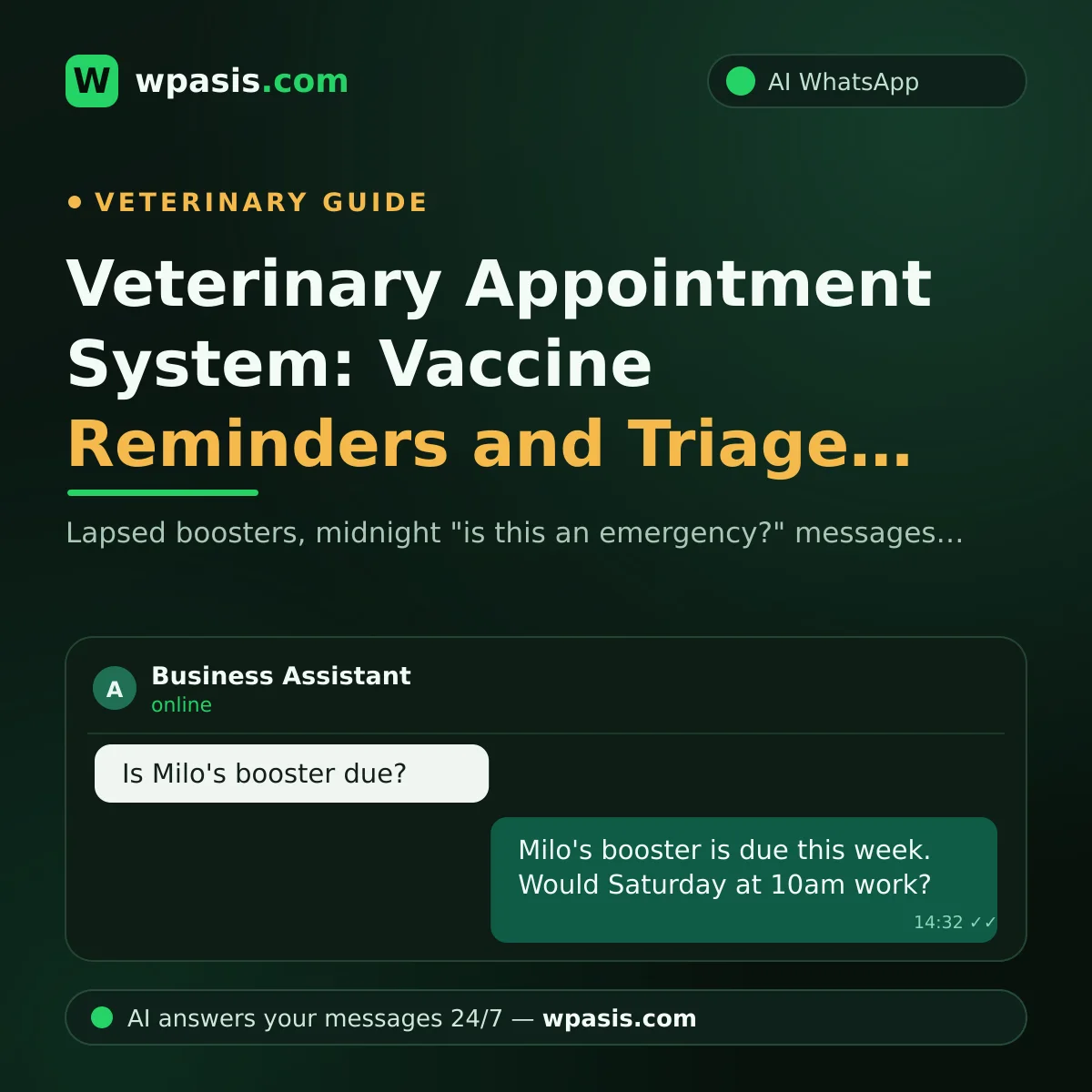
The assistant handles the reply. This is where the real gain sits. Replies to that reminder — "sure, Saturday works" or "wasn't Milo's booster done last month?" — arrive at midnight and while you're mid-consult. An AI assistant picks those up 24/7, answers the question, and creates the appointment. In other words, what makes the reminder actually pay off is being able to respond the moment the owner is still thinking about it.
The wording of the reminder matters. "Time for a vaccine" isn't enough. Which animal, which treatment, why it matters, when you're free — all of that should be explicit. An example:
Hi Sarah. Milo's booster is due this week. Keeping it on schedule matters for continued protection. Would you like to pick a day this week?
Tone and timing change the outcome more than people expect; the templates in appointment reminder message examples adapt cleanly to a clinical setting.
Common Mistakes with Reminders
- Sending too early or too late. A message sent days ahead gets forgotten; one sent on the due date is already late.
- Blasting everyone at once. Sending the same text to your whole list simultaneously is both ineffective and risky. We explain why in WhatsApp bulk messaging: penalties and risks.
- Leaving out the animal's name. "Milo's booster" and "your vaccination" are not the same message. The first reads as something about their animal; the second reads as a circular.
Handling "Is This an Emergency?" Without Diagnosing
Let's be blunt about this: an AI assistant does not diagnose, and must not. Animal health is clinical territory. An assistant's job isn't to name a condition — it's to ask the right question and route to the right place.
The correct setup: the assistant gathers what the owner describes into a form the vet can act on, and routes it according to a red-flag list that you defined in advance.
The routing logic your practice defines splits roughly into three buckets:
- Call immediately. The critical signs you, as the clinician, have defined. The assistant offers no interpretation here — it says "this shouldn't wait, I'm putting you through to our emergency line" and gives the on-call number. The conversation stays visible in the panel, and you can take over at any point.
- Same-day appointment. The assistant offers the nearest available slot.
- Routine booking. Vaccines, check-ups, nail trims, standard consults. The assistant books it directly.
The information the assistant collects should be standard too: species and age, when the signs started, whether the animal is eating and drinking, and a photo if there is one. By the time you sit down, the notes are ready.
You draw these lines, not the assistant. It only applies the rule you wrote. On anything health-related, the final judgement belongs to the clinician — for a definitive assessment, always consult a qualified veterinary surgeon.
What an AI Assistant Does and Doesn't Do in a Practice
Setting the expectation correctly matters. What a WhatsApp assistant can do at your practice:
- Answer incoming messages 24/7, including nights and weekends.
- Handle the repeat questions: opening hours, address, parking, weekend cover.
- Take bookings and process cancellations and reschedules inside the conversation.
- Pick up replies to the vaccine reminders you send and turn them into appointments.
- Route potentially urgent cases to your on-call line according to the rule you wrote.
- Hand the conversation to you whenever you want; every thread is visible in the panel.
What it doesn't do matters just as much:
- It doesn't diagnose. No guessing at conditions from described signs.
- It doesn't suggest medication or dosage. No comment on prescriptions.
- It doesn't give a prognosis. It won't say "that'll pass" or "nothing serious."
- It doesn't invent. Asked something it doesn't know, it should route to the vet rather than guess.
The assistant's answers come from what you feed it. The clearer you write your service list, hours, FAQs, and routing rules, the more accurate the replies. We walk through that prep in how to build your business knowledge base.
Setup: Where to Start
It isn't a big project. Work through it in order:
1. List the questions you already get. Look back through a week of messages. Most likely the vast majority fall into ten or fifteen headings: price, hours, when a vaccine is due, post-neutering care, pet passports.
2. Write the answers. For each question, write your practice's real answer. Don't write anything you're unsure of — the assistant is only ever as accurate as what you gave it.
3. Define your routing rules. What gets an immediate call, what gets a same-day slot, what goes into the routine book. You write this list, as the clinician.
4. Define the handover point. When should the assistant step back and give you the conversation? Complaints, complex cases, price negotiation — those want a human.
5. Test it from your own phone. Before going live, message in yourself, read the replies, and fix the tone.
For the technical side of setup, how to set up WhatsApp auto-reply will cover you.
What the Practice Actually Gains
The return shows up in three places:
- Fewer lost enquiries. Night and weekend questions don't sit unanswered or get forgotten by morning.
- The vaccination calendar actually runs. Replies to reminders don't wait hours; the owner books while it's still on their mind. That's both good preventive medicine and a steadier diary.
- Your time goes to the patient. You work without being cut in half by the phone.
In solo or small-team practices the difference is especially noticeable; we looked at how to spread that load in managing customers as a one-person business.
Mind the Personal Data Side
You keep records: the owner's name, phone number, address. That's personal data, and it falls under data protection law — the GDPR in the UK and EU, and comparable rules elsewhere. An animal's medical history is a record worth protecting too, to the extent it's tied to an identifiable owner.
In practice: be explicit about why you're collecting the data, don't ask for what you don't need, tell owners at registration that you'll be sending reminders, and delete records when they ask you to.
We set out the general framework in data protection and WhatsApp: what businesses should watch for. For your practice's specific situation and the exact steps to take, though, always consult a qualified legal professional.
Frequently Asked Questions
Can an AI assistant diagnose my animal?
No, and it shouldn't. A properly configured assistant offers no opinion on diagnosis, medication, or dosage. Its job is to collect what the owner describes in an organised way and route to a booking or your emergency line according to rules you set in advance. The clinical assessment always belongs to the veterinary surgeon.
Do I need separate software for vaccine reminders?
The reminder itself rests on your records — your system knows which animal is due when, and you send the message as a practice. The WhatsApp assistant's role isn't to generate the reminder; it's to handle the reply. The owner answers from the app they already use, their question gets answered, and the appointment is created inside that same thread. No separate app to download.
What does the assistant reply to urgent messages at night?
Whatever your rule says. For the situations you've defined as critical, it routes to your on-call line without editorialising. For things that can wait, it books the next day and tells the owner; because the conversation sits in your panel, you can check it first thing. The decision comes from the protocol you wrote, not from the assistant.
What if the assistant gives a wrong answer?
There are two safeguards. First, the assistant only draws on the information you gave it; on anything outside that, it should route to the vet rather than guess. Second, every conversation is visible in the panel and a human can take over at any moment. We go through managing that risk in what to do when an AI assistant gives a wrong answer.
Getting Started
You don't need to know anything technical to run a veterinary appointment system. WpAsis connects to your practice's existing WhatsApp number via a QR code; it draws on the information you provide and on your clinic's website, answers messages 24/7, takes bookings, and hands the conversation to you when it should. Every thread is visible in the panel, and you can step in whenever you want.
To see how it would work at your practice and view current pricing, visit wpasis.com.