How to Use WhatsApp for Tutoring Center Parent Updates
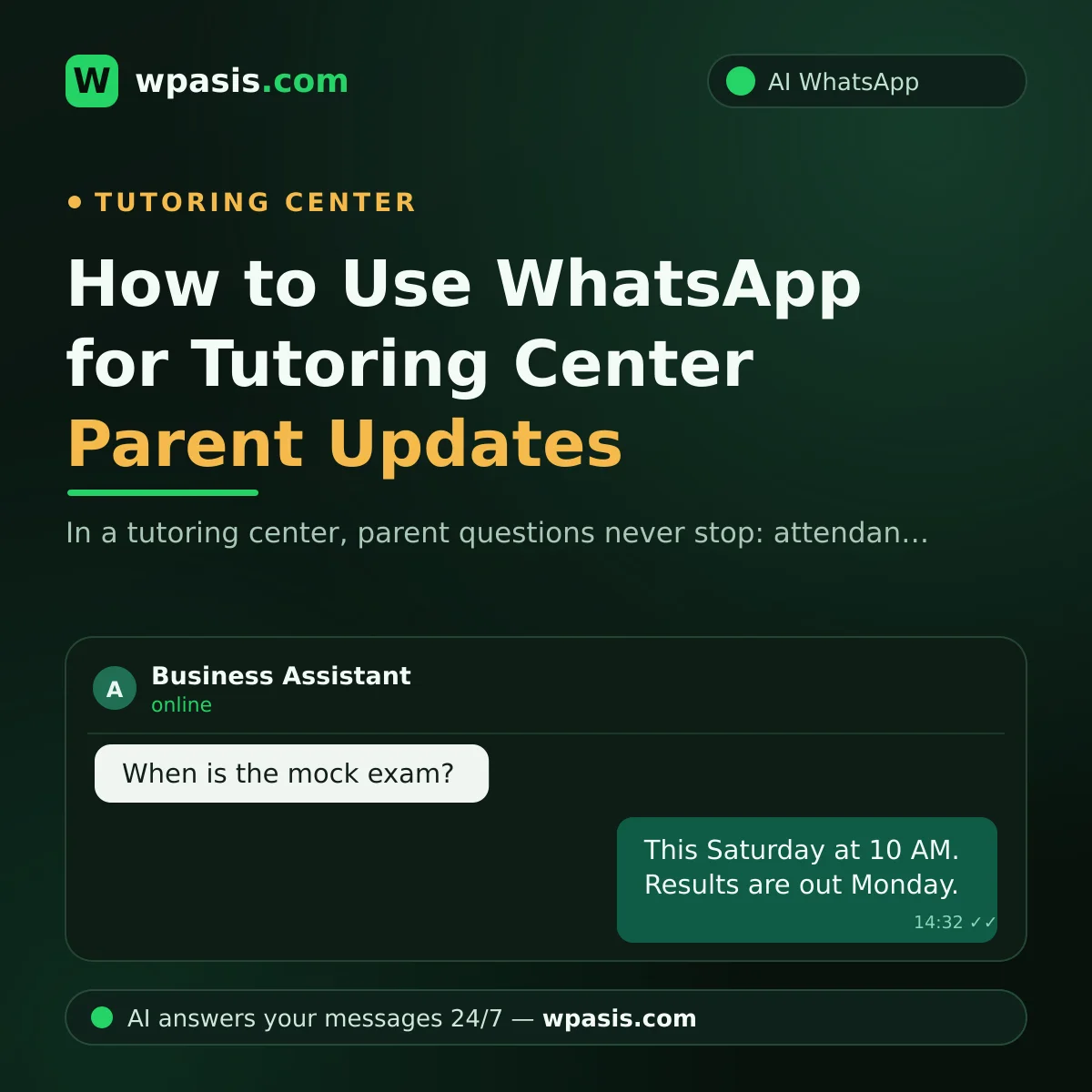
Running a tutoring center means parent communication is the invisible part of the job that eats the most time. You're mid-lesson and the phone rings: "Did my child show up today?" At dinner a message lands: "When's the mock exam?" On the weekend one parent asks about fees, another wants the class schedule. Every one of them is right to ask; every one is worried about their child. But you're expected to teach, enroll new students, and answer the phone all at once. In this article we'll show you how to bring order to parent updates over WhatsApp, and how much of that load an AI assistant can take off your plate.
Why Is Tutoring Center Parent Communication So Intense?
A tutoring center really has two audiences: the student and the parent. The student comes and goes, but the real communication traffic runs through the parent. The parent pays the fee, makes the decision, and wants to follow every step their child takes. That's completely natural.
The problem is that this attention doesn't keep office hours. Parents usually write after they finish their own workday, in the evening. Your most tired hours are their most curious ones. And when a reply is slow, the doubt grows: "Do they even care?"
On top of that, most of the questions are identical. Attendance, exam dates, schedule changes, enrollment terms. Writing the same answer dozens of times a day drains you and your team's energy away from the real work: teaching.
The Questions Parents Ask Most
If you look at your own phone, you'll probably recognize these patterns:
- "Did my child come to the center today, and what time did they leave?"
- "Which day is the mock exam, and when will results be announced?"
- "Did the schedule change this week? Is there a make-up class?"
- "What documents do I need to enroll, and how does pricing work?"
- "Which teacher takes which subject?"
Let's say you get 30 parent messages a day and spend an average of two minutes on each. That's a full hour of teaching time every day going to nothing but replies, even though most of those answers are already fixed; the only thing that changes is who's asking.
Automating Tutoring Center Parent Updates on WhatsApp
Parents already use WhatsApp, and they're already messaging you there. So the solution isn't to make them download a new app; it's to make your existing WhatsApp line smarter. A WhatsApp AI assistant like WpAsis connects to your current number with a QR code; no coding or technical knowledge required. From the moment it's connected, it answers incoming parent messages on your business's behalf, 24/7, within the boundaries of the information you've defined.
Attendance and Schedule Questions
Questions like "Is there class today?", "Is the center open this weekend?", or "What time does the 8th-grade group meet?" are answered instantly from the current schedule in the assistant's knowledge base. Even a parent writing at 10 PM finds someone waiting on the other end. For personal matters, such as whether a specific student attended that day, the assistant politely passes the request to your team and hands the conversation over, so sensitive information is only ever shared with your approval.
Mock Exam Announcements
Mock exam periods are when message traffic peaks at a tutoring center. Exam date, which topics are covered, when results come out, all asked back to back. Add this information to the assistant's knowledge base once, and the chore of typing the same message to every parent disappears. When a date changes, all you do is update the knowledge base.
Enrollment and Fee Questions
Pre-term questions like "Has enrollment started?" or "Which grades do you tutor?" are really potential sign-ups. When these messages go unanswered, the parent usually writes to the next tutoring center. The AI assistant answers instantly, collects preliminary enrollment details if needed, and creates an appointment; you simply approve the enrollment that comes in.
The Better Your Knowledge Base, the Sharper the Answers
An AI assistant is only as good as the information you give it. When your class schedule, exam calendar, enrollment terms, working hours, and FAQ answers stay current in the assistant's knowledge base, parents always get the right information. We walk through how to prepare this, step by step, in our guide on how to build a business knowledge base.
The golden rule here: when the assistant doesn't know something, it should pass the matter to you rather than guess. From the WpAsis panel you can follow every conversation and take over any chat at any moment to continue writing yourself.
On Sensitive Topics, the Last Word Stays With Your Team
Not everything in parent communication can, or should, be automated. Matters like a student's academic progress, behavioral observations, or a special family request call for a human touch. The right setup leaves routine questions to the assistant and reserves these conversations for your team. That way the trust you've built with parents doesn't weaken; in fact, a parent who gets instant answers to routine questions feels more looked-after, not less.
Then there's the data side: parent and student information is personal data. When you handle phone numbers and student details, your obligations under GDPR and data protection laws still apply. For topics like privacy notices and explicit consent, take a look at our article on GDPR and WhatsApp, and be sure to consult an expert for definitive guidance.
Looking Like a Big Center With a Small Team
Most tutoring centers run on a core staff of two or three. In a center without a receptionist, it's usually the founder who checks the phone between lessons. A WhatsApp assistant changes that picture: whatever time a parent writes, they get an answer within seconds and form the impression of an organized, professional institution. On your end, the only thing that changes is that you now manage the phone instead of the phone managing you.
Through the panel you can see which parent asked what and how the assistant replied. Over time you notice which questions come up most and enrich your knowledge base accordingly. The system gets smarter the more you use it, and you improve your parent communication based on real data.
Frequently Asked Questions
Do I need technical knowledge to answer parents automatically?
No. WpAsis connects to your existing WhatsApp number by scanning a QR code; setup takes a few minutes. There's no coding, no server to set up, no new number to buy. You manage your knowledge base yourself from the panel.
Can the AI answer every parent question?
Most routine ones, yes: schedule, exam calendar, enrollment terms, working hours. For sensitive, student-specific matters, the assistant hands the conversation over to your team. You can follow every conversation from the panel and take over as a human whenever you like.
Will our existing WhatsApp number change?
No, it won't. The assistant connects to the same line parents already have saved. Nothing changes for parents; the only difference is that answers now arrive far faster.
What do we do if mock exam dates change?
Just update the exam calendar in your knowledge base from the panel. The assistant starts giving the new date from that moment on. For reminder setups, you can also take inspiration from our article on appointment reminder message examples.
If you can't focus on teaching because you're busy keeping up with parent questions, you can try a free demo at wpasis.com to see the solution for yourself. Setup takes minutes, and your parents will feel the difference from the very first message.