School Supply List Orders for Stationery Shops: An Easier Season on WhatsApp
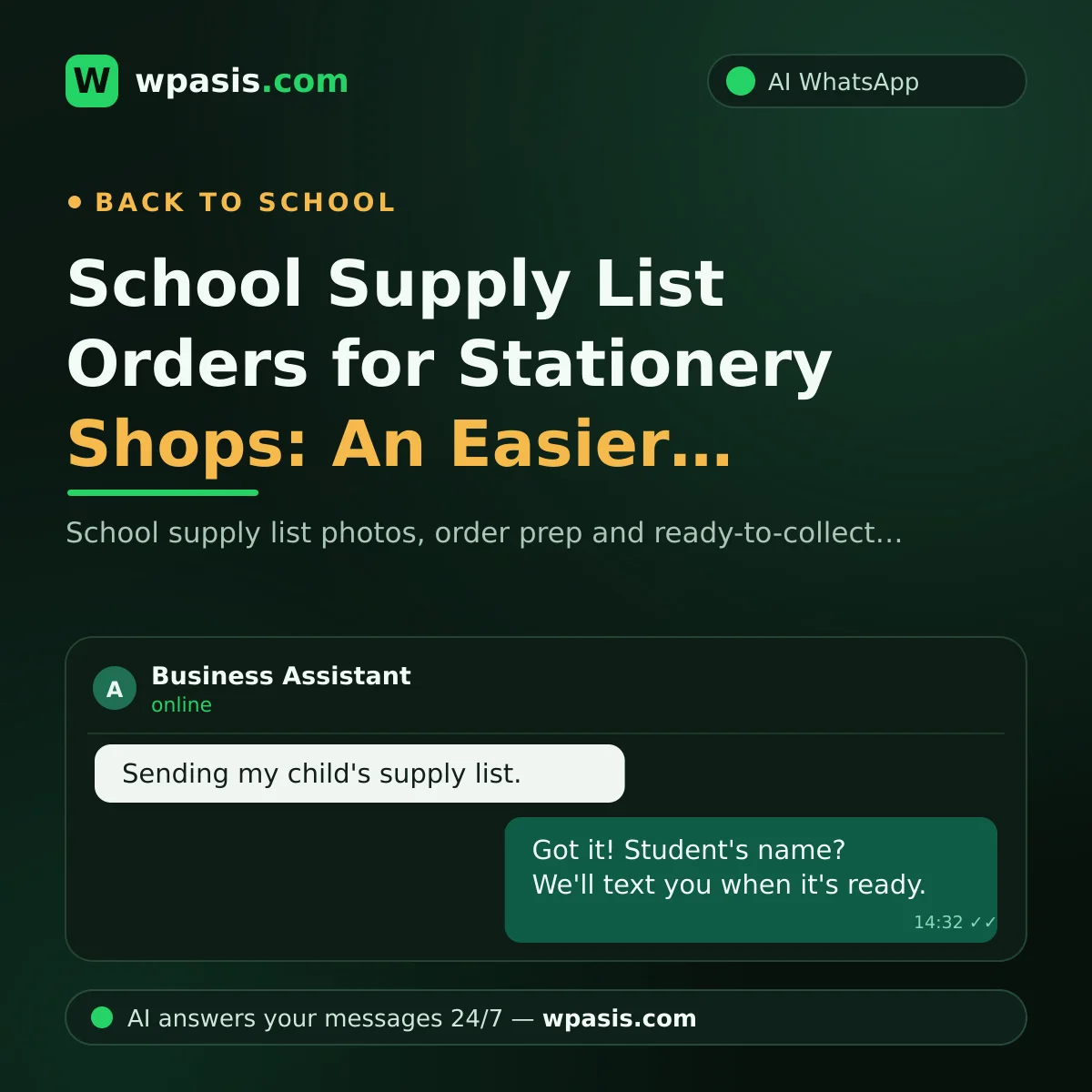
Once the end of summer rolls around, every stationery shop owner knows the drill: parents at the door with lists in hand, and photo after photo landing on the phone. "I'm sending you the list — can you get it ready?", "Do you have the third-grade list?", "When can I pick it up?" The school supply list season packs nearly a whole year's rush into a few weeks. Falling behind on messages in this period means both lost orders and a longer queue at the door.
In this guide, we'll explain how an AI assistant connected to your existing WhatsApp line receives list photos, brings order to the ordering process, and lets parents know when their order is ready.
The School Supply List Season: A Year Squeezed Into Two Weeks
The last two weeks before school opens are a stationery shop's most profitable and most exhausting days. Let's say 60 messages come in a day during the season. Most of them fall into three patterns:
- Parents sending a photo of the list and asking "can you get this ready?"
- People asking one item at a time: "do you have this particular notebook on the list?"
- People checking status: "is my order ready, when should I come?"
Meanwhile you're at the till, hunting for products on the shelves, and helping the parent at the door all at once. Your phone buzzes and buzzes in your pocket; when you finally sit down in the evening, working out whose list is in which message, who was waiting for a reply, and who gave up takes hours.
There's only one place an unanswered list photo goes: the next stationery shop. And a school supply list is rarely a one-time purchase — a parent who spends the season with you buys their notebooks, pens and photocopies from you all year round.
How the School Supply List Order Works on WhatsApp
WpAsis is an AI assistant that connects to your existing WhatsApp number by scanning a QR code. Your number doesn't change, and no technical knowledge is required. Once connected, the assistant answers incoming messages on your behalf around the clock; every conversation is gathered in the panel, and you can take over whenever you like.
Receiving the List Photo
The parent sends a photo of the list. The assistant immediately confirms the photo has arrived and asks the questions that bring the order together: the student's name and grade, their pickup preference, and any special notes. That way every list drops into the panel with its name, its grade and its preference attached. You look at the list, gather the products and prepare the order. The "whose list was this again?" confusion is over.
Missing Items and Substitutes
What happens if you don't have one of the items on the list? You write your substitute policy into the knowledge base — something like, "A different brand of the same specification may be suggested; no change is made without the parent's approval." The assistant speaks within that framework and, when it isn't sure, leaves the matter to you. Everything else that gets asked often — your working hours, your delivery times, which schools you cover — is in the assistant's vocabulary the same way.
"Order Ready" Alerts: Clear the Queue From the Door
One of the most draining scenes of the season is a parent waiting in the shop for an order that isn't ready yet. The parent gets tired and you get squeezed. Instead, set the flow up like this: when the order is ready, you open the conversation in the panel and say, in a single message, "it's ready, come whenever suits you." The parent doesn't make a wasted trip, and the queue at the door gets shorter.
Don't let the "is it ready?" questions in between bother you either: the assistant knows your preparation process from the knowledge base and politely keeps the asking parent informed. You're spared writing the same answer dozens of times a day.
Protect Your Number During the Season
In a busy season, a thought comes to mind: "what if I sent a bulk message to all the parents?" It's worth being careful here; sending similar messages to a large number of unfamiliar numbers in a short time can get your number flagged as spam. We've explained the reasons behind this risk and how to protect yourself here: why WhatsApp numbers get banned.
The way an AI assistant works is natural in this respect: the assistant replies to customers who message you. In other words, communication runs through conversations the customer starts — and that's the safest path for both customer experience and the health of your number.
It Keeps Earning Its Keep After the Season
The school supply list season ends in a few weeks, but the stationery business runs all year: people asking about ink cartridges, photocopying and binding jobs, office orders, hobby supplies... The assistant keeps answering these questions with the same order. The system you set up for the season turns into a quiet helper that works away for the rest of the year.
If you're still weighing up where to start with AI, this guide written from a shop owner's point of view makes a good beginning: where small businesses should start with AI.
Frequently Asked Questions
Does the assistant gather the products on the list photo itself?
No. The assistant's job is to receive the photo in full, ask for details like the student's name and pickup preference, and keep the parent informed throughout the process. The list reaches you in an organized form in the panel; you prepare the order.
If dozens of messages come in at once during the season, can the system keep up?
An AI can run several conversations at the same time; messages don't wait in a queue and go unanswered. Order approval and preparation, meanwhile, are always in your hands.
Can I send a bulk announcement to parents?
You can manage conversations from the panel; however, sending the same message to a large number of numbers in a short time is risky for your number. The safest path is natural, reply-focused communication that runs through the conversations parents start.
How long does setup take?
Connecting via QR code takes a few minutes. The real work is entering your products, working hours and order rules into the panel — and you do that once, before the season begins.
The school season comes around every year; its exhaustion and its opportunity are both familiar. If you'd like to spend this season with a steady flow of orders instead of a queue at the door and a pile of messages on your phone, you can try the free demo at wpasis.com. For current pricing, just visit wpasis.com.