Customer Tracking on WhatsApp for Shoe and Bag Repair
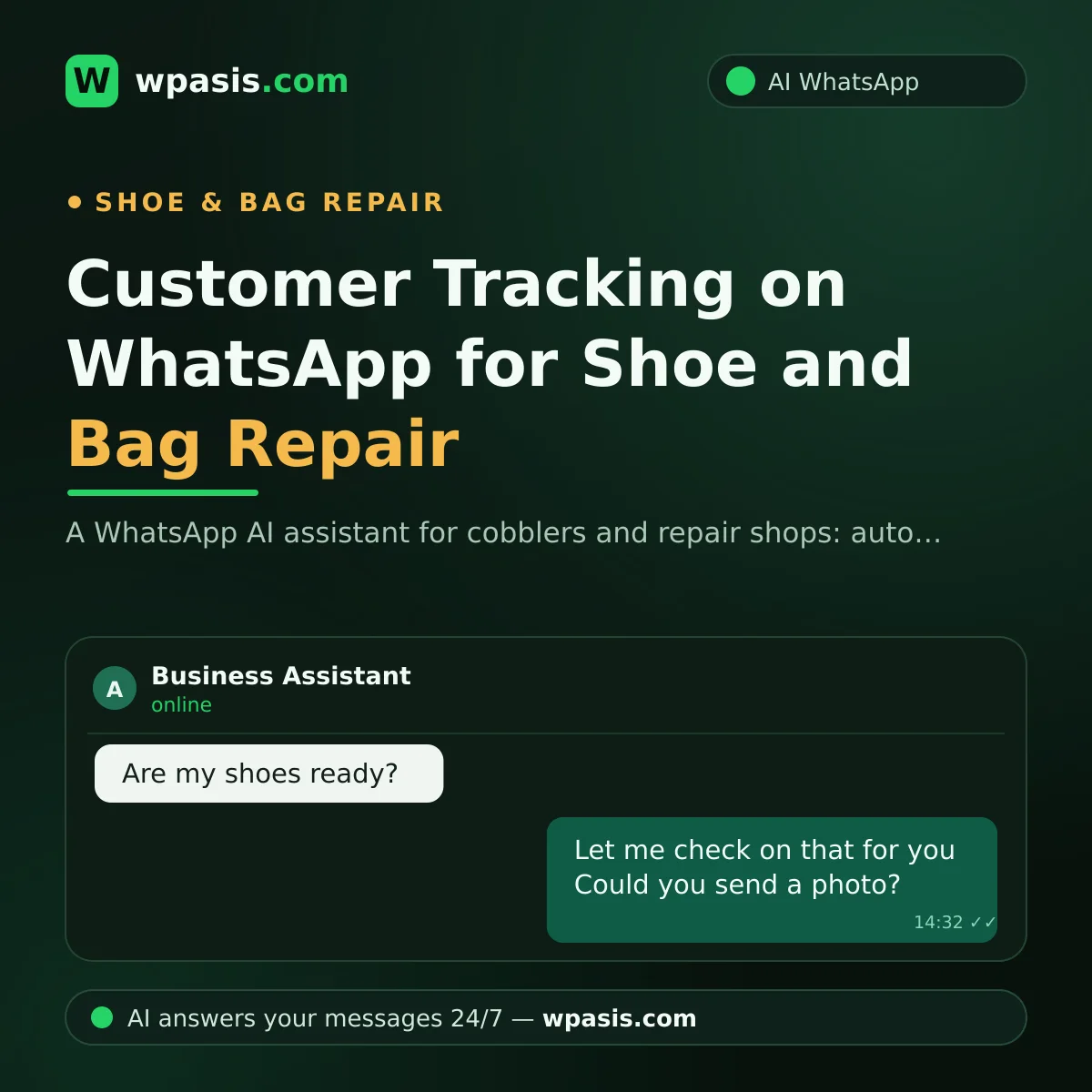
You're mid-way through replacing a sole, glue all over your hands, and the phone buzzes again: "Are my shoes done?", "How much to change a zip?", "The strap on my bag came off — can I send a photo?" Shoe repair means a small shop with never-ending traffic; everyone wants to know when they can come, what they'll pay, and whether their item is finished.
Answering these one by one interrupts your work; leaving them unanswered loses the customer. Below, we explain how an AI-powered WhatsApp assistant takes on this load in repair shops.
Why Does the Phone Never Stop in a Shoe Repair Shop?
By nature, every repair customer makes contact at least twice: dropping the item off and collecting it. But in between there's "status-check" traffic, and that's the truly tiring part.
Incoming messages usually fall into three headings:
- "Ready?" queries: "Are my boots finished?", "Can I pick them up this evening?"
- Price questions: "How much to redo a heel?", "What does leather dyeing cost?", "Price to replace a bag lining?"
- Photo-based initial assessments: "Can this tear be stitched?", "Is this bag strap salvageable? I'm sending a photo."
Then the classics: "Where are you?", "Open on Sunday?", "How late are you open?" Every one has a known answer; the only unknown is whether your hands are free to type it.
An Unanswered Message Means a Customer Turning Back at the Door
Say the shop gets 20 messages a day and you only get back to half by evening. A customer who writes at noon — "can this tear be stitched?" — has, after hearing nothing all afternoon, most likely already messaged the next repair shop. In repair work, decisions are quick: whoever gives a reasonable answer first gets the shoes.
So it isn't only fatigue; every delayed reply can be lost work — and that loss never shows on an invoice. You just say "not much came in today."
How Does AI Take Over Shoe Repair Questions?
WpAsis connects to your existing WhatsApp number via a QR code and answers incoming messages on your behalf, 24/7. Your number doesn't change, and no technical knowledge is needed. In a repair shop:
Instant answers to "ready?" queries
The assistant instantly greets a customer who writes "are my shoes ready?", learns which job they left and when, and shares your average turnaround times. When something needs confirming, the conversation lands in front of you on the dashboard; you reply with one message: "Ready, come on in." Instead of hours of silence, the customer finds someone in seconds.
A clear frame for price questions
You write your standard jobs and pricing policy into the knowledge base once: which jobs are a fixed price, and which can't be quoted without seeing the item. The assistant answers within that frame — sharing a range for jobs you specify, or saying "we can't give an exact price without seeing the item — could you send a photo?" The reins of price communication stay in your hands.
It organizes photo-based initial assessments
One of the most valuable habits in repair work is getting the customer to send a photo; it saves pointless trips back and forth. The assistant streamlines this: it asks for a photo, receives the request, and asks what the problem is, how urgent it is, and what the customer expects. You see the photo from the dashboard, take over, and give your initial quote yourself. "I sent a photo and nobody looked" becomes a thing of the past; every request arrives neatly in front of you.
Taking appointments and orders
If you offer home or office collection, or run a queue on busy days, the assistant gets a suitable day and time and creates the appointment. For products you sell — dyes, care items — it can gather order requests too.
Small Shop, Big Impression
Even a one-person shoe repair shop leaves a professional impression as a business whose messages get answered within seconds. For tradespeople wary of AI, we laid out the first steps in where small business owners should start with AI; the gist: don't start with big investments, start with the single task that eats the most time. In a repair shop, that's WhatsApp messages.
There's another simple way to boost visibility: letting a customer who finds you on Google reach your WhatsApp with a single tap. See how, step by step, in adding WhatsApp to your Google Business Profile. And those incoming messages are now greeted by your assistant.
Let's Say 15 of 20 Daily Messages Are Routine
A concrete sum: if 20 messages come in a day and 15 are routine — "is it ready, how much, where are you, how late are you open" — the assistant handles those 15 instantly with your defined answers. If replying by hand takes two minutes each, you save half an hour a day; but the real gain isn't the minutes, it's not being interrupted. The drying time of glue, the tension of a stitch, the shade of a dye — these demand focus, and every interruption risks a mistake.
The 5 left for you genuinely need your judgment: an initial quote from a photo, whether a hard repair is doable, a special request. The assistant doesn't cut you off from your work; it brings you only the conversations that need real craft.
You're in Control: Monitor, Take Over, Correct
The assistant doesn't take you out of the loop. You watch every conversation live from the dashboard; for a negotiation, a special job, or a sensitive customer, you take over with one tap. Don't like an answer? Update the knowledge base, and next time that question gets the answer you want. Multi-language support is ready for foreign customers too — a real advantage for a repair shop in a tourist area.
Frequently Asked Questions
Who gives the price for a photo the customer sends?
You give the initial quote. The assistant collects the photo and job details and tidies up the request; you see it on the dashboard, take over, and share your price. No photo request slips through the cracks, and you step in only at the decision stage.
Will my WhatsApp number or my phone change?
No. Your existing line connects via a QR code, just like WhatsApp Web. Your number stays the same, customers don't use a different app, and you can keep messaging from your phone.
What happens if the assistant gives a wrong price?
The assistant speaks only with the information in your knowledge base; it doesn't make up prices. For jobs with an uncertain price, you can have it say "we can't give an exact price without seeing the item." You can always monitor conversations from the dashboard and correct or take over instantly.
Does it answer messages that come in at night, too?
Yes, 24/7. A customer who writes at 11 p.m. — "can I get a heel redone tomorrow morning?" — gets an instant reply, and it's the first thing waiting for you in the morning. Your shop doesn't miss a message, even while you sleep.
Craft is your job; message traffic can now be the assistant's. Try WpAsis free on your own WhatsApp line, and never type out a "ready?" reply by hand again: request a free demo at wpasis.com.