The Plumber's Guide to Winning More Jobs on WhatsApp
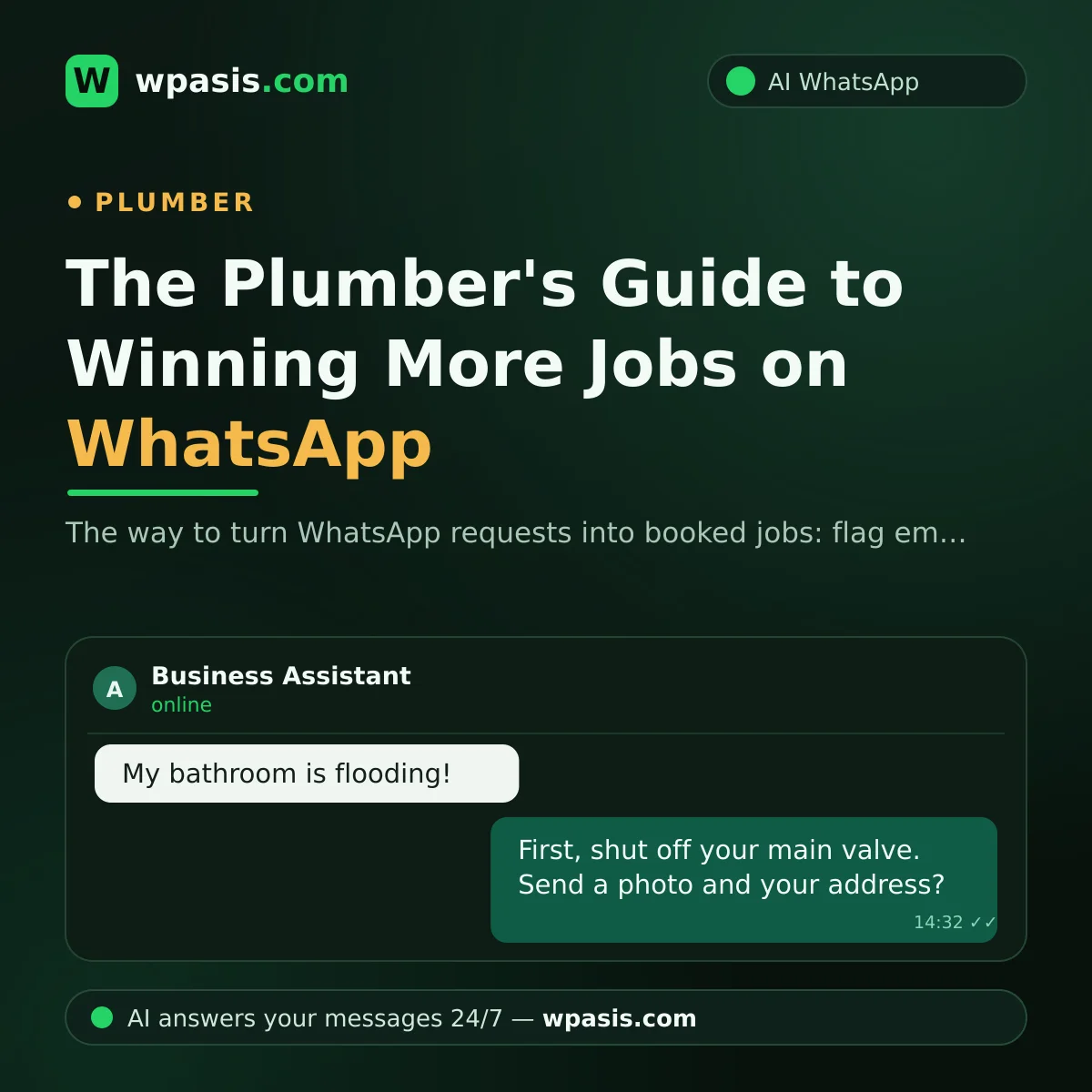
Dripping faucets, leaking radiators, blocked drains, a burst pipe... to your customer, every one of these is a "fix it right now" emergency. When it comes to winning plumbing work, one thing never changes: the job usually goes not to the best plumber, but to the first one who replies. A customer whose home is flooding won't sit and wait for a number that never answers; they'll message the next plumber on the list. But when you're under a sink or elbow-deep in a boiler all day, is it really possible to reply to every message the second it lands? In this article, we'll walk through practical ways to catch those WhatsApp requests and turn them into jobs.
Why Speed Is Everything When You're Winning Plumbing Jobs
Most plumbing work turns up without warning. Nobody pencils "let my faucet start dripping next week" into a calendar; the problem appears out of nowhere, and the customer starts hunting for a fix that very minute. That's why, in this trade, the job usually goes to whoever answers first.
Picture it: say you start the day with three jobs booked, and while you're in the middle of the first one, five new messages land on your phone. By the time you reply on your evening break, how many of those five are still waiting for you? For someone whose home is underwater, even an hour feels like forever; if no reply comes, they find another plumber.
The answer here isn't for you to run faster — it's for that first reply to happen without you. When a customer gets a "Got your message, I just need to ask a couple of quick questions to help you properly" within seconds, they're willing to wait. A message left on read, on the other hand, is usually a lost job. We've laid out how to put that first reply on autopilot, step by step, in our guide to WhatsApp auto-replies.
Separate the Emergency From the Routine
Not every message carries the same urgency. "The bathroom's flooded and the valve won't shut" doesn't belong in the same queue as "I'd like to swap out my kitchen faucet whenever you're free." In the first, minutes matter; the second could wait until next week.
The questions that reveal urgency are actually simple:
- Is water still running right now? Were you able to shut off the valve?
- Where's the problem: bathroom, kitchen, boiler, radiator, main line?
- Home or business? Which area are you in?
With those three answers in hand, planning your day gets easy. You bump the emergency to the front and slot the routine job into a convenient time. And you can speak plainly to the customer: "This is an emergency, I'll be there by [time]," or "I'm free for this tomorrow afternoon." The plumber who speaks clearly is the plumber who inspires trust.
One more tip: in an emergency, the first thing to tell the customer isn't your arrival time — it's to shut off the main valve. A customer who manages to stop the water calms down, the damage stops spreading, and the situation stays under control until you get there.
Size Up the Job From a Photo Before You Set Off
A plumber's biggest time sink is the wasted callout. Driving half an hour only to say "this isn't my area of work" or "I don't have that part on me" burns both fuel and time.
The beauty of WhatsApp is that customers can send photos and video. A few shots is often half the survey done:
- A wide view of where the problem is
- A close-up of the leak or fault
- The brand and model of any faucet, mixer, trap, or boiler involved
Say the customer sends a photo of the trap under the sink. Before you've even left, you know which part to grab. A job finished in one visit makes everyone happy; a job that takes two trips makes no one happy.
It's worth being honest here, too: a photo doesn't show everything. Hidden leaks, pipes inside walls, the true depth of a blockage — these need a firm diagnosis on site. A photo is a preliminary look; the goal is to set off with the right part and the right expectations. Telling the customer this up front heads off any later "but you said it would be..." disputes.
Be Clear About Your Availability From the Start
"When can you come?" is the question plumbers hear most, and "we'll see, we'll sort something out" is the answer that loses the most work. Vagueness scares customers off. Instead, split your day roughly into blocks and talk in those terms: "I'm full today, but I can come between 10 AM and 12 PM tomorrow."
For plumbers working solo, this matters even more. Doing the job and managing the phone are really two separate shifts; when one slips, you lose either the work or the customer. We've covered how to strike that balance in detail in managing customers as a one-person business.
Setting Up a Job-Winning System With a WhatsApp AI Assistant
You can do everything above by hand — but keeping it up every day while your hands are full of work is hard. A WhatsApp AI assistant like WpAsis runs the whole system for you:
- Connects to your existing WhatsApp number via QR code; no new number, no technical setup, no coding knowledge required.
- Replies to every incoming message within seconds, 24/7, on behalf of your business.
- Asks the questions that reveal urgency: is water running, is the valve shut, where's the problem?
- Asks the customer to send a photo of the fault; gets the address and a convenient time.
- Takes the booking request, drawing on the knowledge base you set up — your service list, coverage area, and working hours.
- You see every conversation in the panel; you can step in and take over the chat yourself whenever you like.
So while you're at the boiler, the phone works on its own: messages get answered, details get gathered, requests line up. When you pick up your phone in the evening, you don't see a messy pile of messages — you see a tidy job list.
A Small Day-in-the-Life Scenario
Say it's Tuesday morning and you're on a boiler installation. At 10:30, a customer messages: "The floor under my kitchen sink is soaked!" The assistant replies within seconds, first reminding them to shut off the main valve, then asking for a photo and learning the address and the hours the customer will be home. When you glance at your phone on a break, there's a ready summary waiting: the problem, the photo, the address, a convenient time. All you have to do is say "I'll be there at 2 PM."
Around the same time, another customer messages about a bathroom renovation. The assistant works out from its questions that this isn't urgent, notes down the need, and gathers a suitable day for a survey. You didn't look at a single message right away, yet neither job slipped through. That's exactly the heart of a job-winning system: no request left unanswered.
Frequently Asked Questions
Do I need technical knowledge to set up a WhatsApp assistant?
No. WpAsis connects by scanning a QR code with your existing WhatsApp number; there's no code to write and no technical settings to configure. Once you've entered your business details, the assistant starts replying on your behalf.
How does the assistant tell an emergency apart?
Through the questions it asks: whether water is still running, whether the valve could be shut, where the problem is. You follow the conversations from the panel, give priority to whatever you judge urgent, and take over the chat instantly if you want.
Where are the photos the customer sends?
The photos stay inside the WhatsApp conversation; you can see them both on your phone and in the panel. That way you see the problem with your own eyes before setting off and arrive with the right part.
Does the assistant quote the price?
The assistant draws on the knowledge base you build; it passes on whatever you teach it. You can have it say the firm price will be confirmed after the survey, and you can always take over the price conversation yourself.
If you want your phone to win work while you're on the tools, you can try the free demo at wpasis.com. In a few minutes you'll see how the assistant works in your own business; for current pricing, just head to wpasis.com.