Pilates Studio Booking Management: An Easy WhatsApp Solution
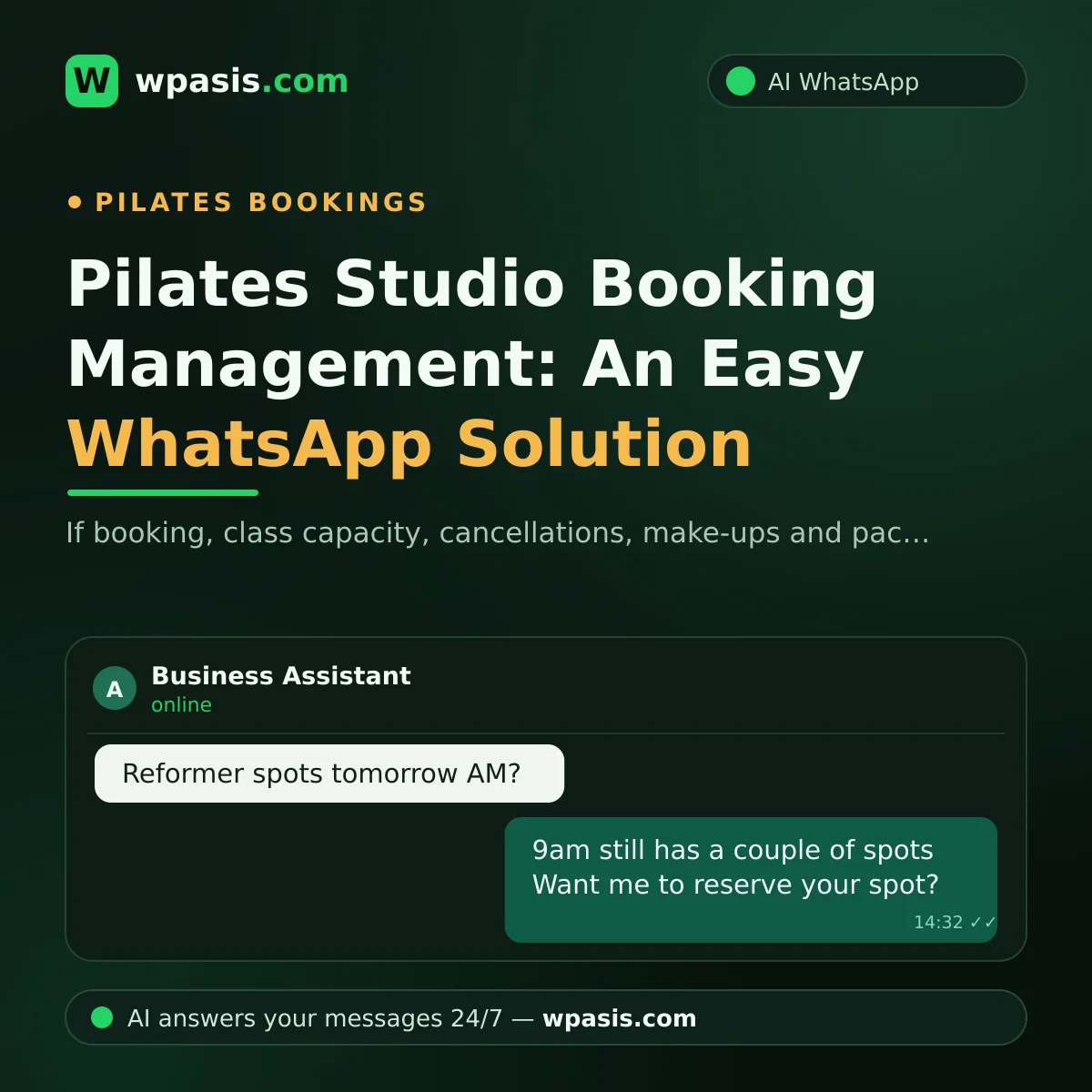
If you run a pilates studio, you know all too well that a large part of your day goes not to teaching but to answering messages. From the outside, pilates studio booking looks simple: a member writes in, you give them a time. In reality it's tangled up with class capacities, cancellation and make-up rules, package tracking, waiting lists and last-minute changes — and most of these questions arrive exactly when you're on the mat and can't look at your phone. In this article, we'll show how a WhatsApp AI assistant untangles all of that.
Why Is Pilates Studio Booking Traffic So Exhausting?
Pilates is, by its nature, a business of small groups and one-on-one attention. In Reformer classes the number of machines is limited, so every class's capacity becomes a piece of information you have to track minute by minute. Members, meanwhile, ask their questions through the most natural channel there is: WhatsApp. "Any spots tomorrow morning?" "Can I move my Thursday class to Friday?" "How many sessions do I have left this month?"
Let's say you get 40 messages a day and spend about two minutes on each. That's more than an hour a day, and over a month it adds up to nearly two full working days. It's only an assumption — but scroll back through your own phone and you'll find the picture isn't far off.
There's a hidden side, too: every late reply is a potential empty spot. A "got any space?" left unanswered until evening usually means a would-be member who walked into another studio instead.
Class Capacity: "Any Reformer Spots Tomorrow Morning?"
Capacity questions make up the bulk of the messages a pilates studio receives, and the trouble is that the answer keeps changing. The class you called "full" in the morning opens up after a midday cancellation — and by the time you notice and tell the waiting list, it's evening.
This is where a WhatsApp AI assistant steps in. It knows the class schedule and capacity rules you've defined, and answers a "got space?" in seconds — even at midnight. For full classes it points the member toward alternative times and notes the request — so booking requests collect themselves while you focus on the session.
There's an important distinction here: the goal isn't to hand your warm relationship with members to a robot, but to automate the repetitive exchange — "which day, which time, how many people" — so you're left with the conversations that genuinely need a human.
Cancellation and Make-Up Rules: The Perennial Source of Disputes
Every studio has a cancellation policy: "classes cancelled with less than X hours' notice are forfeited," or something like it. The rule is clear; applying it never is. The member doesn't remember it, you remind them, an argument starts; sometimes you bend the rule to keep the peace, and then look inconsistent to everyone else.
The AI assistant helps you here in two ways.
It explains the rules to everyone in the same words
The assistant learns your cancellation and make-up policy from your knowledge base and gives the same, consistent answer every time. To a member who writes "do I get a make-up?" it explains the rule politely, without personalizing it and without getting tired. When the assistant plays the "bad cop," the relationship between you and your member doesn't take the hit.
It turns a cancellation into an opportunity
When a cancellation comes in before class, the assistant records it and drops the conversation into your panel; you can then offer the freed-up spot to someone on the waiting list. Pre-class reminders are also one of the most effective ways to cut late cancellations — you'll find ready-made templates in our appointment reminder message examples article.
"How Many Sessions Do I Have Left?" — The Package-Tracking Headache
Most pilates studios work with class packages: 8-session, 12-session, private or duo. Members quite reasonably ask, again and again, how many sessions they have left — and every time, you check a notebook or schedule and write back. Individually these questions are small; together they're large, and there's the risk of getting it wrong: undercount and the member is upset, overcount and you lose revenue.
Once you've entered your package rules into your knowledge base, the assistant answers questions like "how many sessions are in each package, how long is it valid, can I freeze it" on your behalf. When a member needs their own remaining-session count, it hands the conversation to you — that's what the panel's human-takeover feature is for. Routine questions get answered automatically; sensitive ones under your control.
How Does a WhatsApp AI Assistant Manage Pilates Studio Bookings?
To sum up. A WhatsApp AI assistant like WpAsis connects to your existing WhatsApp line by scanning a QR code; no new number or technical know-how required. Once connected, it:
- Replies to incoming messages on your business's behalf, 24/7; a late-night "any space tomorrow?" doesn't have to wait until morning.
- Learns your class schedule, capacity logic, cancellation/make-up and package rules from your own knowledge base.
- Takes booking and appointment requests and lays them out neatly in front of you.
- Answers frequently asked questions (address, parking, what to bring, exercising during pregnancy) in your voice.
- Speaks several languages if you have members who don't share yours.
- Lets you watch every conversation from the panel; step in and type yourself whenever you like.
One health-related note: for questions about a herniated disc, pregnancy, or exercising after surgery, the safest and most ethical approach is for the assistant to give general information and then say, "for a proper assessment, please be sure to consult your doctor." On health matters, the last word always belongs to a professional.
Where to Start: Put Your Rules in Writing
The secret to a good assistant is the quality of information you give it. Before you start, pin down three things:
- Your class schedule: which days, which times, which class types (Reformer, mat, private)?
- Your cancellation/make-up policy: how far in advance must a member cancel, how do make-ups work, is freezing allowed?
- Your package structure: which packages exist, and how long are they valid?
Turning this into one tidy document is the foundation of accurate answers. We walk through exactly how in our how to build a business knowledge base article.
Frequently Asked Questions
Will the AI assistant come across as a robot when it talks to my members?
No. The assistant writes in the tone you set, in your business's voice. Members are happy because they get fast, consistent answers — and you can take over any conversation from the panel whenever you want.
How will the assistant know the capacity situation?
You define your class schedule and capacity rules in your knowledge base. The assistant answers accordingly, suggests alternatives when a slot is full, and records requests. For real-time situations like live availability, you can have it hand the conversation to you.
Do I need to change my existing WhatsApp number?
No. WpAsis connects to the line you already use via QR code. Your members keep writing to the same number; the only thing that changes is that replies no longer lag.
Does the assistant enforce the cancellation rule, or do I?
The assistant states the rule; you make the call. It communicates your policy consistently and records the situation; if you want to bend it, you take over and have the final say yourself.
If you want to take the stress out of booking traffic at your pilates studio, you can try WpAsis on your own line. No technical knowledge needed: scan the QR code, upload your knowledge base, and leave the rest to the assistant. For details and current pricing, visit wpasis.com.