How WhatsApp Makes Phone Repair Easier: A Guide for Repair Shops
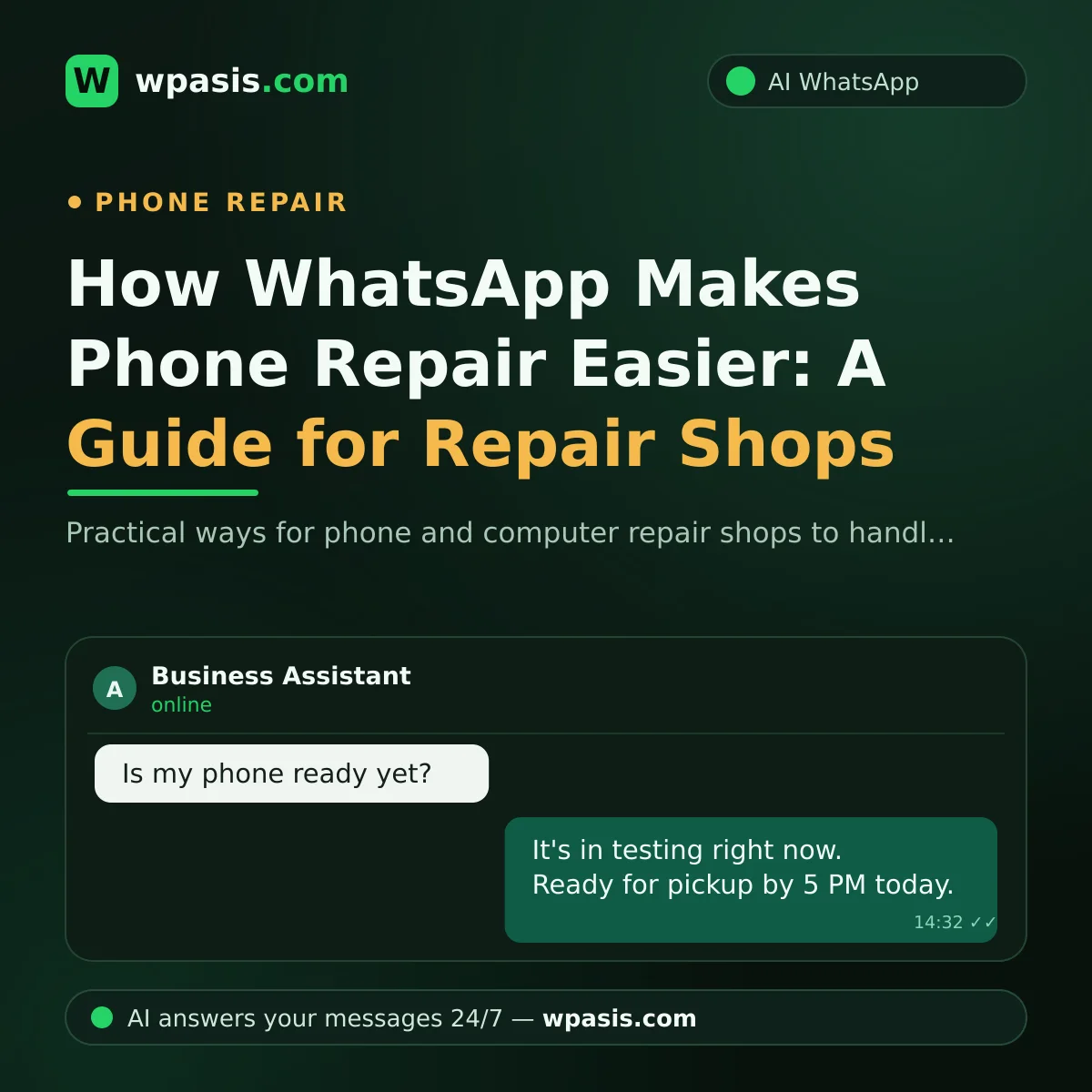
Phone repair became a business run over WhatsApp a long time ago. The customer who drops off a device fires off the first message before they're even out the door: "When will it be ready?" While you're swapping a screen, soldering a board or wrestling with data recovery, the phone never goes quiet. In this guide we walk through the three moments where phone and computer repair shops lose the most time — device status queries, repair approvals and ready-for-pickup alerts — and how to bring order to them on WhatsApp, step by step.
A Day at the Repair Bench: Screwdriver in Hand, Messages on Your Mind
Let's say you start the day with 30 messages. Some are existing customers asking "What's happening with my phone?", some are newcomers asking "How long does a screen swap take?", and some are just shopping around.
Here's the problem: repair work takes both hands. You can't glance at your phone while doing fine soldering under a microscope. When you do look, the job breaks; by the time you're back at the bench, you lose minutes figuring out "where was I?" By the end of the day, either the messages have piled up or the jobs haven't been finished.
The cost of an unanswered message is invisible but heavy. A customer who can't find out the fate of their device gets anxious, messages again and again, and eventually calls the shop. The new customer? They've already moved past you and messaged the next repairer on their list.
How Phone Repair Runs on WhatsApp: Three Critical Moments
When you look closely at the message traffic in a repair shop, you see three recurring moments. Sort these three out and most of the traffic eases on its own.
1. Device status query: "What happened to my phone?"
To a customer, their device is their contacts, their photos, their work — a piece of their life, in short. It's completely natural for them to worry. But writing a manual reply to every status question means dozens of interruptions a day for you.
The practical fix is a simple tracking system for every device: device received, waiting for parts, in repair, being tested, ready for pickup. When a customer asks, you tell them whichever stage the device is at. Once you set the system up, the answers become standardized too; you don't have to compose a fresh sentence every time.
2. Repair approval: the most delicate step
You opened a phone to replace the screen and noticed a swollen battery. Extra work is needed and you can't do it without asking the customer. This is where WhatsApp's written nature works for you: a message like "We found this additional fault on your device, we recommend this fix — do you approve?" gets you a quick yes and leaves a written trail.
Most of those "I never asked for this" arguments at handover disappear with this written-approval habit. Where a verbal okay gets forgotten, a written message protects both sides.
3. The "your device is ready" alert
A repaired but uncollected device is uncollected labour taking up shelf space. If a clear, timely "Your device is ready, you can pick it up between these hours" message doesn't go out, devices sit on the shelf for days.
Standardizing the ready alert eases both your cash flow and your shelf space. Adding your pickup hours and any payment options to the message also heads off questions at handover.
What Changes When an AI Assistant Steps In?
You can build the system we've described by hand; but as message volume grows, running it manually gets harder. A WhatsApp AI assistant like WpAsis steps in exactly here.
Setup needs no code and no technical know-how: you connect by scanning a QR code with your existing WhatsApp line. The assistant draws on your own business knowledge base; whatever your brands and models, average turnaround times, working hours and warranty terms are, that's what it tells customers — and it doesn't make things up when it doesn't know.
It handles incoming messages 24/7. It replies to the "My screen cracked, can you look at it tomorrow?" message sent at midnight while you sleep, and books an appointment if needed. It answers common questions like "Will I lose my data?", "How long does it take?", "Do you offer a warranty?" based on your knowledge base. If a foreign customer writes in another language, it replies in their own language.
You stay in control: you follow every conversation from the panel and take over whenever there's a negotiation, a special case or a delicate approval. The assistant doesn't push you out; it carries the first load on your behalf.
Habits That Strengthen Your Phone Repair WhatsApp Line
Whether you run it with an AI assistant or by hand, these habits make the process noticeably easier:
- Give a service number. Assign a simple tracking number to each device and there's no "which phone" confusion; the customer types the number and learns its status.
- Put your information in writing. Keep your turnaround times, warranty terms and pickup hours in one written place. We explained how in our guide to building a business knowledge base.
- Document with photos. Photos taken when you receive and hand over a device protect both sides in any dispute.
- Set up a greeting. So messages arriving after hours don't fall into a void, look at the logic of automatic greetings in our WhatsApp auto-reply setup post.
- Always get approvals in writing. For critical steps like extra faults, part replacements or data-wipe risk, always ask for written approval.
Does the Picture Change for Computer Repair?
For a computer repairer the landscape isn't very different; only the questions shift a little. "Will I lose my files if you reinstall?", "The laptop fan is really loud, how long does a service take?", "Is it a part that needs replacing or a software issue?" — these come at all hours.
If you work with business clients, the intensity climbs: when an office printer stops or the computers slow down, what reaches you isn't a message, it's practically an alarm. Meeting these requests fast is a precondition for keeping a business client.
The good news: the whole system we built above — status query, written approval, ready alert — applies to computer repair exactly the same. For sensitive jobs like data recovery, written approval matters even more; explaining the "not all data may be recoverable" risk in writing up front prevents hurt feelings later.
Frequently Asked Questions
How does the AI assistant know my device's status?
The assistant works with the information you give it. You add your process stages and business details to the knowledge base, and the assistant answers customer questions within that frame. On things it isn't sure of or has no information about, it gives a general answer and leaves the matter to you.
Do I need a technician or software know-how to set it up?
No. You connect by scanning a QR code with your existing WhatsApp line; you don't need a new number or to build an app. Filling in your knowledge base is as simple as filling in a form.
Does the assistant handle negotiations or special-case conversations too?
No, sensitive matters stay with you unless you want otherwise. You follow every conversation from the panel; when you spot a negotiation, a complaint or a special request, you take over instantly and carry on yourself from where it left off.
Can the assistant answer pricing questions?
If you've added your own price list and turnaround times to the knowledge base, the assistant can share this information with your customers. For jobs where you'd rather not quote, you can set it up to steer the conversation with something like "we can't give a firm price without seeing the device — shall I set up an appointment?"
If you'd like to leave your hours to the bench and the message traffic to the assistant, you can try the free demo at wpasis.com. A few minutes of setup shows you how it works on your own line; for current pricing, just head to wpasis.com.