Pharmacy WhatsApp Enquiry Line: Answering Questions Without Crossing the Line
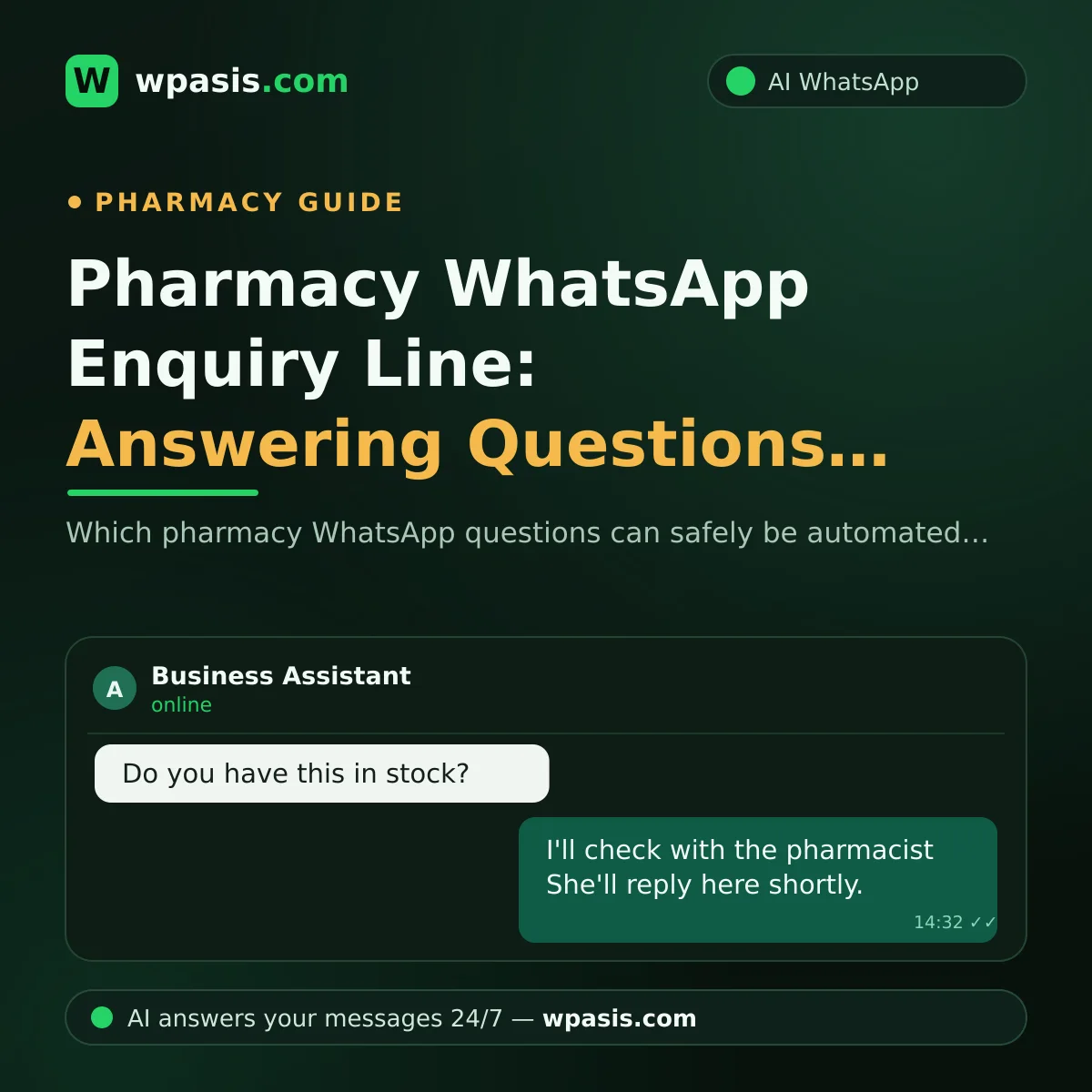
Has anyone behind a pharmacy counter ever counted how many times the phone rings in a day? Probably not. But you already know the pattern: most of the calls are the same handful of questions. "Do you have this in stock?" "What time do you close?" "Are you open late tonight?" "If I bring my prescription in now, can I collect it straight away?" A pharmacy WhatsApp enquiry line exists for exactly these repeat questions.
You stop abandoning the customer in front of you to chase a ringing phone. The line handles the questions whose answers never change, on your behalf.
But there is a very clear line here, and that line is what this article is really about. A WhatsApp line does not give medicine advice, cannot give it, and must not give it. Let's separate what can safely be automated from what belongs to the pharmacist and nobody else.
Pharmacy WhatsApp questions fall into three groups
The most useful thing you can do before setting anything up is to sort the incoming questions in your head. You can only decide where the automatic answer stops once you've made that split.
1. Information questions — safe to automate
These have fixed answers that don't change from person to person:
- Your opening hours
- Your address, directions, whether there's parking
- Whether you're on the late-night or out-of-hours rota tonight
- Whether you take cards, contactless, instalments
- General stock status for non-prescription items (cosmetics, nappies, skincare, blood pressure monitors and so on)
- Whether an item someone ordered has arrived in the shop
You already hold the answers to all of these. Write them down once, and they can be given automatically.
2. Questions that need routing — automated, but carefully
These aren't yes/no questions, but they can still be handled. Take "do you have this in stock?" The moment a prescription-only medicine is named, the line should behave less like an answering machine and more like a receptionist: take the name of the medicine, ask when it's needed, and pass it to the pharmacist. Does it send a photo of the box, or suggest an alternative? No. That's the pharmacist's job.
3. Health questions — never automated
"Can I take this alongside that?" "How many millilitres should I give my child?" "What would you recommend for this pain?" "Is this safe in pregnancy?"
Software answering these should never even be on the table. The correct behaviour is to end the automated conversation politely and hand it to the pharmacist.
Why medicine advice can't be automated
The reason is simple: medicine is personal. The same active ingredient that's fine for one person can interact with something else the next person is taking, clash with an existing condition, or be wrong at that dose. Making that judgement is the pharmacist's professional authority and responsibility.
A WhatsApp assistant doesn't know the age, weight, chronic conditions, other medications or allergies of the person on the other end. If it talks about things it doesn't know, nobody can predict what happens next.
So the single most important setting when you build your line is this: on any message involving health, dosage, indications, interactions or recommendations, the assistant stops talking and hands over to the pharmacist. That's not a shortcoming. It's the most valuable feature the line has.
Here's what that automatic reply might look like:
"Only our pharmacist can give you accurate guidance on this, because medicine use depends on the individual. I've passed your message on and they'll write to you shortly. If this is an emergency, please call your local emergency number."
Short, respectful, clear. It doesn't invent information and it doesn't leave the customer hanging.
Health notice: Nothing in this article is medical advice. Always consult your pharmacist or doctor about medicine use, dosage and interactions. For rules on running a pharmacy, including advertising restrictions, get definitive guidance from your professional regulator, your local trade association, or a qualified adviser.
How should "do you have this in stock?" be handled?
We'd guess this is the single most common question arriving by WhatsApp. And it's easier to solve than you might think, because most of the time the customer isn't asking for advice — they want stock information.
A sensible flow looks like this:
- The assistant asks for the name of the item and when the customer needs it.
- If it's a prescription-only product, it confirms whether they have a prescription.
- It passes the details to the pharmacist and says "our pharmacist will check stock and get back to you."
- Where your stock position is genuinely fixed (an over-the-counter item you always keep), it can simply say "yes, we have that."
What the assistant must not do here is suggest an alternative when something is out of stock. "We don't have that, take this instead" belongs to the pharmacist, not to software.
Have a look at your own counter: a large share of stock questions probably circle the same few products. Writing down where those products stand, once, is far less tiring than leaving the counter every time the phone rings.
Out-of-hours information: the automatic answer that earns its keep
Out-of-hours questions tend to come at night, and they tend to come from an urgent need. Nobody wants to sit staring at an unanswered message at 11pm.
If you are on the rota, your line can say so instantly: that you're open, your address, whether you're serving through the door. If you're not on the rota, it can still give the most useful answer available: "We're not open tonight, but you can find the pharmacy on duty in your area through the official out-of-hours list published by your local health service."
That one reply sends the person messaging at midnight to the right place, and leaves your sleep intact. For a general framework on keeping your fixed information tidy, see how to build a business knowledge base.
Prescriptions and personal data: what to watch
Customers will sometimes send a photo of their prescription over WhatsApp. That makes your job easier, but it brings responsibility with it. A prescription is personal health data and can't be treated like an ordinary message.
A few practical points to keep in mind:
- Who can see the line (it shouldn't be scattered across staff members' personal phones)
- How long images are kept
- Telling customers clearly how the messaging will be used
- Not asking for information you don't need — if knowing the medicine name is enough, don't ask about the diagnosis
For the general picture here, have a look at data protection and WhatsApp: what businesses need to know. Even so, processing health data is a more sensitive area than standard business messaging, and rules differ by jurisdiction — GDPR in the UK and EU, HIPAA in the US, and sector rules from your regulator on top. For your pharmacy's specific position, consult a legal professional or your professional body.
How to set up your pharmacy WhatsApp line
There's nothing technical to do. The hard part isn't the software — it's drawing the line.
Step 1 — List your questions. Note down everything that comes in for one week. It won't fill more than a page.
Step 2 — Sort them into three groups. Use the split above: information, routing, health.
Step 3 — Write answers only for the first group. For the second group, build a "take the details, pass to the pharmacist" flow. For the third, one handover sentence is enough.
Step 4 — Write the handover rule explicitly. Spell out which words make the assistant stop and pass the conversation to you: dose, side effect, pregnant, baby, take together, allergy, pain, fever, and so on.
Step 5 — Read every conversation in the first week. If a reply talks where it shouldn't, fix it immediately.
Step 6 — Manage out-of-hours expectations. Telling a message that lands while you're closed "our pharmacist will reply at 9am tomorrow" beats no reply at all, by a long way.
For the general logic of setting a line up, how to set up WhatsApp auto-replies is a good starting point. And if you're wondering how to handle the cases where the AI gets something wrong, what to do when your AI assistant gives a wrong answer is worth a read.
What to expect, and what not to
What you should expect: fewer phone calls, not answering the same question ten times a day, night-time out-of-hours questions handled by themselves, and more attention for the customer standing in front of you.
What you shouldn't expect: the line replacing the pharmacist. It won't. It shouldn't. A WhatsApp line is like the information board at your door — it points people the right way, but the person you go inside to consult is still the pharmacist.
A well-built pharmacy WhatsApp line isn't measured by how many questions it answers. It's measured by how many questions it routes to the right person.
Frequently Asked Questions
Can a pharmacy WhatsApp line recommend medicines?
No, it can't and it shouldn't. Medicine use depends on a person's age, chronic conditions and whatever else they're already taking; making that judgement is the pharmacist's professional responsibility. A properly configured line passes every question involving a recommendation straight to the pharmacist. For definitive guidance, always speak to your pharmacist or doctor.
What should I do if customers send prescription photos?
A prescription is personal health data, so it can't be treated like an ordinary message. Limit who can see the line, don't keep images longer than you need to, and tell customers clearly how the messaging is used. For the obligations that apply specifically to your pharmacy, you'll need to consult a legal professional or your professional body.
What should the line say on nights when I'm not on the rota?
The best answer is to say you're not open and point the person to the official out-of-hours list. Inventing an address or guessing is risky. A short, honest, direction-giving reply is more than enough for someone messaging at midnight.
Does this work with our existing pharmacy number?
Yes. WpAsis connects to the WhatsApp line your business already uses via a QR code; you don't need a new number and you don't need technical knowledge. You can follow every conversation from the panel and take over to write yourself whenever you want.
If you want to take the repeat questions off your plate without silencing your pharmacy's phone, WpAsis is worth a try. You connect an assistant that runs on your own information, knows where its limits are, and calls you in when it needs to — to your existing WhatsApp line, via a QR code. No coding, no new number. For current pricing and details, visit wpasis.com.