Pet Shop Order Management: Taking Pet Food Orders on WhatsApp
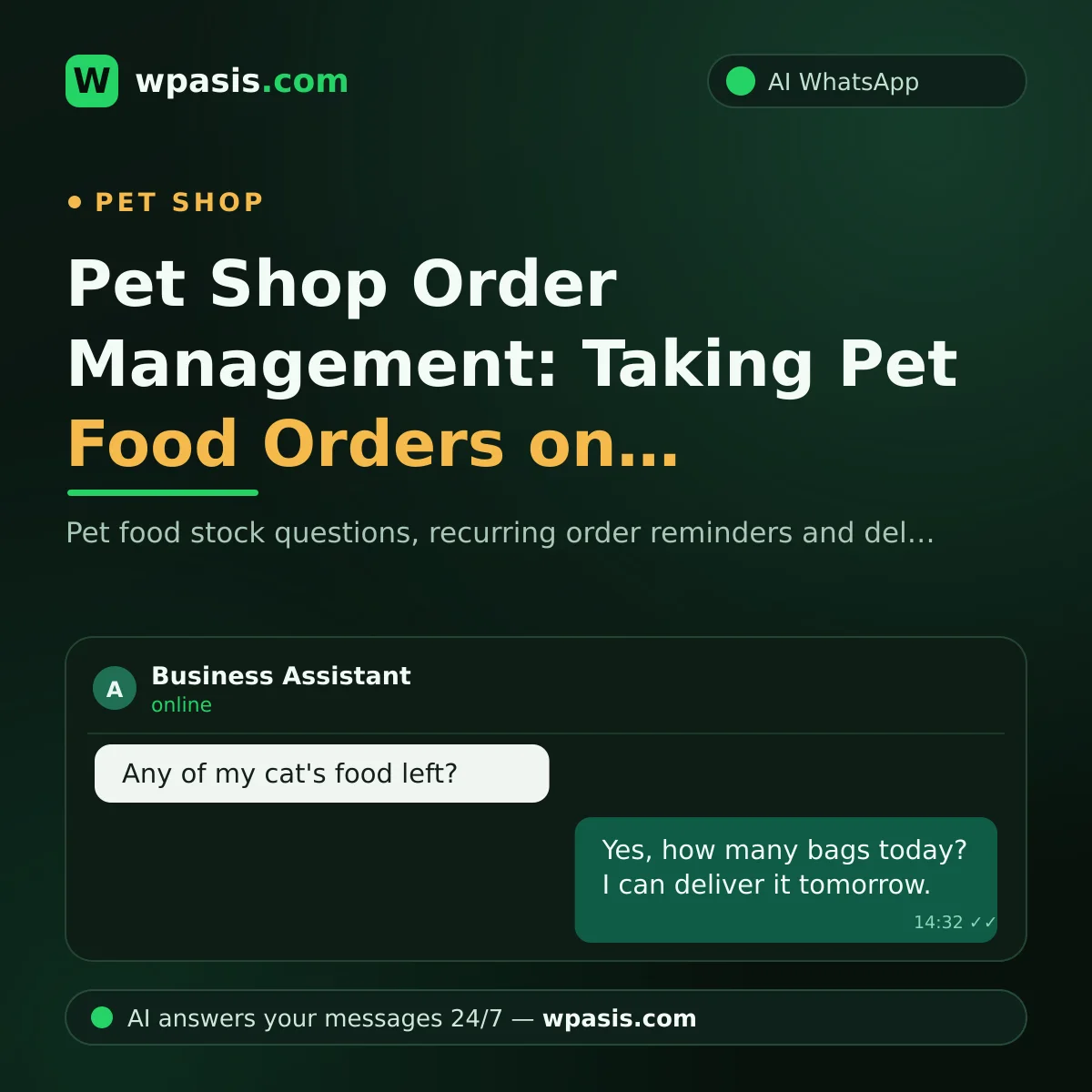
It's evening, and there's a customer at the till while someone else has a question over by the aquarium section. Right then your phone buzzes, one message after another: "Do you have my cat's food?", "Can it be delivered tomorrow?", "Has the bird grit come in?" A big share of pet shop order traffic now flows through WhatsApp — because pet owners usually notice the food has run out when they get home in the evening. If you can't get to your phone at that hour, the order may have gone somewhere else by morning.
In this guide, we'll explain how an AI assistant connected to your existing WhatsApp line answers pet food stock questions, takes orders, keeps customers with recurring-order reminders, and clears up delivery questions.
Pet Shop Order Messages: The "Do You Have the Food?" Marathon
Anyone who runs a pet shop knows these messages by heart:
- "Do you have the small bag of the salmon-flavored food?"
- "Which one do you recommend for neutered cats?"
- "If I order today, when will it arrive?"
- "I'd like another bag of the food I bought last month."
Each of these is easy to answer one at a time; the hard part is keeping up with all of them through the day. Let's say 40 messages come in a day and each takes about two minutes. That's over an hour of phone time a day — and it lands right in the shop's busiest hours.
The cost of an unanswered message is bigger than it looks. Pet food is a repeat-purchase product: once a customer sets up their routine somewhere else, you lose not just one order but a shopping relationship that could have lasted for years.
How AI Takes Over the Pet Shop Order Process
WpAsis is an AI assistant that connects to your business's existing WhatsApp line by scanning a QR code. Your number doesn't change, and no technical knowledge is required. Once it's connected, the assistant answers incoming messages on your behalf around the clock; every conversation sits in front of you in the panel, and you can take over as a human whenever you like.
Stock and Product Questions
You tell the knowledge base which brands, varieties and pack sizes you carry; the assistant answers "do you have the salmon-flavored food?" accordingly. If the product they're after isn't on your list, the assistant can ask the customer about similar options or leave the matter to you — the decision is always yours.
A note on sensitivity: for questions about nutrition and health, the assistant can be set up to stick to general information and steer anything affecting the animal's health to a vet. When it comes to the health of animal companions, recommending that customers consult an expert — a vet — for definitive advice is both the right thing to do and a stance that builds trust.
Taking Orders
The assistant collects the basics of the order: which product, how many, to which address, and when? The tidied-up order drops into the panel; you approve it, prepare it and send it on its way. Even a customer who messages "we're out of food" at 10pm can leave their order right then; when you open the shop in the morning, your task list is ready.
Recurring Order Reminders: Give Notice Before the Food Runs Out
It's the shared fate of every pet owner that the food always runs out at the worst possible moment. A small touch makes a big difference here: let's say one of your customers buys the large bag of food roughly once a month. A short reminder message before the month is up tells the customer "we're thinking of you" — and refreshes their order before the food runs out.
You set this routine up through the panel; the assistant handles the replies that come back to the reminder and turns them into orders. From the customer's side, the result is clear: the food never runs out, and the routine never breaks. From your side, it's the same: the order comes to you, not to a competitor.
Delivery: A Clear Answer to "When Will It Arrive?"
Leaving delivery questions vague is a matter of trust that's every bit as important as the order itself. You write into your knowledge base which areas you deliver to, which days and times you send deliveries out, and any conditions such as a minimum order; the assistant patiently explains this to every customer who asks. When an order goes out, you can let the customer know from the panel in a single message; and when they check on the status in the meantime, the assistant sums up where things stand.
If You Work Alone, This System Is Even More Valuable
Many pet shops run on one person: you're the till, the stockroom and the delivery driver all at once. Handing the phone's message traffic to an assistant lifts the biggest weight of your day off your shoulders. For a broader take on this, take a look at this piece: customer management in a one-person business.
A small extra suggestion: put a link that starts a WhatsApp chat with a single tap on your shop window, your business card and your social media accounts. Here's how to do it: creating a WhatsApp link. The easier it is for customers to reach you, the more orders your assistant handles.
Frequently Asked Questions
How does the assistant know which products are in stock?
You tell the knowledge base about your products, brands and pack sizes; the assistant builds its answers from there. As your stock changes, all you have to do is update the details from the panel.
What happens if a customer asks about their animal's health?
The assistant can be set up to stay within general information and steer health matters to a vet. For definitive advice on pet health, we always recommend consulting an expert; this stance also strengthens the trust your customer places in you.
Who approves the orders?
You do. The assistant takes the order details in a tidy form and drops them into the panel; the decisions about approval, preparation and delivery are entirely yours.
Do I need technical knowledge to set it up?
No. You connect your existing WhatsApp line by scanning a QR code; entering your product and delivery details into the panel is the longest part of the setup. There's no code to write and no device to change.
In the pet shop business, your real capital is the steady relationship you build with your customer. To avoid sacrificing that routine to a flood of messages, you can hand your order traffic to AI. Try the free demo at wpasis.com; for current pricing, just head to wpasis.com.