Locksmith Call Management: Don't Miss Emergency Requests with WhatsApp
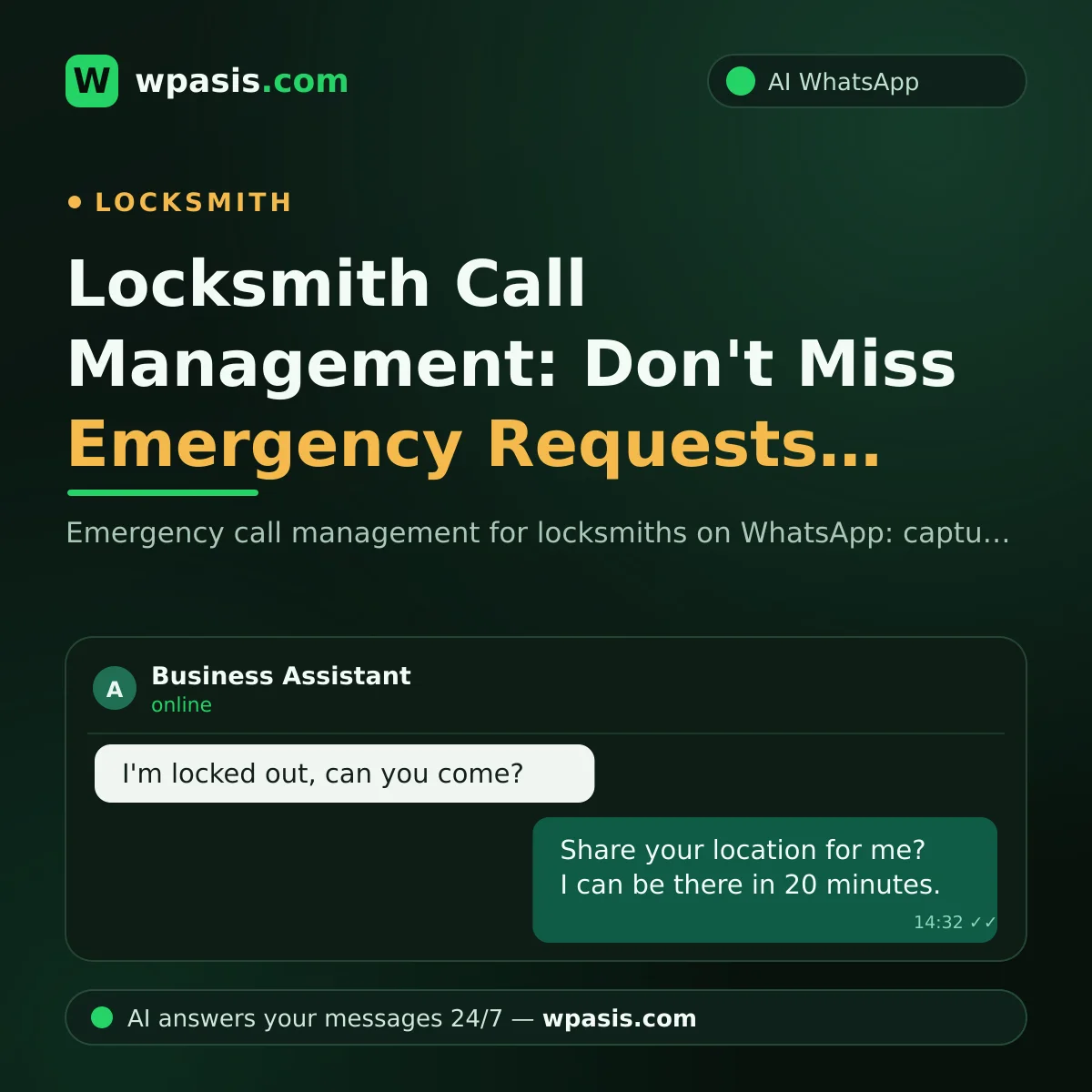
Locksmith call requests have one defining trait: none of them come planned. Someone locked out at their door wants a solution right now; they go with whoever answers first. When they can't get through by phone they write on WhatsApp, and if they get no answer there either, they move to the next locksmith on the list. In this guide we cover how to bring order to emergency calls on WhatsApp — how to speed up capturing location, sharing availability and giving an arrival time — and how to build trust along the way.
The Message That Arrives at Midnight: The Nature of a Locksmith Call
Let's say a message lands at midnight: "I'm locked out, can you come?" If you're on another job at the time, or asleep, the message goes unanswered. And the person stuck at the door can't wait even five minutes; the odds are strong they've sent the same message to three different locksmiths at once.
In this trade, speed is almost everything. But speed alone isn't enough; the person about to open their door to a stranger always has the same questions in mind: "Is this person trustworthy? Are they really a locksmith? When will they get here?"
So in a locksmith call you have to pull off two things at once: reply within seconds, and inspire trust from the very first message. Doing both by hand, every hour, every day, is effectively impossible.
Three Pieces of Information to Gather in a Locksmith Call
To turn an emergency request into a job, you need three pieces of information. The faster this trio is gathered, the faster the customer calms down and decides to work with you.
1. Location: not a description, a shared pin
Descriptions like "I'm by the bakery, on the back street" waste time at night and in neighbourhoods you don't know. WhatsApp's location-sharing feature is a big help here: you ask the customer to share their location with a single tap, and you set off straight from the map.
What to ask in the first message is clear: "Could you share your location?" Sending this request automatically and politely, the moment a message comes in, cuts minutes off the process.
2. Availability: "Can you come now?"
The customer's second question is always this one. If you're free, no problem; but if you're on another job, that needs saying fast too. Silence, in the customer's eyes, means "not available" — and they won't write again.
Even a clear line like "I'm on a job right now, I can set off in about this many minutes" is enough to keep most customers waiting. What's bad isn't the waiting, it's the uncertainty.
3. Estimated arrival time
You've got the location, you're available; now there's only one thing the customer wants to hear: "When will you be here?" Giving an estimated arrival time visibly eases the anxiety of the person waiting at the door. The rule here is honesty: don't quote a time you can't make; give a realistic range based on traffic and distance.
Trust: The Real Key That Opens the Door
Locksmithing is, by its nature, a trust business. When people choose who will open the door to their home, they look at trust more than price. Your WhatsApp line can build that trust from the very first message:
- Let your profile tell your story. Get your business name, profile photo and short description right. Nobody easily trusts a nameless, photoless line.
- Explain your process up front. Many locksmiths ask for ID and proof of residence at that address before opening a door. Explaining these customs up front, in writing, doesn't scare customers off; on the contrary, it gives the impression of someone who takes the job seriously.
- Link up your Google Business Profile. Customers being able to search for you, see your reviews and message you from there with one tap reinforces trust. You can find out how in our guide to adding WhatsApp to your Google Business Profile.
- Make one-tap contact possible. With a wa.me link on your business card and signage, customers can message you without saving your number; the details are in our wa.me link creation post.
What Does an AI Assistant Do on Emergency Calls?
Let's get to the most critical question: when you're up a ladder, behind the wheel or asleep, who answers that first message?
A WhatsApp AI assistant like WpAsis connects to your existing line with a QR code; no code or technical know-how needed. From the moment it connects it handles every incoming message 24/7. It gets back to a locked-out customer within seconds, asks for their location, grasps the urgency of the request, and shares your availability within the frame you've defined.
The assistant draws on your business knowledge base: which areas you cover, which hours you work, which jobs you do (lock-outs, lock changes, security doors, auto locksmithing and so on) — whatever you've written, that's what it tells them; it doesn't make things up when it doesn't know. If a foreign customer writes in another language, it replies in the same language.
Most importantly: control stays with you. You follow every conversation from the panel; with the location and request the assistant has gathered you set off directly, or if you prefer you take over the chat and write your arrival time yourself. The assistant doesn't open doors in your place; it doesn't let a single customer slip away in your place.
If you work alone the difference is even bigger: when there's no one else to check the phone for you, the assistant shoulders the first load of every call.
Non-Emergency Jobs: The Second Revenue Stream in Locksmithing
A locksmith's work isn't only the people locked out. Lock changes, security-door maintenance, safe opening, spare keys, car-key copying... These requests aren't urgent but they're planned, and they often bring steadier income.
Amid the emergency-call traffic, these planned requests easily slip through the cracks. The customer writing "We've just moved into a new home, we want to change the locks" is in no rush; so they'll wait through your silence for a while, but not forever. An unanswered planned job quietly goes to another tradesperson.
The nice thing about a well-built system is that it tells the urgent from the planned and owns both: for an urgent request, location and speed come to the fore; for a planned request, an appointment is set for a suitable day. That way, while you're opening a door at night, the daytime's planned jobs settle into your calendar on their own.
Frequently Asked Questions
How does the assistant tell an emergency from an ordinary message?
The assistant works by understanding the content of the message. It treats phrases like "I'm locked out", "I'm shut out", "my keys are inside" as an emergency and prioritizes gathering the location and callback details. You can also see the conversation from the panel and step in instantly.
Does the assistant give the arrival time?
Because an estimated arrival time depends on traffic and your situation at that moment, it's healthiest for you to give this yourself. The assistant gathers the location and request and informs the customer; you firm it up with a single message like "I'll be there in 20-30 minutes." If you like, you can add average times for your standard areas to the knowledge base.
Do late-night messages need a separate setting?
No, the assistant works the same at night as it does by day. If you don't provide a night service, you write that in your knowledge base; the assistant then tells the customer your working hours and says you'll get back to them first thing in the morning.
What if the customer doesn't want to share their location?
The assistant can also take the address in writing; it clarifies the request by asking for the neighbourhood, street and building details. Location sharing is the fastest route but not the only one; what matters is that you have a clear address in hand when you set off.
A locked-out customer's message edges closer to another locksmith with every minute it goes unanswered. If you want every call to your line answered instantly, you can try the free demo at wpasis.com; setup is as simple as scanning a QR code, and for current pricing, wpasis.com.