Simplify Lab and Imaging Appointments with WhatsApp
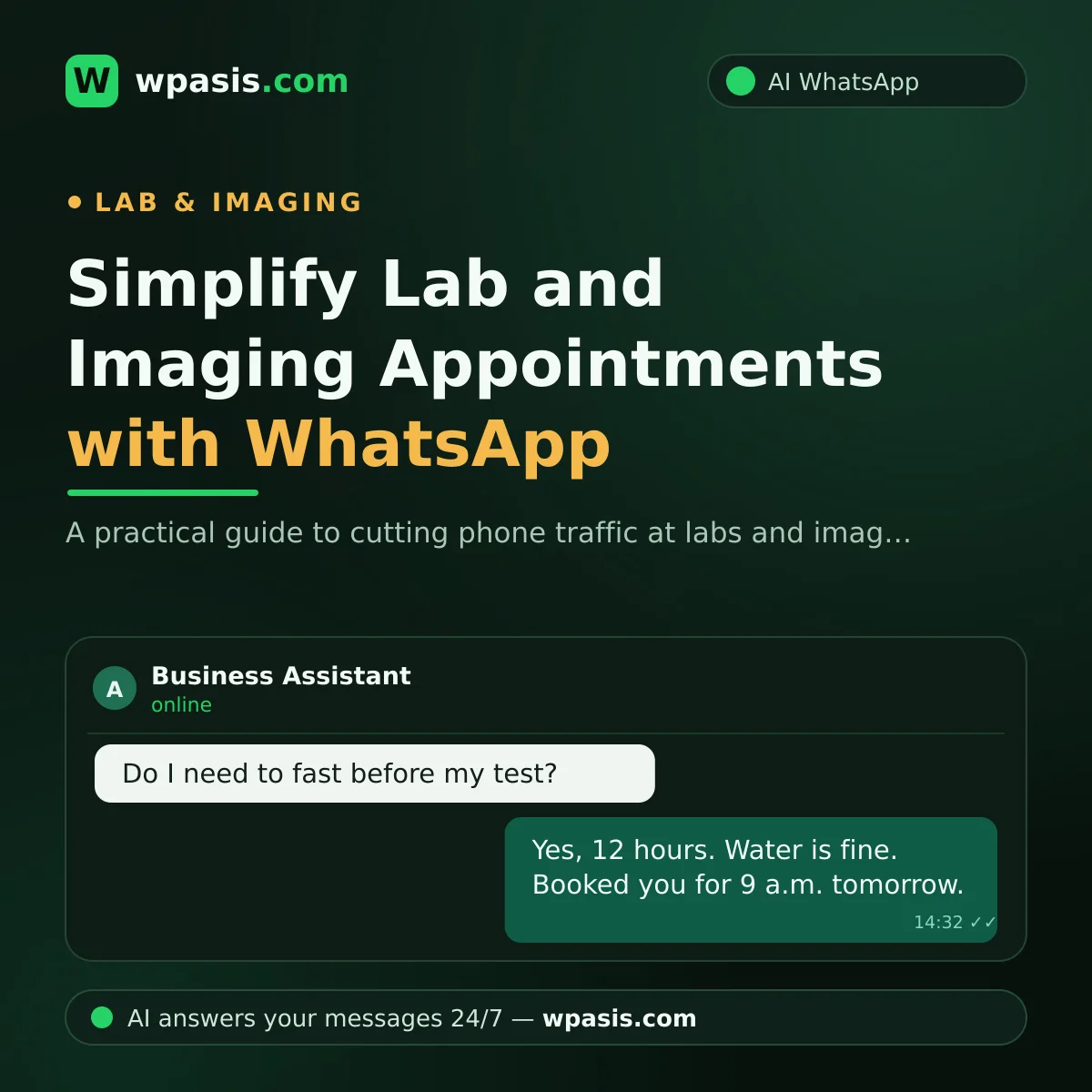
It's 8 a.m. The lab phone won't stop ringing: one caller wants to know whether they need to fast before a blood glucose test, another wants to move their ultrasound slot, a third is calling for the third time to ask "are my results ready yet?" If this scene feels familiar, you're not alone. Appointment and information traffic is the single biggest time sink of the day at most labs and diagnostic imaging centers. The good news: most of that traffic can be handled over WhatsApp, even while the center is closed.
Why Does Lab Appointment Traffic Jam the Phone Lines?
Most calls to a lab or imaging center fall into three buckets: booking an appointment, learning how to prepare for a test, and asking whether results are ready. Each one is a job of just a few minutes on its own, but stacked back-to-back all day they leave the front desk no time for the real work, looking after the patient who is actually in the building.
Let's put numbers on it. Say an average day brings 40 calls and each one runs about 3 minutes. That's over two hours of uninterrupted phone traffic a day. And some of those calls hit a busy signal; the patient who can't get through either calls again or tries another center. So it isn't just the phone that jams, your appointment book stays empty too.
The phone has one more weakness: it leaves no trace. When a patient argues "nobody told me to come in fasting," you have no record. A WhatsApp thread, on the other hand, shows exactly which information was given and when, a safeguard for both the patient and the center.
How Does a WhatsApp Lab Booking Flow Work?
Once you move the process onto WhatsApp, the flow comes together in roughly three steps.
Request and time suggestion
The patient writes, "I'd like to come in for blood work tomorrow." The AI assistant asks which test they're booking and whether morning or afternoon suits them, then offers available time slots. Even a patient writing at 11 p.m. gets an answer right then, with no waiting for the phones to open in the morning.
Confirmation and prep instructions in one message
Once the appointment is set, the assistant sends the confirmation along with the prep note specific to that test: how long to fast if fasting is required, what to bring, and any other rules your center has set. The patient doesn't call the next morning asking "was I supposed to come in fasting?" The information is already sitting in their phone.
Appointment reminder
The day before the appointment, an automatic reminder goes out. A patient who can't make it lets you know early, and the freed-up slot opens for someone else. We covered how to word these in detail in our appointment reminder message examples article.
Why Are Prep Instructions So Critical for Fasting Tests?
A patient who arrives unprepared is one of the costliest scenarios for a lab. Someone who ate breakfast when they were supposed to fast has to reschedule; they take a second half-day off to come back, your appointment schedule is thrown off, and, more often than not, the patient blames the center for the mix-up.
That's why prep information shouldn't be a "we'll tell them if they ask" matter. It should be a standard, sent automatically with every booking. Because which test needs which preparation varies from center to center and method to method, the assistant needs to give the information you've approved, not generic advice pulled off the internet. That's exactly why WpAsis draws on the business's own knowledge base: you decide what gets said for each test, and the assistant relays only that.
One point deserves emphasis: prep rules can change based on a patient's age, their medications, and their doctor's instructions. The assistant provides general guidance; for patients with special medical circumstances, the definitive word always comes from the physician. Adding a "check with your doctor to be sure" note to your message templates is both correct and reassuring.
Sharing Results: The Most Sensitive Point for Data Privacy
Up to here, everything has been a matter of practical efficiency. Results sharing has to be treated on a different level.
Important warning: Test and imaging results are health data. Under regulations like HIPAA in the US and GDPR in the UK and EU, this counts as sensitive (special-category) personal data and is subject to the strictest protection. Automatically sharing a result document or its contents over WhatsApp can create serious legal risk. A single PDF sent to the wrong person is a major problem. Before building any process here, consult a data-protection specialist or lawyer; for definitive guidance, expert advice is essential.
So does a patient asking about results get no answer at all? They do, just without the content. The safe middle path is this: the assistant reports whether the result is ready, not the result itself. For example: "Your results are ready. You can pick them up from our center with your ID, or view them through our secure results portal using the code you were given." The patient is informed, and the health data never enters the messaging channel at all. For topics like privacy notices, explicit consent, and data retention, take a look at our data protection and WhatsApp guide.
How Does the AI Assistant Take This Load Off You?
You don't need a developer or a technical team to set up the flow described here. WpAsis connects to your center's existing WhatsApp line by scanning a QR code; your number stays the same, and your patients keep messaging the same number.
The assistant answers incoming messages on your behalf 24/7: it takes appointment requests, sends prep information, and answers frequently asked questions. If you have international patients, it can serve them in more than one language on the same line. You monitor every conversation from the panel; the moment a sensitive or complex topic comes up, a human takes over with one click and the assistant steps aside. Control is always yours.
The upshot: your front desk focuses on the patient in the building instead of racing to the phone; appointment requests that come in overnight are waiting, ready, by morning; and the number of unprepared arrivals drops noticeably.
Frequently Asked Questions
Do patients need to install an app to book over WhatsApp?
No. Patients message your center's existing number from the WhatsApp they already use. No extra app, sign-up, or form to fill out, which is why patients of every age find it easy.
What if the assistant gives the wrong prep information?
WpAsis doesn't pull random information off the internet; it draws only on the content in the knowledge base you've loaded. When a question comes in that it can't answer confidently or that falls out of scope, it hands the matter to your team. You can also monitor every exchange from the panel and step in instantly whenever you need to.
Is it forbidden to send test results over WhatsApp?
Results are sensitive health data, and the rules here are strict. The safe approach is to convey only that the result is "ready," not its contents. We recommend consulting a data-protection specialist before setting firm boundaries for your center.
Do we need to change our current phone number?
No. WpAsis connects to the WhatsApp line you already use via a QR code. Your patients keep messaging the number they know; the only thing that changes is that messages now get an instant reply.
The shortest path to cutting phone traffic and filling your appointment book is being available on the channel the patient already uses. To see WpAsis at your own lab, request a free demo at wpasis.com.