How to Reduce No-Show Appointments (And Stop Losing Chair Time)
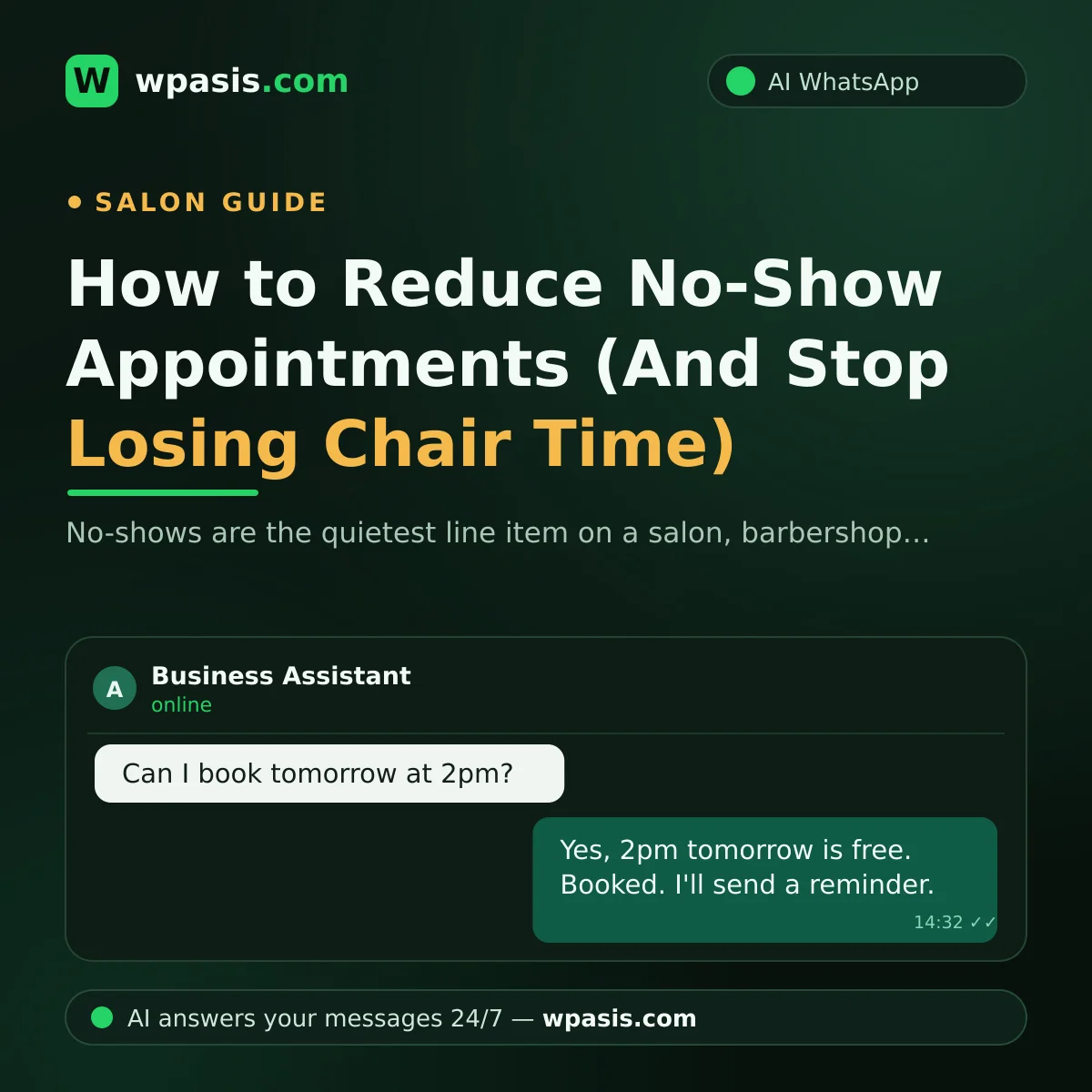
The chair is ready, everything's laid out, it's time... and nobody walks in. The phone rings out, too. The no-show is the quietest line item in any barbershop, salon or clinic. No money leaves the till, but the hour you set aside — along with the rent and the effort behind it — is gone for good.
Here's the good news: you'll never get no-shows to zero, but you can cut them dramatically. This guide walks through why clients don't turn up, why a simple reminder message works so well, how to set up deposits and confirmation policies, and how to run automatic reminders over WhatsApp.
Why Clients Don't Show Up
Most no-shows have nothing to do with bad intentions. These are the usual culprits:
They forgot
This is the big one. If someone booked a week ago and nobody reminded them in between, forgetting is the most natural thing in the world. Appointments taken over the phone or at the counter — with no written record anywhere the client can see — are the easiest to lose track of.
Easy to change their mind, hard to tell you
Their plans shifted, but they're reluctant to call. "Will they be annoyed?" they wonder — and instead of cancelling, they just don't come. If there's no easy way out, silence is the path of least resistance for the client.
The booking doesn't feel real
A "yeah, pop in around three tomorrow" agreement isn't binding in the client's mind. An appointment with no written confirmation is a "maybe" for both sides.
Double-bookings and crossed wires
The client remembers the wrong time, or you wrote down a different one, or the scribble in the diary gets misread. Businesses running off a paper book hit this far more often. Our guide on moving from a paper appointment book to digital goes deeper on that.
What a No-Show Actually Costs You
To make the loss concrete, let's set up a purely hypothetical scenario: imagine a salon that takes 10 appointments a day. If just one of them doesn't turn up, that's six empty chair-hours a week. Those slots could have gone to someone else — and rent, electricity and wages keep running whether the chair is full or not.
And the lost revenue isn't the whole story:
- Your schedule falls apart. Had you known the slot would be empty, you'd have booked someone else into it.
- Waiting clients walk. The person you told "sorry, that time's taken" has gone somewhere else.
- Morale takes a hit. Prepping and waiting, only to get stood up, wears the team down.
That's why "these things happen" is the wrong response. No-shows are worth attacking systematically.
The Most Effective Fix: The Reminder Message
The simplest, most effective way to cut no-shows is to send the client a written reminder before the appointment. The logic is straightforward: if forgetting causes the no-show, a reminder solves it outright. It also gives clients who can't make it an easy way out — they reply "can't make it", and you open the slot back up to someone else.
A good reminder setup usually has two messages:
- The booking confirmation: Sent the moment the appointment is made, putting the date and time in writing. This is what makes the booking feel real.
- The reminder: Sent a day before, or a few hours ahead on the day: "See you tomorrow at 2pm — if you can't make it, just reply to this message."
Keep the tone polite but clear, and never make the client feel accused. For ready-made wording by trade, see our appointment reminder message templates.
One note: messaging your clients may come with data protection obligations. Why you hold someone's number, what you use it for and whether you have consent all fall under privacy rules like the GDPR or your local equivalent — check with a qualified professional before you build your process around it.
Deposits and Confirmation Policies: When and How
Reminders solve forgetfulness, but they don't always stop the client who figures "it's fine, they won't mind." That's where policy comes in. There's no single right answer — know the options and pick the one that fits your business.
Asking for confirmation (the gentlest option)
You add "Can you confirm your appointment?" to the reminder. If nobody replies within the window you set, the slot is treated as cancelled. It adds weight to the booking without asking for money up front, and it's where most small businesses should start.
Deposits (paying up front)
You take a small payment at the time of booking, then deduct it from the bill when the client arrives. If they don't show, the deposit is forfeited. It's the strongest deterrent, but it cuts both ways: it can scare off new clients. It tends to work best for long services, appointments that need materials prepped, or peak-time slots. If you use it, state the rule clearly and in writing from the outset.
The tiered approach
There's a middle ground: ask new clients — or anyone who has skipped an appointment before — for a deposit or a firm confirmation, while regulars just get a reminder. That way you protect the risky bookings without insulting your loyal clients.
Whichever route you take, apply the rule consistently. If you let it slide today and demand a deposit tomorrow, nobody will take the policy seriously.
Setting Up Automatic Reminders on WhatsApp
Here's the weak point in everything above: done by hand, none of it lasts. Writing individual confirmations while you've got scissors in your hand, then sitting down every evening to remind tomorrow's clients — that starts slipping within a few weeks. And the day you forget to send reminders is the day no-shows come back.
The fix is to automate the loop. WhatsApp is the natural place to do it, because it's the channel your clients already use every day. The ideal setup runs like this:
- The client messages on WhatsApp; the assistant checks available times and books them in.
- A written confirmation goes out the moment the booking is made.
- An automatic reminder is sent before the appointment; the client confirms or cancels with a single reply.
- If they cancel, you see it in your dashboard and can fill the slot.
That's exactly what WpAsis was built for: it connects to your existing WhatsApp line by scanning a QR code — no technical setup needed. It answers incoming messages on your business's behalf around the clock with AI, takes bookings and handles common questions. It reads your website so it speaks with your business's own information, and you can watch every conversation in the dashboard and step in whenever you like. For how this plays out in barbershops and salons specifically, see the WhatsApp booking system for barbershops.
Summary: 5 Steps to Fewer No-Shows
- Put every appointment in writing with a confirmation — no verbal-only bookings.
- Always send a reminder before the appointment, and make cancelling easy.
- Use confirmation requirements or deposits on risky bookings, and state the rule up front.
- Note who doesn't turn up, and apply your policy accordingly next time they book.
- Run the whole flow through an automatic system, not by hand, so nobody slips through.
You'll never get no-shows down to zero, but these steps will noticeably cut your empty chair-hours. If you'd like to try automatic reminders and WhatsApp bookings in your own business, head to wpasis.com for details and current pricing.
Frequently Asked Questions
Can I charge a client who doesn't show up?
Only if you have a deposit or cancellation policy you told them about clearly, in advance. Charging without warning costs you the client and can create legal problems. Put your policy in writing and share it at the time of booking — and speak to a qualified professional for definitive legal advice.
How far ahead should I send the reminder?
The common practice is one reminder the day before, with an optional short second reminder on the morning of. Send it too early and it gets forgotten; leave it to the last minute and the client has no chance to rearrange. Tune the timing to your own clientele and watch what happens.
Do deposits scare clients away?
They can, if handled badly. That's why most businesses don't apply deposits across the board — they use them for long treatments, peak hours, or clients who have missed an appointment before. Explain the rule politely at the moment of booking and serious clients generally find it reasonable.
Do I need technical skills to automate WhatsApp reminders?
Not if you use a ready-made assistant. WpAsis, for example, connects to your existing WhatsApp line by scanning a QR code — there's no coding or technical installation involved. Booking, confirmation and reminders run automatically through the system, and you follow the conversations from the dashboard.