Painting Quotes on WhatsApp: Gather the Details First
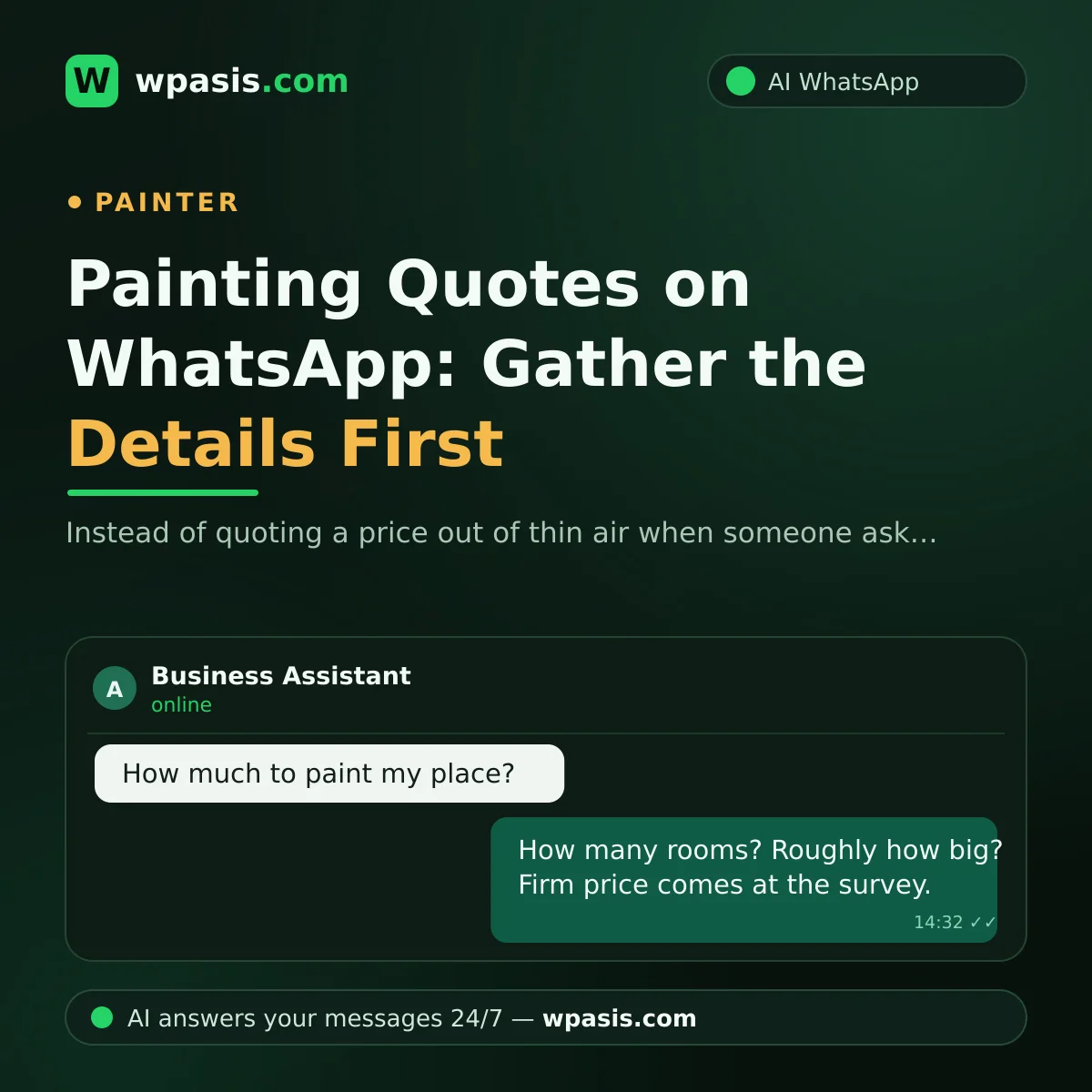
If you're a house painter, how many times a day do you get this message: "How much to paint my place?" Giving a straight answer to that one-line question is almost impossible — because there's nothing to go on: no room count, no square footage, no idea of the state of the walls. And this is exactly the most critical moment in the quoting process: the painter who blurts out a number off the top of their head either lands the job too cheap or scares the customer off. The right move is to gather the details before the price, and leave the firm number to the on-site survey. In this article, we'll walk through how to set that system up on WhatsApp, step by step.
"How Much to Paint It?": The Hardest Moment in the Quoting Process
When a customer asks for a price, they're not being difficult; they just want to know their budget. But every number you name for a place you haven't seen is a gamble. Say you told them over the phone that "three rooms will run about this much"; then you get there and find high ceilings, damp walls, and crumbling plaster. Now you're stuck between two bad options: work at a loss, or raise the price and argue with the customer. Either one costs you your reputation.
At the other extreme is not answering at all: the painter who just says "I'll have to come and look" loses the customer too, because they leave the conversation without the faintest idea, and go to another painter who at least gave them a range.
The right path is in the middle: get to know the job with a few questions first, sketch a rough range if you can, and tie the firm price to the survey. All three steps run comfortably on WhatsApp.
The Pre-Quote Checklist: Questions to Ask Before Price
The questions that lay the groundwork for a quote are well established, and they don't tire the customer out at all:
- How many rooms are being painted? Does that include the living room, kitchen, hallway?
- Roughly what's the square footage of the place?
- Are the ceilings being painted too?
- What condition are the walls in: any peeling, cracks, damp, or spots that need plastering?
- Is the place empty or furnished?
- Do you have a color in mind; one color throughout, or different rooms different colors?
Ask for a photo, too. A few shots of the rooms, a close-up of the wall surface, and images of any problem areas let you roughly gauge the size of the job. Say the customer describes a 1,000-square-foot furnished apartment with damp on two walls; before you've even gone for the survey, you start shaping the scale of the job, the days it'll take, and the materials you'll need in your mind.
This information matters not just for the price but for planning: a furnished home takes longer, a damp wall needs extra treatment, a surface that needs plastering calls for separate materials. The more you know up front, the fewer surprises later.
Firm Price at the Survey: Say This Clearly, From the Start
Once the details are gathered, you have to tell the customer plainly: "The firm price is set at the survey." This line isn't a dodge — it's honesty, and it should be presented to the customer that way. Damp lurking under the wall, the state of the plaster, ceiling height — these can only be seen on site.
The survey appointment is the natural next step in this conversation: "I'll come and take a look tomorrow at 6 PM and give you a firm price on the spot." A conversation that leads to a survey is far more valuable than one that trails off in messages, because the painter who steps through the door is the painter closest to landing the job.
A tip: sending a short reminder before the survey appointment cuts the risk of finding no one home and leaves a professional impression.
Gathering Painting-Quote Details Automatically on WhatsApp
Typing these questions out to every customer one by one is exhausting for a painter juggling dozens of messages a day — and checking your phone while you're up on the scaffold is usually impossible. A WhatsApp AI assistant like WpAsis does this for you:
- Connects to your existing WhatsApp number via QR code; no technical knowledge required.
- Replies within seconds, 24/7, to the customer who writes "how much to paint it?"
- Asks the pre-quote questions you've defined, in order: room count, square footage, ceilings, wall condition, furniture.
- Asks the customer to send photos of the rooms.
- Explains, in your voice and your style, that the firm price is settled at the survey, and takes the survey booking request.
- Draws on your business's knowledge base: which areas you cover, which jobs you do, your working hours — all reflected in the assistant's replies.
- You watch every conversation from the panel and take over whenever you like to handle the negotiation yourself.
How accurate the assistant's answers are depends on the information you give it. To get your service list, coverage area, and answers to common questions neatly prepared, take a look at our guide to building a business knowledge base. We'd also suggest learning how to create a WhatsApp link with wa.me so customers can message you in one tap; you can add that link to your listings and business cards.
A Small Scenario: A Quote Request While You're on the Scaffold
Say it's Saturday midday and you're painting an apartment's ceiling. A customer messages: "I've got a three-bedroom place, how much to paint it?" The assistant jumps straight in: it confirms the room count, asks about the square footage, whether the ceilings are included, and the condition of the walls, and requests a few photos. Then it explains that the firm price is settled at the survey and finds out which day suits the customer for it.
When you check your phone in the evening, there's a ready request in front of you: the details of the place, the photos, the hours the customer is free. All you have to do is confirm the survey time. The most tiring part of the quoting process — the back-and-forth messaging — got done on its own while you worked the brush.
Post-Quote Follow-Up: The Small Touch That Lands the Job
After going out to survey and giving a price, many painters leave the conversation there; but some customers say "let us think about it" and then forget. A polite follow-up message a few days later brings the forgotten quote back to mind: "Hi, we came out to survey last week; if you have any questions, I'm happy to help." This message doesn't pressure anyone, but it keeps you in mind.
The follow-up has another benefit: if the customer is comparing other quotes, seeing that you're reachable and attentive becomes a reason to choose you. In painting, half the job is in the brush and the other half is in communication; the painter who gives a quote and then vanishes usually loses the work to the one who keeps the conversation warm. And because your WhatsApp conversations all sit in one place, it's easy to see which customer you quoted and when, and to follow up.
Frequently Asked Questions
Does the assistant give prices?
The assistant says what you teach it. If you prefer, it names no number at all — it says "the firm price is set at the survey" and steers toward a survey appointment. You can take over the price conversation any time from the panel.
What if the customer asks questions in a different order?
Because the assistant is AI, it isn't locked into a single memorized script; it answers the customer's questions naturally while filling in any missing details within the flow of the conversation.
Where do I see the photos?
The photos the customer sends stay in the WhatsApp conversation; you can see the whole conversation and all the images from your phone or the panel.
When I go to survey, do I take over the conversation?
Yes, you step in whenever you want. The assistant gathers the details and locks in the appointment; the negotiation and the deal after the survey are always in your hands.
If you'd like to leave the messaging traffic to the assistant and focus on the brush, you can try the free demo at wpasis.com. For current pricing, just visit wpasis.com.