Electrician Service Calls: Stop Missing Work on WhatsApp
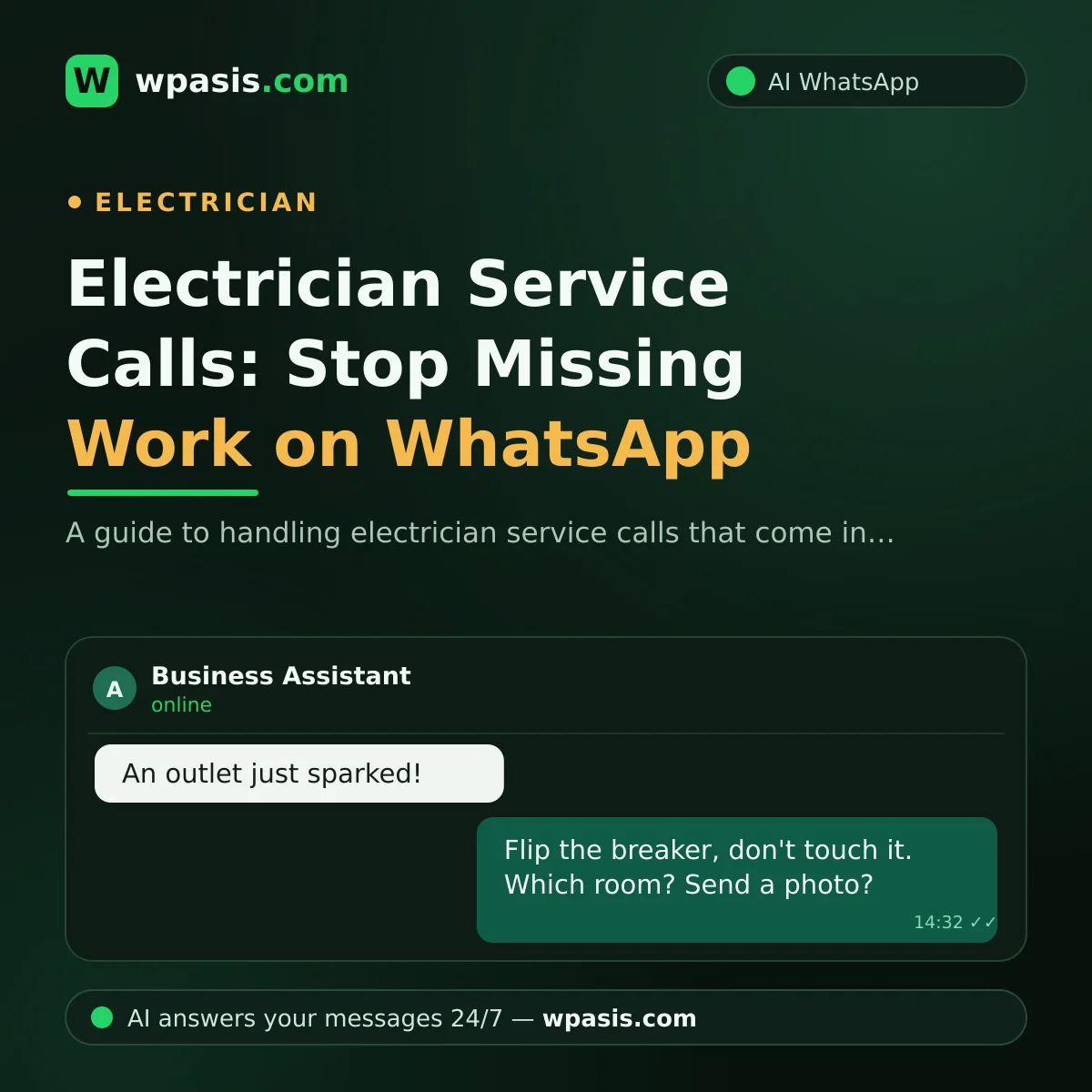
"The power's out," "an outlet sparked," "the breaker keeps tripping"... if you're an electrician, these messages are nothing new. The electrician service call these days rarely comes by phone anymore — it comes on WhatsApp, because customers find it easier to type out the fault, or even snap a photo of it. The trouble is that while you're up a ladder, at the panel, or on a site all day, most of these messages sit unanswered for hours. And a service call left unanswered becomes a job on another electrician's phone. In this article, we'll walk through how to manage service calls without missing them — safely and in good order.
Why Did Electrician Service Calls Move to WhatsApp?
Let's look at it from the customer's side: an electrical fault is stressful, and usually hard to describe. Rather than explaining "there was a noise, then half the house went dark" over the phone, the customer prefers to snap a photo of the breaker box and send it on WhatsApp. There's a written record, and the address and time details don't get lost.
There's a big advantage for you, too: a fault described in writing is far more useful than one heard over the phone and half-forgotten. Which customer was where, what the problem was, what was discussed — it's all on one screen. But that advantage only works on one condition: the messages get answered in time. Messages replied to in a batch at the end of the day are mostly cold leads by then.
Gather the Fault Details Up Front: The Right Question Is Half the Diagnosis
With an electrical fault, half the survey is done with the right questions. Asking the customer these few things lets you recognize the job while you're still on the way:
- When did the problem start? Does it appear when you switch on a particular appliance?
- Is the whole house without power, or just one room?
- Is the breaker tripping? Does it trip again when you reset it?
- Any burning smell, sparks, or noise?
- Roughly how old is the building; has anything similar happened before?
Say the customer says "the breaker trips when I run the washing machine." That answer starts steering you toward whether the source is the circuit, the outlet, or the appliance itself — and it shapes what materials you bring. Ask for a photo too: a shot of the breaker box and the problem outlet often says more than a long description.
Rather than typing these questions out to every customer one by one, you can set them up once — more on that shortly. If you're curious about the basics, our AI guide for small businesses is a good starting point.
Safety First: The First Thing to Tell the Customer
Electricity, unlike plumbing, is unforgiving. So the first reply to a service call shouldn't be an arrival time — it should be a safety warning:
- Don't touch any cable, outlet, or panel that's live.
- If there's a burning smell or sparks, switch off the breaker and stay away from that area.
- If there's water where the electricity is, do not intervene under any circumstances.
- Don't try to fix the fault yourself; wait for a qualified electrician.
This warning protects both the customer and you. A customer who tries a "temporary fix" with tape and pliers before you arrive puts themselves in danger and makes the fault worse. Sending the safety message automatically on every call is the cheapest insurance your business has. For anything structural or governed by regulations, a qualified professional and the official authorities should always be consulted for definitive guidance; the WhatsApp exchange is for preliminary information only.
Lock In the Appointment, Don't Forget the Reminder
Once the fault details are gathered, it's time for the appointment. Two rules here prevent lost work. First, clarity: not "I'll drop by tomorrow" but "I'll be there between 2 and 4 PM tomorrow." Second, the reminder: a short message before the appointment seriously cuts the risk of finding no one at the door. For ready-made templates, see our appointment reminder message examples.
Ask for the address up front too: building, unit, floor if any, and the hours the customer will be home. It's worth double-checking the phone number is correct, thinking ahead to those small but maddening details — like turning up at a house with no power and not being able to ring the buzzer.
An AI Assistant for Managing Electrician Service Calls
Running the whole system above by hand is a second shift, especially for an electrician working alone. A WhatsApp AI assistant like WpAsis takes that load off you:
- Connects to your existing WhatsApp number via QR code; no technical knowledge or setup required.
- Replies to every service call within seconds, 24/7; even while you're at the panel, the customer isn't left hanging.
- Sends the safety warning at the very start of the conversation: "Please don't touch anything electrical."
- Gathers the fault details with the questions you define: is the breaker tripping, which room, any smell?
- Asks the customer for a photo, gets the address and a convenient time, and creates the booking request.
- Draws on your knowledge base — your coverage area, working hours, and the jobs you do; on anything out of scope, it hands the conversation to you.
- You watch every conversation from the panel and take over whenever you like.
The result: even if you can't look at your phone all day, every call is answered, every fault is described, every appointment is queued up. In the evening you're holding not a mess of messages, but tomorrow's job list.
A Small Scenario: Thursday Afternoon
Say you're on a shop's lighting refit, your phone in your pocket. At 3:20, a customer messages: "An outlet threw sparks, I got such a fright." The assistant replies instantly: it tells them first to switch off the breaker and not touch the outlet, then asks which room they're in, whether other outlets have the problem, and requests a photo. It learns the address and that the customer will be home in the evening.
When you check your phone at 5, there's a ready call log in front of you: the fault description, the photo, the address, a convenient time. You type "I'll be there at 7 this evening" and set off. The customer wasn't left alone in the moment of fright, and you didn't miss the job.
Frequently Asked Questions
Does the assistant diagnose the electrical fault?
No, and it shouldn't. The assistant's job is to gather the fault description, photo, and address, send the safety warning, and lock in the appointment. The diagnosis and the work are always yours.
Can I have it send the safety warning to every customer?
Yes. Because the assistant draws on your business's knowledge base, you can set up a flow like "send the safety warning first on fault calls." You write the warning in your own words, too.
What happens to calls that come in at night?
Because the assistant works 24/7, a message that arrives at night is answered instantly too; the fault details are gathered and the request logged. You decide in the morning whether it needs an emergency callout, and take over the conversation if you wish.
Do I need software knowledge to set it up?
You don't. WpAsis connects by scanning a QR code with your existing WhatsApp number. Once you've introduced your work, your area, and your questions, the assistant starts replying on your behalf.
If you want to stop letting service calls go unanswered, you can try the free demo at wpasis.com. Seeing the assistant on your own number takes a few minutes; for current pricing, just visit wpasis.com.