Dry Cleaning WhatsApp Order System: A Practical Guide
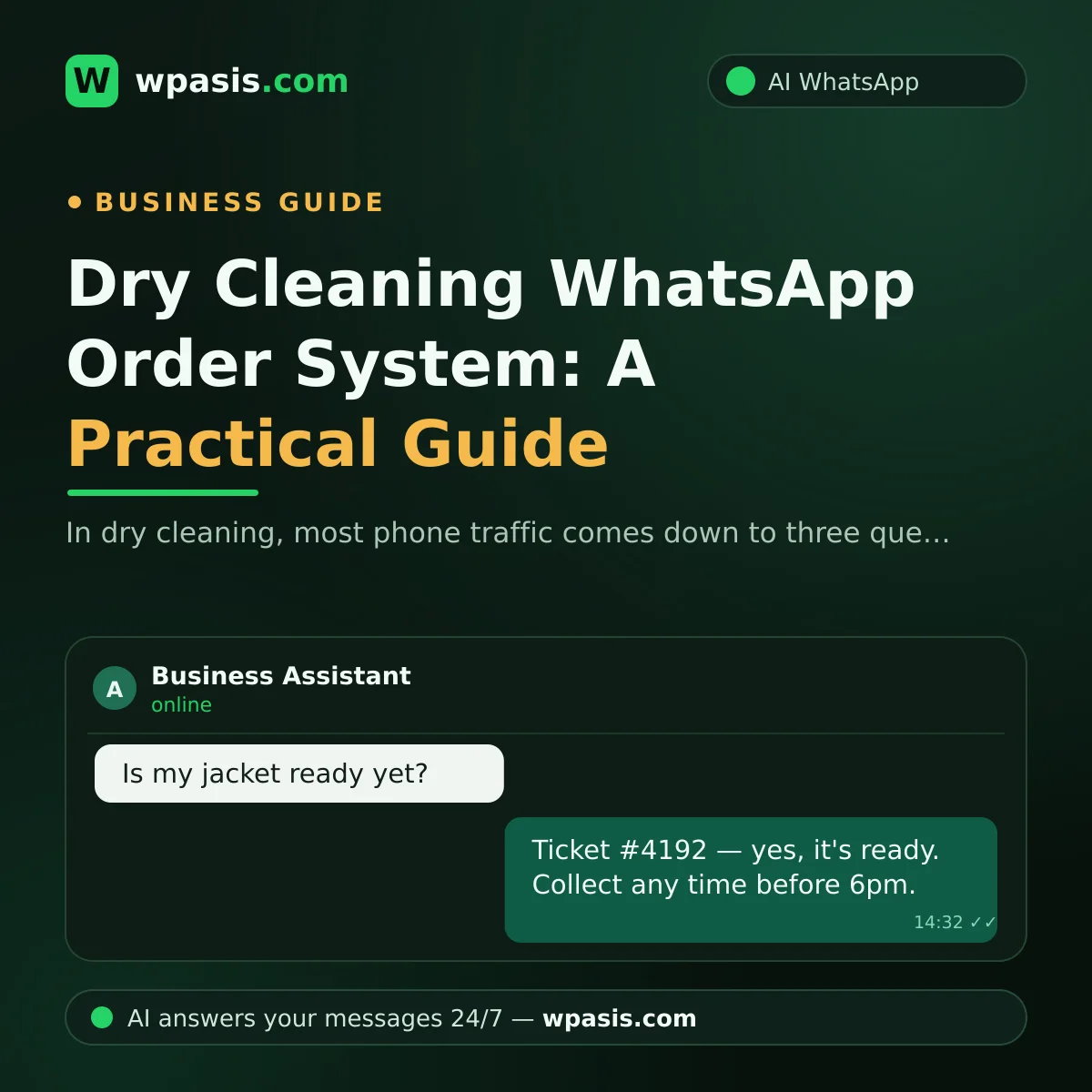
In a dry cleaning shop, most of the day is spent at the press, the machine and the counter. But the phone never stops. Look at your dry cleaning WhatsApp line and you'll probably notice that the vast majority of incoming messages fall into three buckets: "Can you pick up today?", "Is my jacket ready?", "How much for a duvet?"
Those three questions aren't the work itself — they're the traffic around the work. And that traffic gets handled with a phone buzzing in your pocket while you've got a steamer in your hand. The result: half-finished replies, messages you remember at 9pm, and "I meant to call you back but it slipped my mind" apologies.
This article walks through how to organise your dry cleaning WhatsApp line so it resolves those three questions largely on its own. Let's get the logic straight before anyone sells you anything — clarifying the process is always cheaper than installing a system on top of a messy one.
Why a dry cleaning WhatsApp line beats the phone
A dry cleaning customer's question usually isn't urgent, but they have no patience for waiting either. To ask "is it ready?", they have to dial, listen to it ring, wait for someone to pick up, then get put on hold while you "just go and check" — every step of that is friction.
On WhatsApp, the customer asks, goes back to their day, and reads the answer when it lands. The same advantage works for you: you reply when the press is done, when you get a gap. Nobody's sitting on hold.
There's another difference that matters: on WhatsApp, things stay in writing. When the "I gave you three pieces" conversation happens, the chat history serves you both. What's said on the phone disappears.
If you're curious why customers increasingly prefer typing to calling, we covered that shift in detail in WhatsApp or Phone: What Customers Actually Prefer.
Managing pickup and delivery bookings on WhatsApp
For customers who can't get to the shop, pickup and delivery is a genuine differentiator. Handled badly, though, it shoots you in the foot: sending the driver at the wrong time, finding nobody home, driving down the same street twice in one day.
The minimum information a booking needs
To set up a pickup correctly, you really only need four things:
- The address (including floor and flat number — "outside the building" isn't enough)
- A time window (not a time — a window, like "between 2pm and 5pm")
- Number and type of items (so the driver knows how many bags to bring)
- A fallback (if nobody answers, can it be left with a neighbour or a concierge?)
Every booking made without those four generates phone traffic later. Collecting them in the first round of messaging removes the next three messages.
Set up zone-and-day logic
Say you're a dry cleaner serving three neighbourhoods. Instead of driving to every neighbourhood every day, fixing days saves both fuel and mental load. Telling a customer "We're in Riverside on Tuesdays and Fridays — which suits you?" takes fewer messages than "whenever you like".
Writing rules like this down pays off later when you set up an AI assistant, too — because the assistant applies exactly the same rule.
Solving the "is it ready?" question
This is the classic dry cleaning message. It's also the most irritating one, because answering it means getting up from the counter and going to check the rails.
The ticket number is everything
If your customer writes "Is my jacket ready?" and you have to reply "What's your ticket number?", you've just lost two messages. The fix is simple but takes discipline: when you take the items in, send the ticket number to the customer on WhatsApp.
That way, when they ask, they can see the number in their own chat history and just type it. Your lookup drops to a single step.
State the estimated collection date up front
Most "is it ready?" messages happen because the collection date was never stated clearly. Saying "It'll be ready Thursday afternoon, and I'll message you here when it is" at drop-off pre-emptively deletes two or three follow-up queries from that customer.
And then actually message them when it's ready. Sending the expected message on time is always cheaper than answering the question that arrives instead. For examples of how to word these, see Appointment Reminder Message Examples.
Standardising price list questions
"How much for a suit?" looks innocent, but in dry cleaning the price depends on the item, the fabric, the stain, and sometimes the season. So you either give a very vague answer or you get dragged into a long back-and-forth.
Build a three-tier price answer
Here's the structure that works:
- Items with a fixed price: shirts, trousers, suits and other standard pieces. Give a straight number.
- Items you can give a range for: coats, duvets, rugs — anything that varies by size. Say "a single duvet is in this range, a double is in that range."
- Items you can't price unseen: wedding dresses, leather, heavy staining, restoration. Here, "We can't price this without seeing it — send a photo and we'll give you a range" is both honest and correct.
Once those three tiers are written down, you, your staff and any automated system you set up all give the same answer. Different staff quoting different prices is one of the fastest ways to destroy customer trust.
Consider the WhatsApp catalogue feature
Adding your standard items to the catalogue section in WhatsApp's business tools lets you answer "do you have a price list?" with a single link. We covered how that section works in How to Create a WhatsApp Catalogue.
Where does an AI assistant fit into this?
Everything above can be done by hand. The problem is that doing it consistently while you're at the press all day is hard. Look at your own line: what share of incoming messages is one of the three patterns above? If that share is high, you're typing the same answer over and over all day.
This is where an AI assistant earns its keep. An assistant like WpAsis connects to your business's existing WhatsApp line and answers those repetitive messages on your behalf, using your rules. It collects the four things a pickup needs, gives your tiered answer to pricing questions, and states the collection date.
How accurate the assistant is depends on the quality of the information you give it. Your pricing rules, your zone days, your turnaround times all need to be written down. We walk through that preparation step by step in How to Build Your Business Knowledge Base.
One important point: the assistant doesn't solve everything, and it shouldn't. For a wedding dress quote, a damage complaint or a specialist restoration request, the right behaviour is for the assistant to say "I'm passing this to our specialist and we'll come back to you shortly." You can watch conversations from the panel and take over whenever you want.
What happens in peak season?
Dry cleaning has seasons. Coats in autumn, duvets and rugs during spring cleaning, suits during wedding season. In those stretches, message volume multiplies — and your capacity to answer drops exactly when the work is heaviest.
The way to handle seasonal swings is to set the system up before the rush arrives. Trying to get your WhatsApp in order while coats are piling up in November is the worst possible timing. Our article on Customer Communication in Peak Season has practical suggestions on this.
Customer data and the GDPR side
If you hold addresses, phone numbers and order histories, you're processing personal data. In dry cleaning, addresses are unavoidably in your hands. How long you keep that data, who you share it with, and whether you inform customers all matter.
We covered the general framework in GDPR and WhatsApp: What Businesses Should Watch For. That said, everything there is general information — for your own business's situation, we'd recommend consulting a legal professional for definitive advice.
Where should you start?
Don't try to build all of it in one day. Take it in this order:
- Write down your pricing rules. Get the three-tier structure onto paper.
- Fix your zone-and-day table. Which neighbourhood on which day?
- Build the habit of sending the ticket number on WhatsApp. That alone reduces "is it ready?" traffic.
- Message people when their order is ready. The expected message is cheaper than the incoming question.
- Then automate. If the process is clear, automation is easy. If the process is a mess, automation just speeds up the mess.
If you want to look at digitising from a wider angle, The Small Business Digitisation Roadmap is a good starting point.
Frequently Asked Questions
Do I need a separate WhatsApp number for my dry cleaning shop?
No. You can work through your existing business line. What matters is that the number belongs to the business and doesn't get mixed up with personal use. If you're currently running the business off your personal number, separating the two is better for you and for your customers.
If a customer sends a photo, can the AI assistant quote for a stain?
Quoting a firm price from a photo is risky; stain type, fabric and the treatment required can't be assessed without seeing the item. The right approach is for the assistant to pass the photo to you and tell the customer "Our specialist will look at this and get back to you." Correct routing always beats a wrong quote.
Can the assistant finalise a pickup booking on its own?
If your zone-and-day rules are clearly written, largely yes. The assistant collects the address, the time window and the item count, then proposes a suitable day. For exceptions (out-of-area addresses, urgent requests) you'll need to step in. You can follow conversations from the panel and intervene whenever you like.
What if the AI assistant gives out wrong information?
That possibility exists in every system. That's why it matters to build the assistant's knowledge base properly and to make sure it says "we'll get back to you on this" when it isn't sure. Reviewing conversations from the panel regularly and correcting the points that produce wrong answers is what makes the system more accurate over time. We covered this in detail in When Your AI Assistant Gives a Wrong Answer.
If you'd rather your dry cleaning WhatsApp line worked for you instead of wearing you out all day, you can see how WpAsis works at wpasis.com. Setup is done with a QR code and requires no technical knowledge. Current pricing is on the same site.