Dietitian Appointment Software: Client Follow-Up on WhatsApp
For a dietitian, the real work starts after the client walks out of the room. You ran the session, handed over the plan, told them to come back in two weeks. Then what happens? They don't show up. Or they do show up, but in the meantime they've messaged you three times, you couldn't look at your phone while seeing clients, and by the evening you're at home answering a backlog one by one. Most people start searching for dietitian appointment software at exactly this moment.
Because the real problem isn't organising a calendar. It's closing the gap between sessions. This piece covers both what to look for in appointment software and how to put WhatsApp at the centre of it.
What should you actually ask when choosing dietitian appointment software?
At a hair salon, an appointment is a one-off. The client comes in, gets the service, done. Nutrition work runs as a series: first consultation, a follow-up two weeks later, then another one, weight check-ins in between, and "can I eat this?" questions scattered throughout.
So what you need to track isn't a single appointment. It's a process. When a client misses a follow-up, the reason isn't always forgetfulness — they may have quietly abandoned the plan. That's why a reminder isn't just "you have an appointment tomorrow at 3pm." It's a way of keeping the process alive.
Which leads to the real question when you're comparing tools: is this thing only giving me a calendar, or is it also keeping me in contact with the client?
What a typical week actually looks like
Let's say you're a dietitian seeing 25 clients a week. That's purely an example figure — but the incoming message load tends to break down roughly like this:
- New booking requests, plus questions about price and session length
- Scheduling and rescheduling follow-up appointments
- Questions about the plan itself ("what should I order when I'm out", "is this product okay")
- Getting no-shows back on the calendar
Most of that isn't consulting. It's coordination. And all of the coordination is already happening on WhatsApp.
Appointment software or WhatsApp? Both
There's a false choice hiding in that question. Your client doesn't care about your calendar software. They want an answer where they messaged you — and that place is usually WhatsApp.
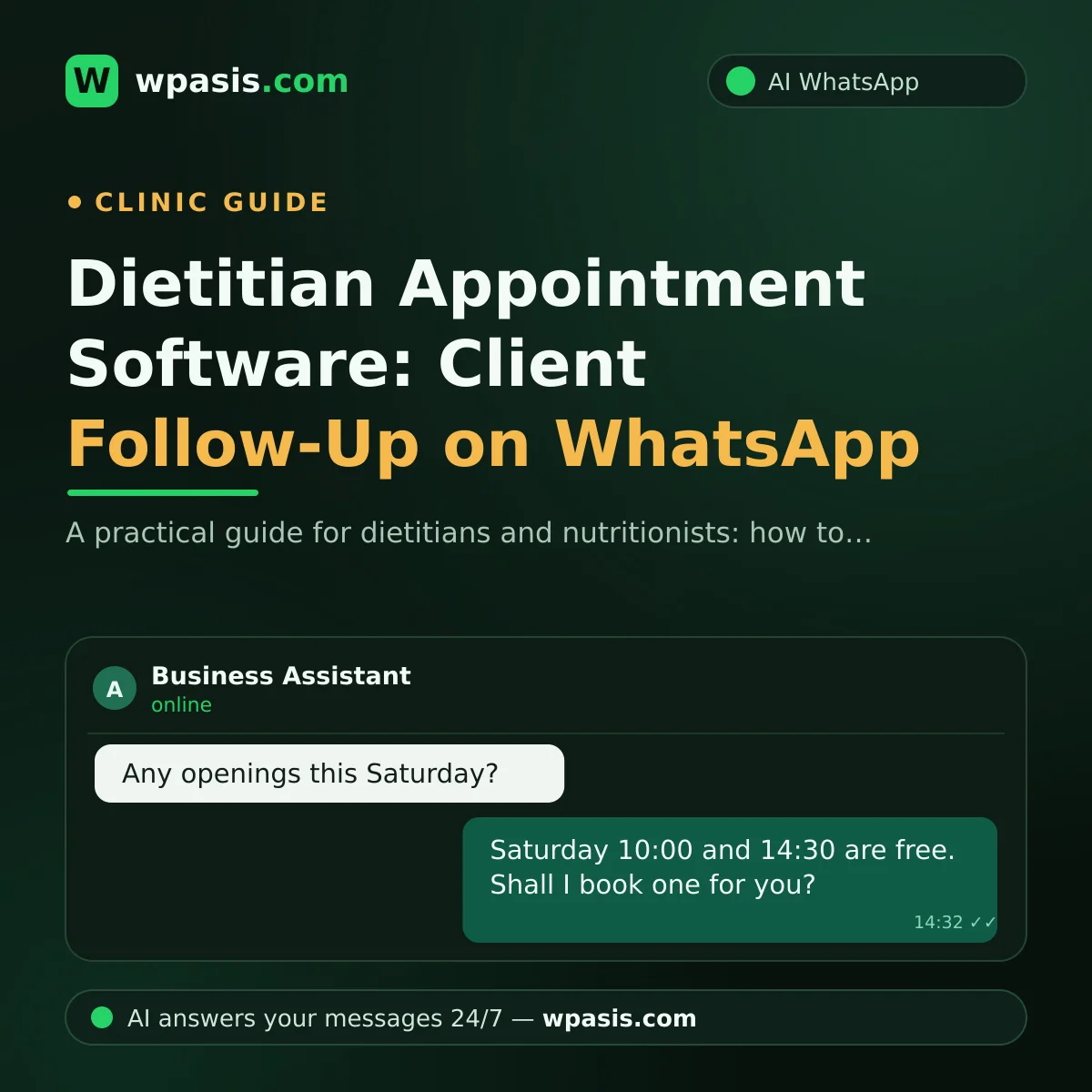
The right setup is this: let the calendar sit in the background, let contact with the client run through WhatsApp. The client writes "do you have anything Saturday?", the answer comes back on WhatsApp, and you update your book or your software accordingly.
Why not a phone call? On a subject as personal as weight and eating, plenty of clients would rather type than talk — less confrontation, easier to ask an awkward question. If you want to dig into that preference, have a look at WhatsApp or phone: why customers don't want to call.
Where does a WhatsApp AI assistant fit in?
A WhatsApp AI assistant like WpAsis connects to your business's existing WhatsApp line and answers incoming messages on your behalf, around the clock. Setup is a QR scan; you don't need to write any code.
In practice, for a dietitian, it takes on:
Booking sessions. When someone writes "do you have any openings this week?", it shares your working hours, asks what suits them, and takes the booking request.
Arranging the follow-up. When a client says "I'd like to come back in a couple of weeks," it handles the back-and-forth.
Answering frequently asked questions. How long is the first consultation, do you issue invoices for companies, do you offer online sessions, where are you, is there parking. All of it comes from your own knowledge base.
What it doesn't do — and shouldn't: it does not give dietary advice. An assistant should not be generating answers to "can I eat this", "how many calories should I have", or "what does this blood test mean". The correct behaviour is to route personal nutrition questions to the professional.
How do you draw the assistant's line?
This isn't a technical setting; it's a policy decision. What you put into the assistant's knowledge base matters exactly as much as what you deliberately leave out.
A practical split looks like this:
| Assistant answers | Comes to you |
|---|---|
| Hours, address, directions | Personal nutrition questions |
| Booking and rescheduling | Blood tests, medication, conditions |
| Session length, online option | Objections or changes to the plan |
| Payment methods, invoicing | Pregnancy, children, chronic illness |
The right-hand column is where the assistant says "let me pass this on — your dietitian will get back to you." That's not a shortcoming. That's professional responsibility.
If you're wondering how to pull a knowledge base together, How to build a business knowledge base makes it concrete.
Follow-up reminders: neglected, but simple
A client who doesn't show up isn't just an empty hour — most of the time, they're a lost client. And there's more than one reason for a no-show: some forget, some stay away out of embarrassment, some have dropped the plan entirely.
A reminder message will at least bring back the ones who forgot, and it keeps the door open for the ones who felt awkward. How many it saves varies from practice to practice — you can only measure that with your own numbers.
A good reminder does three things:
- It arrives on time. A day before and/or a few hours before.
- It's easy to reply to. "I'll be there" or "can we move it" should be one message.
- It doesn't blame. Not "why didn't you come" but "shall we get you back on the calendar".
The third one is critical in this field. If a client already feels guilty, an accusatory message won't bring them back — it will lose them for good.
If you'd rather start from templates, Appointment reminder message examples has text you can use.
Winning back a no-show
A single message sent a week after a missed follow-up — "how's it going, the door's open whenever you want to pick it back up" — is one of the best effort-to-return jobs there is. The hard part isn't writing it; it's remembering to do it on a busy day. So tie "who do I get back to, and when" to a list or your calendar, not your memory.
If you want to write down a rule about cancellations and no-shows, How to write an appointment cancellation policy sets out the framework.
Keeping WhatsApp tidy for client follow-up
Use one dedicated line. If your personal number and your work number are the same, you can't draw a boundary. A separate business line is a relief for you and for the client.
Fill in your business profile. Address, hours, a short description. Clients look at your profile before they message you.
Use message history as a follow-up tool. Seeing what a client wrote two months ago is useful in the next session. But be careful here: this data can include sensitive information that counts as health data.
Don't send bulk messages. Blasting a promotion to every client at once puts your line at risk and annoys people. We collected the risks in The risks and penalties of WhatsApp bulk messaging.
GDPR and client health data
The information you collect in nutrition consulting — weight, height, medical history, test results — isn't ordinary customer data. Under GDPR (and equivalent regimes such as the UK GDPR, or HIPAA in the United States for covered practices), data concerning health falls into a special category subject to stricter rules.
Practical things to watch:
- Get explicit consent from the client, and state in writing what you're collecting data for.
- Don't let documents like test results pile up casually in WhatsApp.
- Be clear about who can access which messages.
- Keep your privacy notice somewhere visible.
For a general framework on this, see GDPR and WhatsApp: what businesses need to watch.
Let's be explicit: this article is a general business guide, not legal or medical advice. For whether your own practice complies with data protection law and the rules around special category data, consult a qualified legal professional. On processing client data and the boundaries around diagnosis and treatment, follow the current guidance from your professional body or local trade association.
Where should you start?
Don't try to set everything up at once. Go in this order:
- Log incoming messages for one week. Which question came in how many times? Chances are the top 10 questions account for most of your traffic.
- Write the answers to those 10 questions. That's your knowledge base.
- Draw the line. Which questions go to the assistant, which come to you?
- Build the reminder habit. First the follow-up reminder, then the win-back message. Which tool you use — or whether you do it by hand — is secondary; the point is that it happens consistently.
- Read the conversations for the first two weeks. Review the answers the assistant gave, and add what's missing to the knowledge base.
Point five matters. Don't set up an AI assistant and forget it; watch the conversations from the panel and let a human take over when needed. On that, What happens if an AI assistant gives a wrong answer sets expectations in the right place.
If you're a solo dietitian, Client management in a one-person business may also be useful.
Frequently Asked Questions
Is WhatsApp enough on its own, instead of dietitian appointment software?
In a small, single-practitioner setup, usually yes. Once your client numbers grow and you're working with more than one dietitian, keeping the calendar side separate makes life easier. But running client contact through WhatsApp makes sense either way: software in the background, communication up front.
Will the AI assistant give my client diet advice?
It shouldn't, and when it's set up properly it won't. The assistant's job is taking bookings, sharing details like hours and address, and answering common administrative questions. For personal nutrition, test result, or health questions, it brings you in. You draw that line yourself when you build your knowledge base.
Will the client realise they're talking to an assistant?
Them realising isn't a problem — it's the honest outcome. What matters is that the assistant gives a useful answer and can bring you in when needed. What actually irritates people usually isn't that the other side is a bot; it's that the answer is useless and there's no way to reach a human.
When should I send the follow-up reminder?
A general approach is one reminder the day before, plus a short confirmation on the morning of. Tune it to your client base: for morning appointments, the previous evening works; for evening appointments, midday the same day usually lands well. More than that irritates; less than that gets forgotten.
If you want to pull client follow-up together on WhatsApp, WpAsis connects to your business's existing line and handles incoming messages on your behalf, 24/7. For current pricing and details, take a look at wpasis.com.