Automate Your Courier Delivery Tracking on WhatsApp
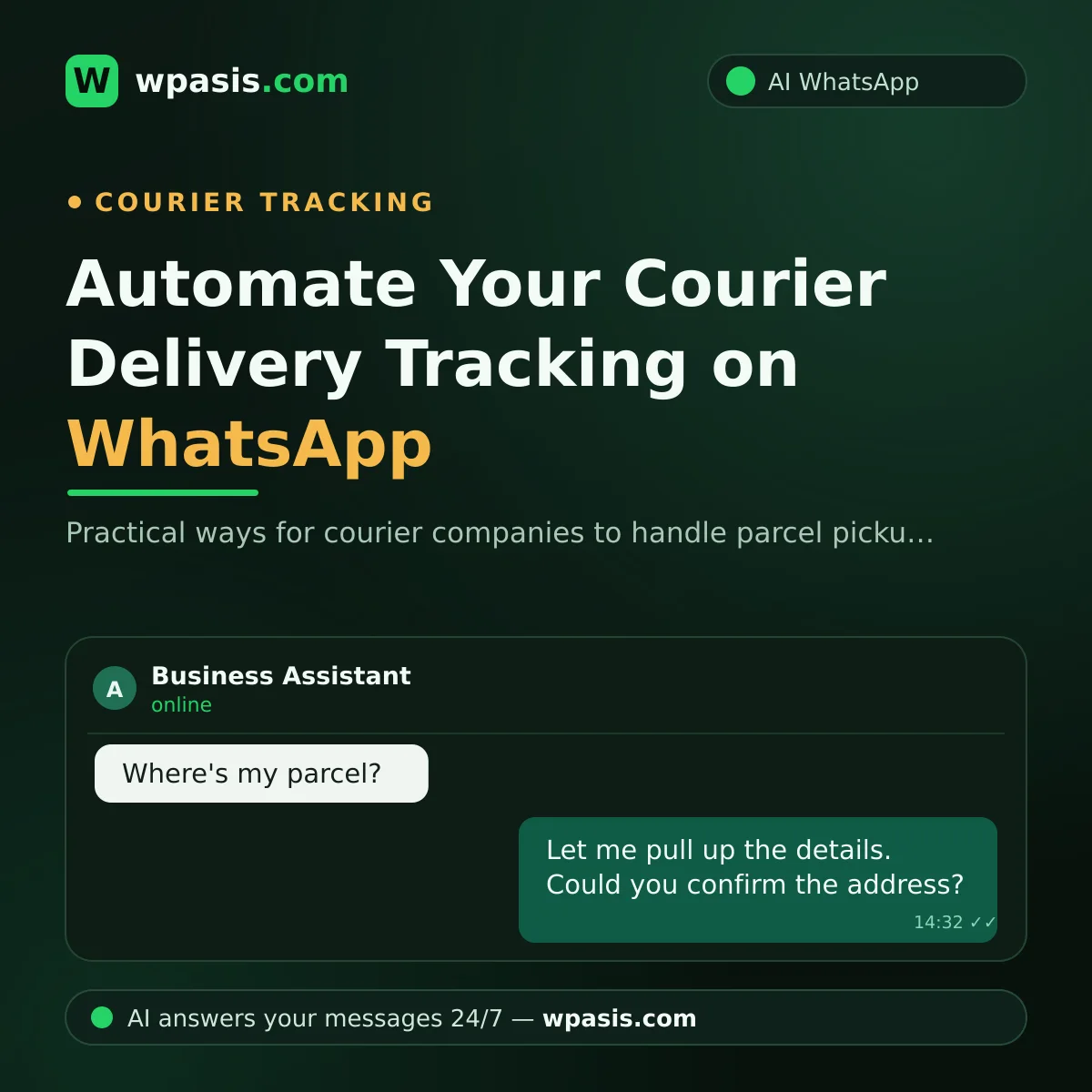
Running a courier company means being on the road at every hour of the day. While your drivers are out delivering, the phone never stops: one person wants to send a parcel, another asks "where's my parcel?", another needs directions. Almost all courier delivery tracking traffic now flows through WhatsApp — because for the customer, the easiest option is to type a couple of lines in an app that's already open all day. But who answers those messages while you're behind the wheel?
In this article, we'll look at how courier companies can manage their WhatsApp traffic with an AI assistant — from parcel pickup to status checks, address confirmation to delivery updates.
How Many Hours a Day Do Delivery Tracking Questions Eat Up?
In a small courier company, the phone is usually handled by either the owner or the one person in the office. Say 40 messages come in a day and you spend an average of two minutes on each; that's more than an hour a day, and it's work done in constant interruption. Every "Where is it?" that arrives while you're planning routes, talking to a driver or dealing with an invoice breaks your focus.
What's more, most of these questions are identical: "Do you offer same-day delivery?", "How much is delivery within the city?", "Until what time do you accept parcels?", "What's the status of my package?" The answers are fixed; the only thing that changes is who's asking. Traffic this repetitive is the ideal workload for automation.
Parcel Pickup: The Right Info from the First Message to the Courier
When a new pickup request comes in, what the courier needs to know before setting off is clear:
- Pickup address: Where will the parcel be collected? Building, floor, unit.
- Delivery address: Where's it going? Recipient's name and phone number.
- Parcel details: Rough size and weight; special cases like fragile items, documents or food.
- Timing: When should it be picked up, and how urgent is the delivery?
When one of these is missing, the phone tag begins: the courier calls the customer, the customer doesn't pick up, the parcel waits. An AI assistant asks these questions right in the first message, within the conversation, and collects the request in full. A sample flow might go like this:
- Customer: "Hi, I've got a parcel to send — can you pick it up today?"
- Assistant: "Hello, happy to help. Could you share the full pickup address? Building, floor and unit make things much easier for our courier."
- Customer: "Sending the address now… It's a small box with documents inside."
- Assistant: "Thanks, noted. Could I also get the delivery address and the recipient's name and phone number?"
At the end of the conversation you see a tidy pickup request in the panel, and pass the courier the right information in one go. You'll find how this flow is set up, step by step, in our WhatsApp auto-reply setup guide.
Address Confirmation in the Delivery Tracking Process
Every courier company's shared nightmare: a missing or wrong address. Descriptions like "the building near the market" or "across from the old post office" cost the courier time; every trip to the wrong address means fuel, time and customer goodwill lost.
When address details come in incomplete, the assistant is set to notice and fill the gaps: "Could I get the building number and floor?", "Could you share the recipient's phone, so the courier can call if they can't reach the door?" From the customer's side these questions feel perfectly natural; from yours, each one saves minutes that would otherwise be lost on the road.
Sharing a location helps too: asking the customer to drop a WhatsApp location pin clears up most of the description confusion from the start.
A 24/7 Answer to "Where's My Parcel?"
A big share of status-check messages are actually about how things generally work: delivery time windows, whether same-day is available, which areas you cover. You add this information to your knowledge base once; the assistant answers it with the same accuracy even at midnight. We've explained how to prepare your knowledge base in our business knowledge base guide.
For things only you know — like the live status of a specific parcel — the assistant doesn't invent an answer; it collects the necessary details from the customer and leaves the conversation to you. You step in from the panel with a single message and give the exact update. From the customer's side the difference is this: a question that used to sit unanswered for hours is now met within seconds and routed to the right person.
Communication Doesn't End After Delivery
Once the parcel reaches its destination, the messages keep coming: "Was it delivered?", "Who signed for it?", "Can I get a receipt or invoice?" Most of these are patterned too, and the kind the assistant can handle with the workflow details in your knowledge base; for case-specific matters the conversation falls to you again, and you clarify it with a short message from the panel.
Then there are your regular senders: for online boutiques, bakeries, florists and print shops, sending parcels is a daily routine. What these customers value most is having their requests taken quickly and without errors. When the assistant handles these routine requests in the same orderly way every day, your regular customer finds one more reason to keep working with you. Keeping an existing customer happy is far cheaper than winning a new one, and a line that answers regularly and quickly is the clearest proof of it.
You're in Control: Panel and Human Takeover
WpAsis connects to your existing WhatsApp line via a QR code; your number doesn't change and no technical setup is required. Every conversation appears in the panel in real time. For negotiations, complaints or special cases, you take over the chat with a single tap. The assistant never steps outside your knowledge base; when it isn't sure, it calls you in.
So at the end of the day, instead of a pile of unanswered messages, you face collected pickup requests, confirmed addresses, and just a few special cases waiting for your touch. Your line doesn't go quiet while your drivers are on the road, and your customer isn't left without a reply.
Frequently Asked Questions
Can I use it with my current WhatsApp number?
Yes. WpAsis connects to your existing line by scanning a QR code. Your customers keep messaging the same number; there's no new number to get and no technical know-how needed.
Can the assistant know a parcel's live location?
The assistant instantly answers the general information in your knowledge base (delivery windows, areas, how things work). For details only you hold — like a live location — it gathers the necessary details from the customer and hands the conversation to you; you clarify with a single message from the panel.
How does it answer pricing questions?
It answers based on the rates you've added to your knowledge base. If your prices vary by area or weight, you define them; for anything out of scope, it leaves the conversation to you.
Do messages get mixed up during busy hours?
Every conversation appears separately and neatly in the panel. The assistant can message several customers at once; nothing sits in a queue or gets forgotten. You step into any conversation whenever you like.
Trying to answer the phone behind the wheel is both risky and unsustainable. Hand parcel pickups, address confirmation and routine questions to the assistant, and focus on delivery. Leave a free demo request at wpasis.com and try the system on your own line in minutes.