What Slow Replies to Customer Messages Really Cost Your Business
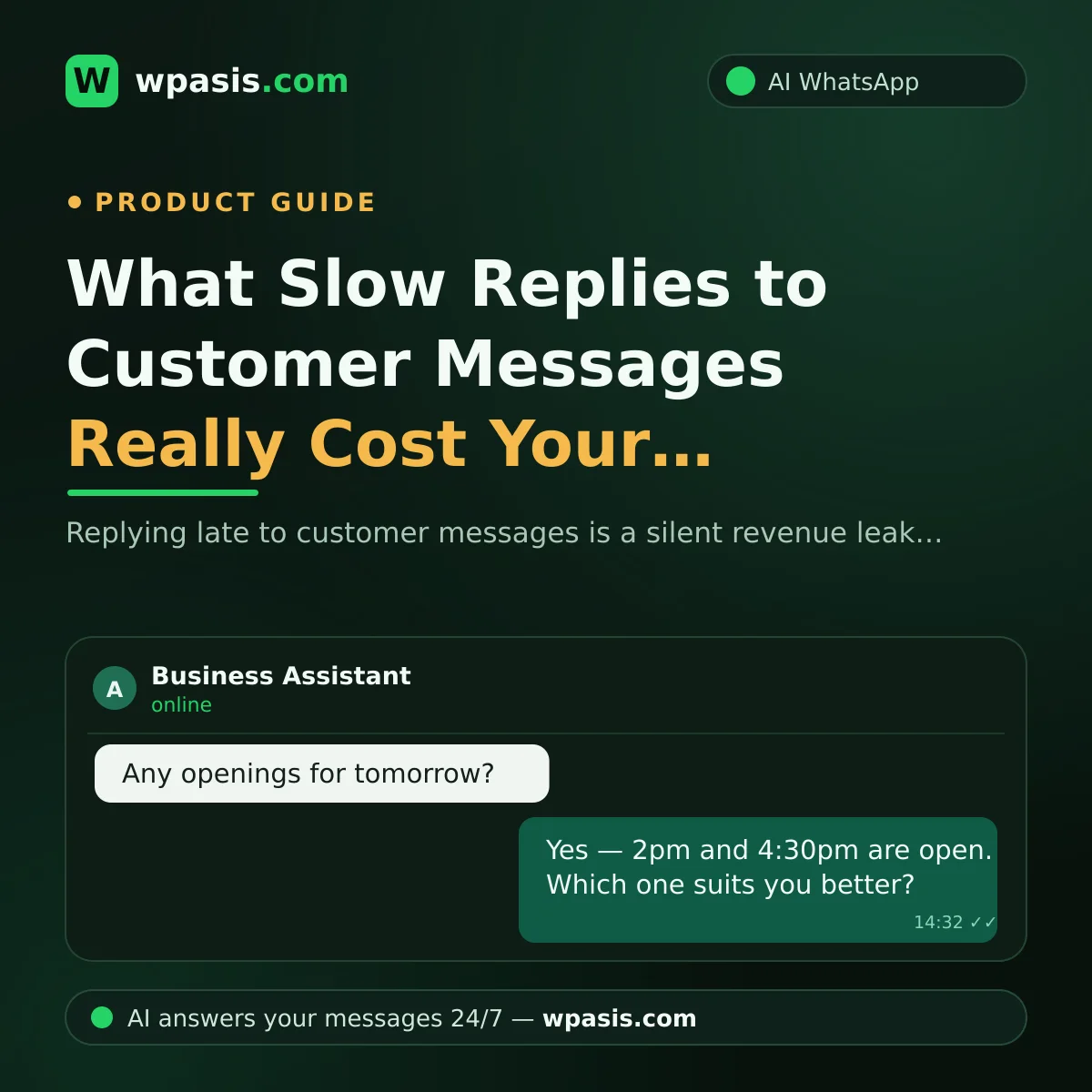
When someone messages you on WhatsApp asking "Do you have any openings tomorrow?", they aren't just asking a question. They're handing you an opportunity. Reply hours later and, more often than not, the person on the other end isn't the same customer anymore. Slow replies don't look like theft from the till — nothing goes missing, no alarm sounds. That's exactly why most business owners never work out what it's costing them.
This article walks through what a late reply actually takes from you, using one plainly hypothetical scenario. Then we'll cover the fast-reply habits you can build on your own, and where automation takes over.
What Warm Demand Is, and Why It Cools So Fast
The customer messaging you is standing right in the middle of a need. They want a haircut. Their car service is overdue. They're looking for a table tonight. That's warm demand: the decision is basically made, the wallet is open, and all they're waiting for is a yes.
The problem is that warmth doesn't keep. While they wait, the need keeps circling in their head — and your silence leaves room for other tasks, other options, and other businesses to step in. By the time you type "Hi, how can I help?" that evening, the eager customer from this morning has probably already booked somewhere else.
Think of it like produce on a market stall. What's fresh in the morning is worth a lot less by closing time. Messages behave the same way — the longer they sit, the more value they lose.
What Late Replies Actually Cost You
The bill for a slow reply isn't a single line item. The losses stack, and most of them stay invisible.
The customer quietly goes to a competitor
Someone who doesn't hear back won't get annoyed and tell you about it. They'll just message the next business on the list without a word. Sending the same question to three businesses on WhatsApp takes a customer about thirty seconds. Whoever answers first wins. By the time you open the chat, it's already over — and you never even find out you lost it.
Your first impression takes the hit
For someone who isn't a customer yet, your reply speed is the very first signal they get about you. Leave them waiting and the thought writes itself: "If this is how it goes before I've paid anything, what happens when something actually needs sorting?" A late reply doesn't just cost you today's sale — it costs the trust that would have led to the next one.
The referral chain breaks
Happy customers tell people. Nobody recommends a business they couldn't get hold of. What you lose isn't one customer; it's every recommendation that customer would have made to friends, family, and colleagues. That loss never shows up in any till or any spreadsheet.
A Hypothetical Scenario: One Week at a Hair Salon
Let's build an openly hypothetical example — no invented statistics, just arithmetic you can run yourself. Say you run a hair salon and about 20 messages a day come in on WhatsApp. Your hands are full all day with scissors and a blow dryer; realistically you can check your phone at lunch and after closing.
Say 5 of those 20 messages are new customers wanting to book. By the time you reply in the evening, two of those five have already messaged another salon and taken an appointment there. That's 2 lost a day — across a six-day week, 12. Multiply that by your own average ticket value. The number most owners land on at the end of the month surprises them.
And that calculation only counts appointments. It doesn't include the people asking about prices, asking whether you carry something, asking for directions — and giving up when nobody answers. The ratios in this scenario are pure assumption. The mechanism, though, works the same way in every business: every delayed reply produces the same result as turning a customer away at the door.
How to Fix the Slow-Reply Problem
The good news: the fix isn't staring at your phone for eight hours a day. With the right habits and a bit of automation, you can raise your reply speed sharply without carving up your working day.
Fast-reply habits you can set up yourself
Start with the steps that cost nothing:
- Set message windows. Put two or three short "message breaks" into your day — five minutes at opening, five at lunch, five mid-afternoon. That way messages don't pile up until closing time.
- Build a set of ready replies. Write your 5–10 most common answers once (price, address, opening hours) and paste them back in seconds. For wording ideas, see our guide to automatic reply templates for frequently asked questions.
- Turn on WhatsApp Business's built-in tools. Greeting messages and away messages are basic, but they at least give the customer the sense that their message landed somewhere.
- Manage the expectation. Even when you can't answer properly, a single line — "With a client right now, I'll get back to you within the hour" — beats silence by a mile.
These habits work. But they all share one limit: you. When your hands are full, when the shop is slammed, or when a message arrives at midnight, none of them can step in.
Automation and round-the-clock replies: when the work stops waiting on you
The real shift happens when the first reply no longer depends on you being free. AI assistants that run on WhatsApp fill exactly this gap: an incoming message gets a relevant, on-brand answer within seconds — while you're mid-haircut, under a service vehicle, or asleep.
An assistant like WpAsis connects to your existing WhatsApp line by scanning a QR code; no coding, no technical setup. Your website is crawled so the assistant speaks with information specific to your business: your services, your hours, your common questions. It takes appointment and order requests, and can reply in multiple languages. You watch the conversations from the panel and take over any chat whenever you want.
That flips the hypothetical salon scenario on its head. The customer who writes at 7:30 in the morning gets an answer straight away, locks in the slot, and never has a reason to message a competitor. If you want to see how automatic replies get set up step by step, take a look at our guide on how to set up WhatsApp auto-reply.
Speed Alone Isn't Enough: The Answer Has to Be Good
One caveat: a fast but empty reply loses customers too. Typing "Hi!" and then vanishing for three hours isn't much better than saying nothing. The customer needs an answer that actually addresses the question and moves things a step forward.
So when you evaluate automation, don't ask "does it reply?" Ask "does it understand the question and answer it correctly?" That's exactly where the gap sits between a system that blasts one fixed message at everyone and an AI assistant that speaks with your business's own knowledge.
Three Steps You Can Take Today
If only one thing sticks from this article, make it this: a late reply is a silent revenue leak. To close it, you can start today:
- Look back at the last week of messages. How many people did you reply to, and how many hours later? Write it down honestly.
- Write ready replies for your five most common questions, and set your message windows.
- Try automating the first reply and see for yourself whether it fits your business.
For that third step, take a closer look at WpAsis and watch how the assistant handles questions about your own business with your own eyes. Everything you need — details and current pricing — is on wpasis.com.
Frequently Asked Questions
How quickly should I reply to a customer message?
There's no hard rule, but the practical target is to answer before the demand cools. A first reply within minutes largely removes the customer's need to message anyone else. Even when you can't respond properly, a quick "I'll get back to you shortly" manages the expectation.
I'm swamped and can't keep up with messages. What can I do?
Start by lightening the load with message windows and ready replies. If that isn't enough, consider handing the first reply to automation: an AI assistant handles routine questions and booking requests, and you only step into the conversations that genuinely need you. We covered this in detail in keeping up with WhatsApp messages while you're busy on the job.
Won't an automatic reply put customers off?
Robotic, irrelevant answers will. Answers that genuinely address the question do the opposite — they build confidence. An AI assistant fed with your own business information handles questions about pricing, hours, and bookings in natural language. And you can watch the conversation from the panel and take over as a human whenever you like.
What should I do about messages that arrive out of hours?
The simplest option is WhatsApp Business's away message — but that only says "we're closed right now"; it doesn't get anything done. An AI assistant can take that late-night booking request there and then. So when you pick up your phone in the morning, you find booked appointment requests instead of a pile of unanswered messages.