Move Your Cleaning Company's Booking Process to WhatsApp
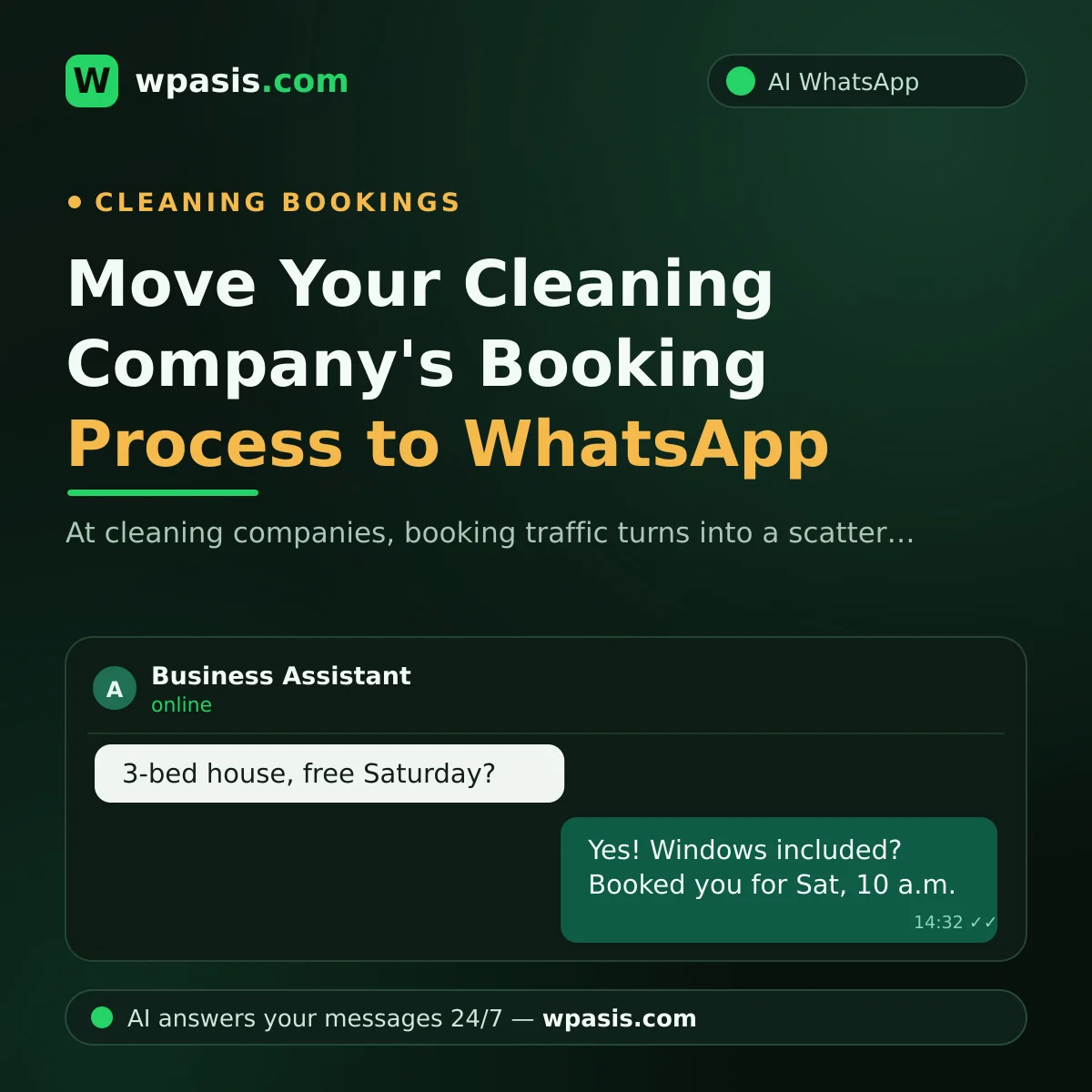
"My place is a 3-bed, big living room, want the windows done too, are you free Saturday?" A message like this probably lands in a cleaning company's day dozens of times: by phone, through Instagram, on a neighbor's recommendation... The problem isn't that the requests come in, it's that each one arrives through a different channel, with half the information. If you pull your cleaning company's booking process into a single WhatsApp flow, you can handle more jobs with the same crew and far less confusion. In this article, we'll walk through how to set that up, step by step.
Why Is Cleaning Company Booking Traffic So Scattered?
At most cleaning companies, bookings go like this: the customer calls, whoever's free answers, the details get jotted down somewhere, and in the evening the notes are pieced together to plan the crews. This setup has three chronic problems.
The first is missing information. A time estimate promised without asking the square footage, a plan made without learning there's a glassed-in balcony, a pet discovered at the door... Every missing detail turns into time lost on site.
The second is clashing records. When a time promised over the phone doesn't make it into the book, two homes get booked for the same slot, and one customer is guaranteed to be upset.
The third is unanswered requests. When the crew is on site, nobody can pick up the phone. Say 15 calls get missed during the day and a third of them sign with another company; by month's end, a serious amount of business has quietly disappeared.
The Cleaning Company Booking Flow on WhatsApp
On an AI-powered WhatsApp line, booking settles into a standard flow driven by the questions you define.
Step 1: Service and size
In the first message, the assistant nails down the scope of the job: house or office, how many rooms or roughly how many square feet, which service is wanted (general clean, move-out, post-construction, windows, upholstery cleaning). When the size and service type are known up front, scheduling time and crews rests on data, not guesswork. The assistant asks these questions from the list you've prepared, so no detail slips through the cracks.
Step 2: Date and time
The customer writes the day that suits them; the assistant offers available slots based on your calendar. Even a customer writing at 10 p.m. can make a selection right then, instead of waiting for a callback and drifting to another company. Once the booking is firm, the address and any special notes (pets, parking situation, entry details) are gathered in the same conversation.
Step 3: Confirmation and crew dispatch
The confirmation message goes to the customer, and a tidy job record forms in the panel for the crew: address, size, service type, special notes. When the crew heads out in the morning, there are no "was there a glassed-in balcony?" calls, it's all written in the record. The day before the job, an automatic reminder goes to the customer, largely eliminating the nobody's-home surprise.
You can set up the first step of this flow yourself; for the basic setup logic, see our WhatsApp auto-reply guide. An AI assistant is a step beyond that: it holds a real conversation, not a canned reply.
How Should You Handle the Price Question?
In cleaning, price depends on square footage, service type, and the condition of the place. So the assistant's job isn't to quote a number out of thin air, but to gather the information that determines the price, completely. If you like, you can add your own pricing policy to the knowledge base and decide what the assistant says in each situation: some companies share a clear list, others prefer "we've got your details, we'll send an exact quote shortly." Either way, the gain is the same: the customer is kept informed and warm until you get back with a quote.
Recurring-Client Reminders: A Hidden Revenue Source
The most valuable customer in the cleaning business is the recurring one who comes every couple of weeks, but the routine is usually entrusted to the customer's memory, not the company's. The customer forgets, a vacation gets in the way, they say "I'll call later," and the routine falls apart.
In the WhatsApp flow, this flips. A set period after the last cleaning, the assistant sends a gentle reminder: "Hi, it's been two weeks since your last cleaning. Here are some open days this week..." The customer picks a day in a single message, and their spot on the calendar holds. The same method ties office customers to a monthly or weekly cadence. You can draw on the templates in our appointment reminder message examples article when wording these reminders.
Recurring reminders have another side benefit: the customer who cancels doesn't vanish quietly. When a customer says "not this week," the assistant offers an option for the following week; the relationship isn't broken, just postponed.
Complaints and Special Requests Land on the Same Line
Once bookings are consolidated on one channel, it's not just new jobs that fall into order, post-job communication does too. A customer who says "the balcony window got missed" writes to the same line; the assistant logs the feedback, sends an apology and resolution message within the framework you've set, and offers day options for a make-good visit if needed. Because every complaint sits in the panel next to which home was visited on which date, the "who, when, what happened" investigation takes minutes.
The same order works for special requests: a customer's note that "let's add extra ironing this week" is added straight to the job record; the crew arrives with the current request, not a surprise. From the customer's side, the picture is clear: one number, every topic.
What Do You Need to Set This Up?
No technical knowledge required. WpAsis connects to the WhatsApp number your company already uses by scanning a QR code; your number and your customers' habits don't change.
The assistant runs 24/7: booking requests that come in after hours are waiting, ready, by morning. Your questions, service list, and company information are drawn from your own knowledge base; the assistant speaks on your behalf, with your information. You monitor every conversation from the panel; when something that needs a human, like a negotiation, comes up, you take over with one click. Your team won't be stuck holding a phone instead of a mop.
Frequently Asked Questions
Does the flow break down if the customer doesn't know the square footage?
It doesn't. The assistant can be set up to proceed with rough information like number of rooms, floor, and general size. The goal isn't a precise measurement, but enough clarity for the crew to plan the job correctly.
How do you prevent two bookings for the same slot?
Because bookings are consolidated into one flow and one record, the clash risk of a scattered notebook system largely disappears. You also see every request in the panel, and you can keep the confirmation step for yourself if you prefer.
Won't sending customers bulk reminders be annoying?
The measure is whether the message is personal and timely. A campaign blast sent to everyone at once is annoying; a single, gentle reminder timed to a person's own cleaning cycle is experienced as a service. You can turn reminders off for any customer who prefers.
Can office and home customers be managed on the same line?
Yes. The assistant distinguishes house from office in the first questions and continues the flow accordingly. Contract-based periodic plans on the office side and one-off bookings on the home side are tracked from the same panel.
Turning scattered phone traffic into a single, orderly flow is the shortest route to growing without hiring extra staff. To see WpAsis at your own company, request a free demo at wpasis.com.