Can't Keep Up With WhatsApp Messages While You Work? 5 Fixes
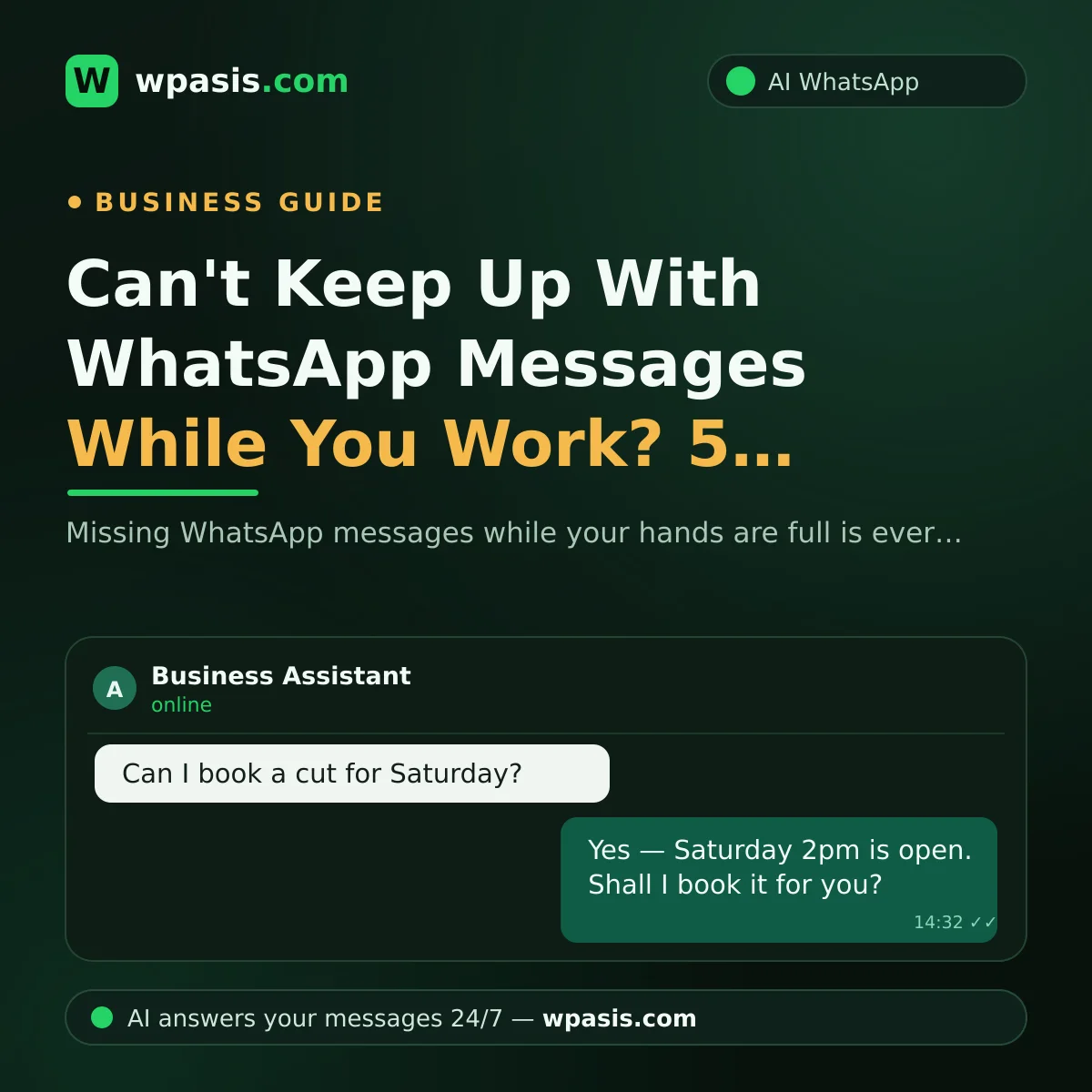
You've got scissors in your hand and a client in the chair, and your phone is buzzing over and over at the end of the counter. Or you're at the stove in the middle of the lunch rush, watching the unread count climb every time you glance over. Not being able to keep up with WhatsApp messages is one of the most common headaches in small business — and one of the least talked about. The cruel part is the timing: messages land exactly when you're busiest, because that's exactly when customers are writing.
This article isn't going to tell you to "check your phone more often." That's not advice, that's just describing the problem back to you. Instead we'll walk through five realistic fixes — from quick replies and voice notes to delegating to staff or an AI assistant. Start wherever it fits how you actually work.
Why Is Keeping Up With WhatsApp So Hard?
The reason is simple: you're being asked to do two jobs at once. On one side there's your actual trade — cutting hair, plating food, fixing an engine. On the other, you're expected to behave like a customer service rep sitting at a desk with nothing else on. Doing both at the same moment isn't physically possible.
Expectations have shifted, too. "I'll get back to you this evening" used to be perfectly normal. Now a reply is expected within minutes. And when it's late, the customer doesn't usually get angry — they just quietly message someone else.
There's also this: messages don't care about your opening hours. They keep arriving after you've locked up, on a Sunday, at midnight. So the problem isn't that you don't care. It's that demand is spread across the whole day and there's one of you.
The Hidden Cost of an Unanswered Message
An unanswered message usually isn't a customer thinking "I'll call back later." It's a customer thinking "I'll try the next place." Picture a salon getting 30 messages a day. Even if a few of those are just idle questions, in among them are people who want to book, who want to know what something costs, who need directions. If on a busy day you only get back to half of them by closing time, the difference walks quietly past your door.
We looked at this in more depth in a separate article: The real cost of replying late to customer messages. The short version: what you lose isn't one sale. It's the chance that person ever writes to you again, and whatever they'd have told their friends.
Now, the fixes.
5 Practical Fixes for Falling Behind on WhatsApp
1. Set up quick replies
If you're on WhatsApp Business, you can save the answers you type over and over as shortcuts. Type "/address" and your location appears; type "/hours" and your opening times are there ready to send. No more writing the same sentence ten times a day.
You can also set an automated greeting and an away message for the hours you're not around. We've covered how to do that step by step: How to set up WhatsApp auto-replies. Let's be honest though: quick replies shorten the typing, but you still have to wash your hands and pick up the phone. They lighten the load; they don't remove it.
2. Use voice notes, sensibly
When your hands are dirty or you've got no time to type, a 10-second voice note beats a long message. Even just "Hi, I'm with a client right now, I'll come back to you properly within the half hour" keeps the customer. People don't mind waiting for an answer nearly as much as they mind never getting one.
Two small warnings: a recording made in a noisy room can be unintelligible, and some customers can't play audio wherever they happen to be. So use the voice note as the first touch, and fill in the detail in writing when you get a moment.
3. Set a few "message breaks" a day
Instead of jumping at every notification, take two or three 10–15 minute message breaks — say at lunch and just before closing. You work through what's piled up in one calm batch rather than in fragments.
For this to work, you have to manage the expectation up front. If your greeting message says something like "I reply to messages at set times during the day — please call if it's urgent," the customer knows to wait and won't read the silence as indifference.
4. Put a member of staff on it
If you've got someone working with you — an apprentice, whoever's on the till, your business partner — you can hand the messages to them. There's no arguing with the warmth of a human reply, and someone who knows the regulars solves a lot of problems on the spot.
But look at the downsides honestly. That person has their own job, and during the rush their hands are full too. Tone varies from person to person, and on holidays and sick days it all lands back on you. Hiring someone purely to handle messages is a serious cost for most small businesses. If you want to see that maths laid out properly, have a look at Receptionist or AI assistant?
5. Hand it to an AI assistant
This is the option that's become genuinely reachable for small businesses in the last few years: an AI assistant that connects to your WhatsApp line and replies to incoming messages on your behalf. You never put down the scissors, the pan or the drill — the assistant answers the price question, takes the booking, collects the order.
What makes it different from a standard auto-message is that it doesn't fire the same canned line at everyone. It's fed with your business's own information and answers the question the customer actually asked. Even someone messaging at 11pm gets a real response there and then; in the morning you look through the conversations in the panel and step in where you need to.
Which Fix Suits Whom?
A short decision guide:
- A handful of messages a day: quick replies and voice notes will almost certainly do. No need to spend anything.
- Messages are picking up but you're not drowning yet: combine the message-break routine with a clear greeting message.
- You've got a team: give the messages to one named person. A "whoever's free will get it" system usually ends up as "nobody got it."
- Every missed message is a lost booking or order: it's time to think seriously about automation. In appointment- and order-driven trades — barbers, salons, clinics, restaurants — this is where the difference shows up fastest.
These approaches aren't rivals, either. Leave your quick replies set up, let the AI cover the rush, take over the special cases yourself. For most businesses that mix is the most comfortable arrangement.
An Assistant That Replies While Your Hands Are Busy: WpAsis
WpAsis is a WhatsApp AI assistant built for exactly the problem described in this article. It connects to your existing WhatsApp line by scanning a QR code — no new number, no technical know-how, no code. From the moment it's set up, it answers incoming customer messages on your behalf, around the clock.
The assistant runs on your business's own knowledge base: your website is crawled, and it's equipped with information about your services and how you work. So your customers get answers specific to you, not generic filler. It takes bookings and orders, answers frequently asked questions, and can speak more than one language. You watch every conversation from the panel and take over the chat whenever you want. For current pricing, have a look at wpasis.com.
Frequently Asked Questions
Will customers realise an AI is replying?
A well set-up assistant writes with your business's information in natural language, so the conversation flows. That said, honesty is always a good policy — if you'd like, you can mention in your greeting message that you use an automated assistant. What the customer really cares about isn't who's on the other end; it's getting a fast, correct answer.
Aren't WhatsApp Business's automated messages enough?
For a business with a light message load, they're a good start. But those messages send the same canned text to everyone; they can't answer a specific question, and they can't take a booking or an order. As your volume grows, the things a canned message can't handle pile up and it all comes back to you.
Can I take over a conversation myself whenever I want?
Yes. With tools like WpAsis you watch conversations live from the panel and carry on the chat yourself at any point. The AI handles the routine questions; when there's negotiation, an unusual request or a delicate situation, you're in control.
Do I need technical knowledge to set it up?
No. WpAsis connects to your existing WhatsApp line by scanning a QR code — about as complicated as opening WhatsApp Web on a computer. There's no code to write and no technical settings to configure. Your website is crawled for your business details, and the assistant is ready to answer shortly after.
Next time your hands are full and the phone starts buzzing over and over, your options don't have to be "drop everything and look" or "lose the customer." Try one of the steps above today — and if you'd like the message load off your shoulders entirely, head to wpasis.com to look at WpAsis and see current pricing.