Butcher Shop Orders: The Easy Way to Take Orders on WhatsApp
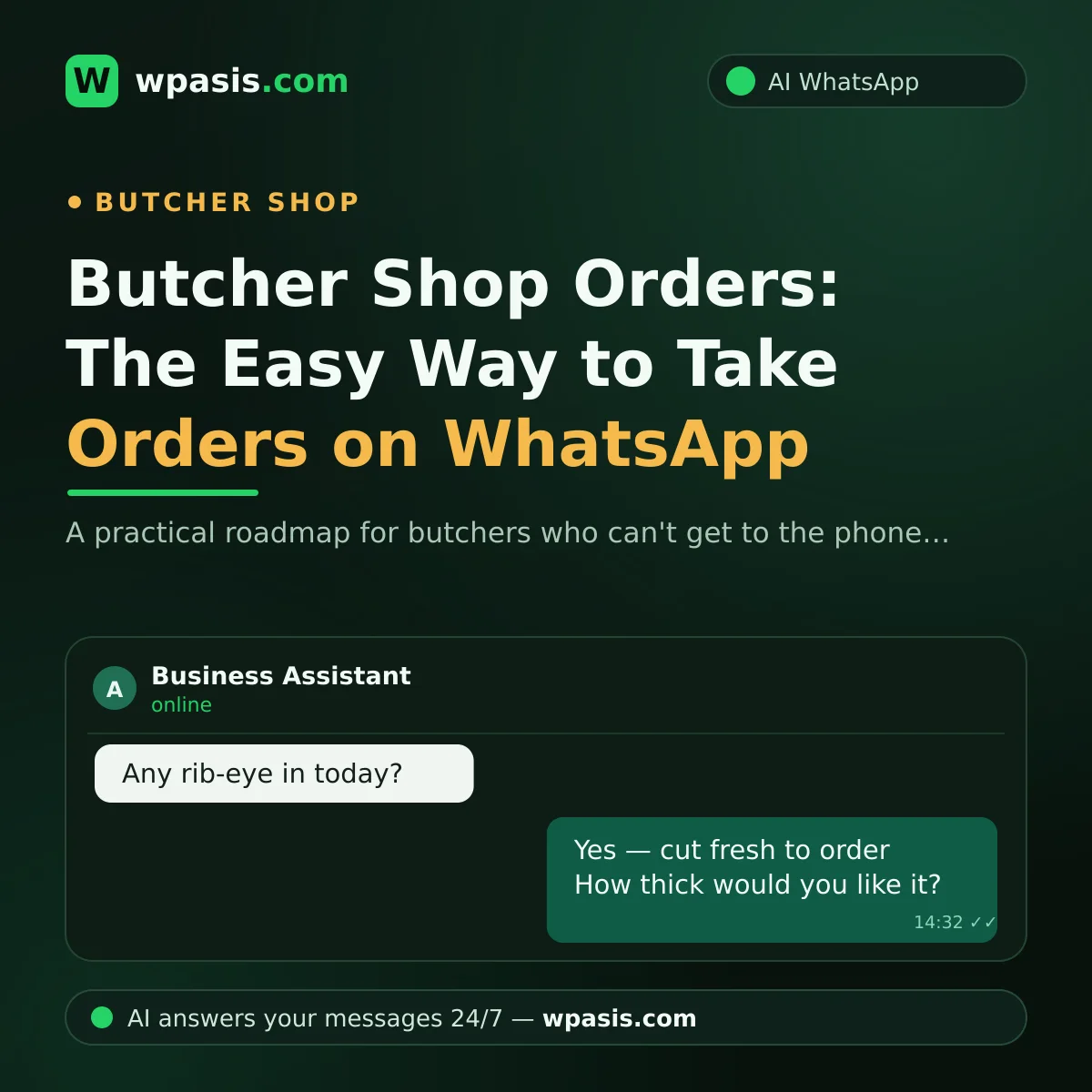
In a butcher shop the phone never stops: one customer wants to reserve their mince first thing in the morning, another insists their stew meat be trimmed lean, a third asks about the holiday collection slots. In recent years, much of that traffic has moved to WhatsApp, because customers now prefer typing over calling. Getting your butcher shop orders onto WhatsApp is one of the most practical ways to avoid keeping customers waiting without breaking the flow of your work at the counter. In this article we'll walk through how to manage the whole process, from daily orders to custom-cut notes to the holiday rush.
The Hidden Cost of Taking Orders by Phone
Taking orders by phone has two core problems:
- You have to answer right now: Miss the call and the customer usually won't try again; they get what they need somewhere else and never tell you.
- Nothing gets written down: "Did they say half a pound or a full pound?" That moment of doubt means wrong packages and customers who come back unhappy.
WhatsApp solves both of these to a large degree: the message stays in writing, and you read it when you get a free moment. But there's a flip side. As the number of messages grows, keeping up with replies becomes a job in itself. Let's say 30 order messages land in a day and you spend about two minutes on each — that's a full hour a day spent just on messaging. And most of those messages are the same questions over and over: "Do you have rib-eye today?", "How late are you open?", "Do you deliver?"
The Advantages of Taking Butcher Orders on WhatsApp
Written orders cut down on misunderstandings
"A steak two fingers thick" means something different to everyone on the phone; an order written down sits there in black and white. The customer writes exactly what they want, and you look at the message while you prepare it. If a disagreement ever comes up, you just scroll back to the conversation — no more arguing about who said what.
Custom-cut notes don't get lost
In a butcher shop, an order is rarely just "a pound of stewing beef." Trimmed lean, bone-in, split into two bags, sliced thin for the grill, minced twice... These notes are easy to forget on the phone, but on WhatsApp they sit right there on the order. Even telling a customer "got your note" builds trust, because they see their request is being taken seriously.
Daily orders live in one place
If you take the morning's orders and have them ready by midday, collecting them all on one screen makes life much easier. Who ordered what, when they're collecting, which orders are done — all visible at a glance. The days of scribbling on paper and losing it are over.
The Holiday Rush: A Butcher's Busiest Week
The run-up to the holidays — Thanksgiving, Christmas, Easter — is the busiest stretch of the year for a butcher. Between people asking about turkey and roast orders, reserving cuts, and checking collection times, the message inbox overflows. And here's the crux of it: the message traffic peaks on exactly the days you can't lift your head from the counter. That's also when you lose the most customers, because a customer who can't get an answer books their order with another butcher.
In this period, the value of a written system doubles:
- Collection slots become clear: Because the pickup slot you gave is in writing, the "but you told me..." argument fades away.
- You don't have to answer the same question one by one: Most of the questions that come in over the holidays are near-identical. If those can be answered automatically, you can get on with your work.
- Late requests don't slip away: Even during hours when there's no time to take notes, messages wait in line; when the rush passes, you go through them one by one.
What Changes When an AI Assistant Steps In?
A WhatsApp AI assistant like WpAsis connects to your existing WhatsApp line by scanning a QR code; there's no code to type and no technical know-how required. Your number doesn't change, and your customers notice the difference only in how fast they get a reply.
Once it's connected, the assistant:
- Replies to incoming messages on your behalf 24/7 — while you're cutting, when the shop is closed, even on a holiday morning.
- Collects order details step by step: product, quantity, cut preference, collection time.
- Answers frequently asked questions using the information you've set: opening hours, delivery area, the day's products.
- Lets you watch every conversation from the panel; you can take over any chat and type yourself whenever you like.
Answers come from your information
The assistant doesn't make things up; it draws on the knowledge base you've prepared. Whatever your product list, cut options, opening hours and delivery rules are, the answers stay within that frame. We've laid out how to prepare your knowledge base step by step in our business knowledge base guide.
You're always in control
The AI doesn't need to run every conversation. When you see a negotiation, a special request or a sensitive situation, you take over from the panel; it's you facing the customer again. The assistant is there to fill the moments you can't get to — not to push you aside.
A Simple Plan to Get Started
- List the questions you get most often: Look back at the last week of messages; which questions keep repeating?
- Write down your products and cut options: The assistant needs clear information to give the right answers.
- Nail down your delivery rules: Which hours, which areas do you serve; do you have a minimum order?
- Connect the assistant and watch for a few days: Follow the conversations from the panel and add any missing answers to the knowledge base.
If you'd also like to review the basics on the WhatsApp side, such as your greeting message, our guide on setting up WhatsApp auto-replies will point the way.
Frequently Asked Questions
Do I need a separate number to take butcher orders on WhatsApp?
No. WpAsis connects to your existing WhatsApp line via a QR code. The number your customers already know stays exactly the same; the only thing that changes is that messages now get answered 24/7.
Can the AI understand custom-cut requests?
The assistant collects the cut preferences the customer writes as an order note and passes them to you. If you add options like lean, boneless or grill-ready to your knowledge base, it can offer the customer the right choices too. When a complicated request comes in, you can take over the conversation from the panel at any moment.
If hundreds of messages arrive during the holiday rush, can the system keep up?
This is exactly where an AI assistant shines: it runs several conversations at once and doesn't slow down as the message count climbs. While you deal with the cutting, questions about slots, collection times and products get answered automatically.
What if a customer wants to haggle?
You don't have to leave sensitive matters like price and haggling to the assistant. You take over the conversation from the panel whenever you want and message the customer yourself. The assistant steps aside and control passes entirely to you.
Knowing that every message is getting answered without leaving the counter both reduces lost customers and puts your mind at ease. To see WpAsis on your own line, request a free demo at wpasis.com; setup is as simple as scanning a QR code.