Managing Bridal Fitting Appointments: Easy Scheduling on WhatsApp
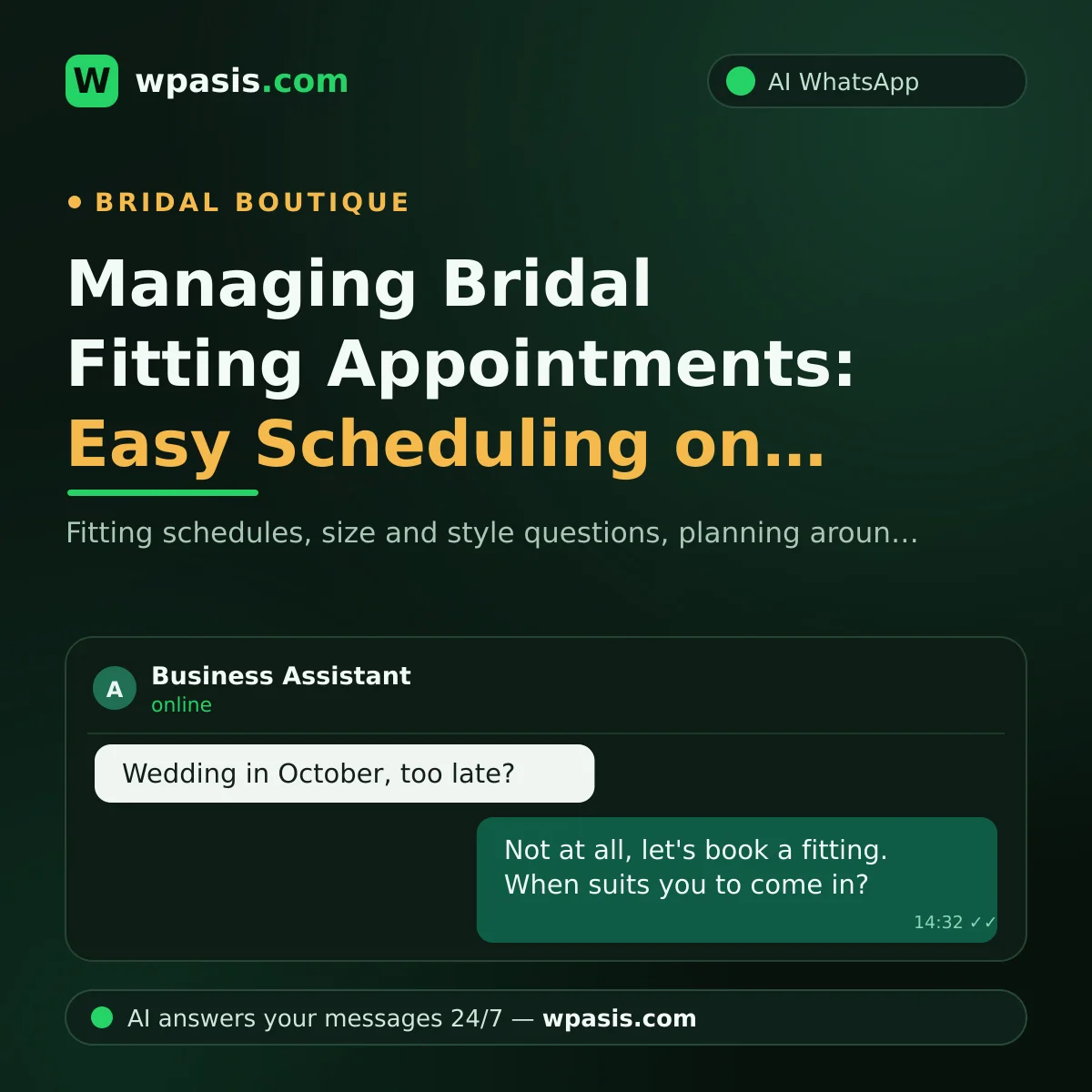
Picture a bridal shop on a Saturday afternoon: inside, a bride stands in front of the mirror; at the door, the next appointment waits; and on the phone, messages keep flashing. "When can I come in for a fitting?", "I'm a size 16 — do you have anything that would suit me?", "My wedding's in October, am I too late?" Bridal fitting appointment traffic piles up quietly in the middle of the sweetest kind of chaos — and by evening you're facing dozens of messages waiting to be answered.
Yet most of these messages could be answered for you. In this guide, we'll explain how an AI assistant connected to your WhatsApp line manages your fitting calendar, handles size and style questions, and makes planning around the wedding date easier.
Why Is Bridal Fitting Appointment Traffic So Draining?
Buying a wedding dress is nothing like buying a pair of shoes. A bride-to-be researches, asks, compares; the decision plays out over weeks. Throughout that process, the same questions come in day after day:
- "How do I book a fitting?"
- "Which sizes do you have?"
- "Do you rent, or is it purchase only?"
- "My wedding is three months away — is there still time?"
When you're on the shop floor, you can't be glancing at your phone; it wouldn't be fair to interrupt the attention you're giving the bride in front of you. But a bride-to-be who waits two days for a reply will book a fitting somewhere else. So the dilemma is clear: either the customer in the store, or the one on the phone.
Let's say 40 messages come in a day and you spend an average of two minutes on each. That's over an hour of messaging a day — and most of it is repeating answers you've already written hundreds of times.
How Bridal Fitting Appointments Run Themselves on WhatsApp
WpAsis is an AI assistant that connects to your existing WhatsApp number by scanning a QR code. No technical knowledge is needed; your number doesn't change, and your customers keep messaging you in the same place. Once it's connected, the assistant answers incoming messages on your behalf, around the clock.
Planning Around the Wedding Date
A good fitting plan is built backwards from the wedding date. The assistant first asks the bride-to-be for her wedding date and guides her according to the rules you've set. For example, if you've written in your knowledge base, "For custom-made gowns, we recommend fittings begin a few months before the wedding," the assistant speaks to that and creates an appropriate booking request. That way, a bride-to-be worried that she's "left it too late" gets a clear answer even at midnight.
Size and Style Questions
"Do you carry gowns in a size 18?", "Do you have any princess styles?", "Do you work with A-line?" The answers to these are second nature to you, but critical to the bride. The assistant answers using the size ranges, style groups and rental-or-purchase terms you've entered in your knowledge base. On anything it isn't sure about, it can be set to invite the bride in for a fitting and confirm the details in the store rather than speak in absolutes. The same setup applies to accessories like veils, tiaras and shoes; you can add answers to accessory questions to your knowledge base too.
Manage Your Fitting Calendar From One Place
Every booking request the assistant takes is gathered in the panel. Which bride-to-be wants to come in on which day, who asked about which style, who shared their wedding date — it's all on one screen. For clashing requests, the final word is yours: you approve from the panel and, if needed, suggest an alternative time.
This setup has another, less obvious benefit: even on a hectic shop day, no request is left to your memory. "Oh, that bride messaged last week and I meant to reply" becomes a thing of the past.
Cut Down No-Show Fittings With Reminders
A customer who doesn't show up for her appointment means an empty slot you could have given to another bride-to-be. A short reminder message sent before the fitting is the most effortless way to reduce those losses. If you're wondering what kind of wording to use, take a look at this piece with ready-made templates: appointment reminder message examples.
There's a subtlety to reminders, too: a bride-to-be who's forgotten her fitting day is often hesitant to call; a short message both opens the door for her again and saves your calendar from holding an empty slot for nothing.
The Moments You Can't Look at Your Phone
In bridal, the most precious moment is when the bride first sees herself in the mirror. Reaching for your phone in that moment would be unfair to you and to your customer alike. With the assistant on duty, you give the bride in front of you your full attention — and the brides-to-be on the phone aren't left without a reply either.
For special cases, control stays with you: when a hard-to-pin-down request, a negotiation, or a sensitive matter comes up, you take over the conversation from the panel with a single tap and continue as a human. And if a bride-to-be messages from abroad, no problem — the assistant replies in her own language thanks to multi-language support.
If you're curious about the general logic of the setup, this guide will do the job: how to set up WhatsApp auto-reply.
Order Holds Even in the Season Rush
As wedding season approaches, message traffic multiplies. Three different brides-to-be might message at the same time; one asks about a size while another wants to change her fitting time. A person, with a single phone, can only get through that traffic one at a time; an AI runs several conversations at once. No one waits in line, and no one is left without a reply.
Let's not forget one reality, either: bridal shopping is rarely a one-person affair. Alongside the bride-to-be, her mother, her sister and her friend all message too; the same questions arrive again and again from different numbers. The assistant answers each of them with the same patience and the same accuracy. What's tiring repetition for you is just routine work for it.
As you close the shop in the evening, you glance at the panel: the day's requests, the answers given and the ones awaiting approval are all on one screen. The next day's fitting plan is ready before you've even got home.
Frequently Asked Questions
Which questions can the assistant answer?
Anything you've written in your knowledge base: the fitting process, size ranges, style groups, rental and purchase terms, working hours, directions to the shop... On anything it doesn't know, it's set up to leave the matter to you rather than make something up.
Won't brides-to-be be put off talking to a robot?
What a bride-to-be really wants is fast, clear information. Getting a polite answer within seconds to a question she sent at 11pm always beats two days of silence. If you like, the assistant introduces itself as an AI assistant; that choice is entirely yours.
Does the assistant manage my fitting calendar, or do I?
The assistant collects the requests; you make the decisions. You see every booking request in the panel and approve them or suggest an alternative. The assistant never finalizes your calendar without your approval.
How long does setup take, and do I need to close the shop?
No. You connect to your existing WhatsApp line by scanning a QR code; entering your business details into the panel is the longest part of the setup. Nothing changes about how your shop runs.
In the bridal business, there's a life event at the end of every message: someone's wedding. Failing to keep up with that excitement isn't just lost business — it's a sad experience too. If you'd like to hand your fitting traffic to AI and focus on the bride at the mirror, you can try the free demo at wpasis.com. For current pricing, just visit wpasis.com.