Barber Shop Booking System: End the Notebook Chaos with WhatsApp
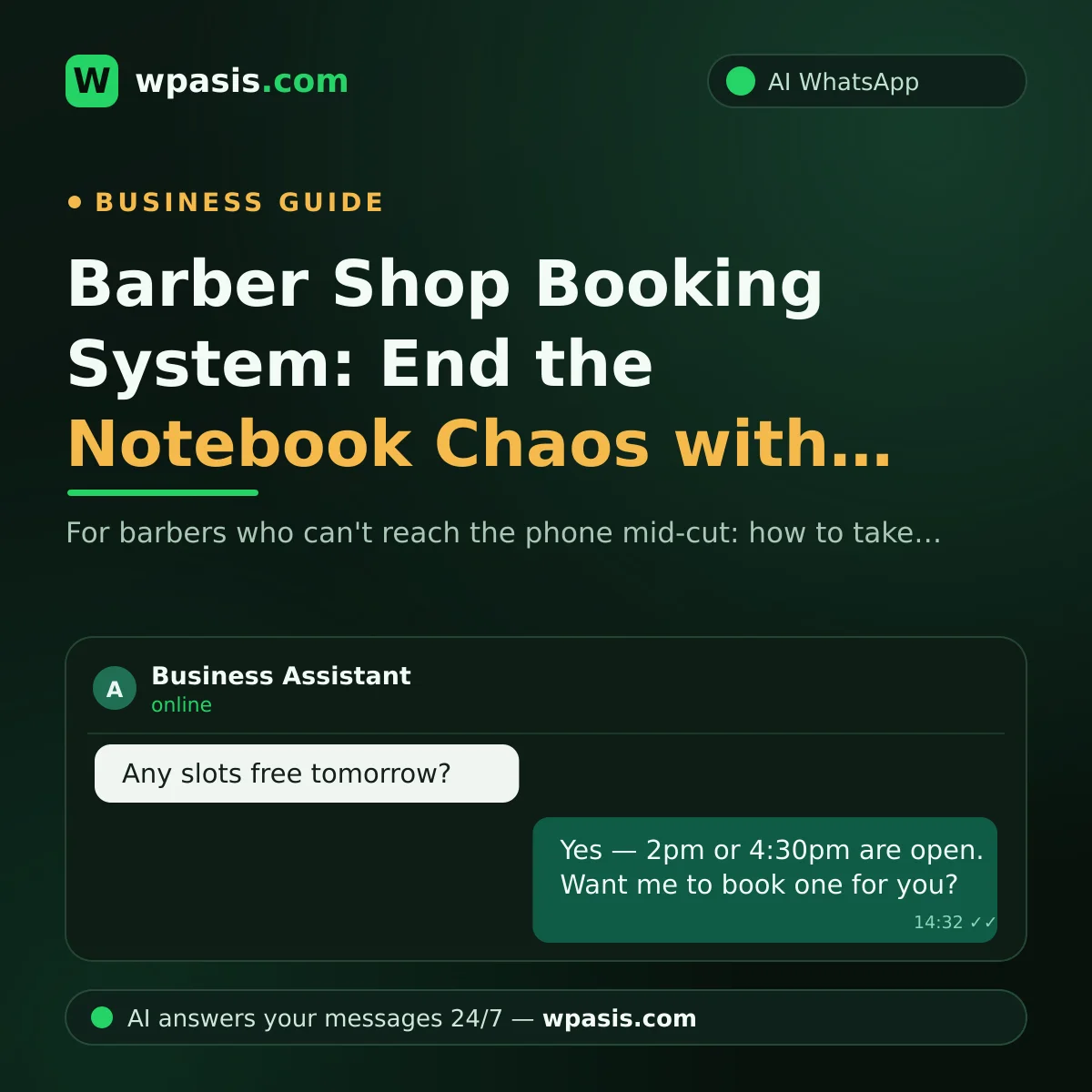
Clippers in your hand, a client in the chair, and the phone won't stop buzzing. You can't stop mid-cut to answer it; by the time you're done, the screen is stacked with missed calls, unread messages and a pile of "Hey, you free today?" texts. If you run a barber shop, that picture is painfully familiar. The good news: a properly set up barber shop booking system can handle most of that chaos for you — through the same WhatsApp your clients already use every single day.
In this guide we'll cover the problems that are specific to barbers when you manage bookings with a paper book and a phone, how automatic booking over WhatsApp actually works, and how to make the switch step by step.
Why Do Bookings Get So Messy in a Barber Shop?
Most hair salons have someone sitting at a reception desk to answer the phone. In a barber shop, the person holding the clippers and the person holding the phone are usually the same person: you. That's the root of the whole problem.
You can't look at your phone mid-cut. With clippers or a straight razor in your hand, picking up a call means abandoning the job and disrespecting the person in your chair. So you miss the call — and that client might not call back.
Walk-ins and appointments collide. In a barber shop, some people walk straight in and some arrive saying "I booked for three." When the time in the book doesn't match the actual queue in the room, arguments start. The person waiting gets fed up, glances through the window and leaves.
The book is one copy and it lives in the shop. If someone asks about tomorrow while you're at home in the evening, you can't give a straight answer, because the book is at the shop. You say "come by and we'll see" — and the next day you either get a double-booking or an empty chair.
Messages don't keep shop hours. Clients usually think about getting a haircut in the evening, on their way home from work. That "any slots tomorrow morning?" message lands after you've locked up and sits unanswered until morning — and sometimes that client doesn't wait for morning; they text the shop down the road instead.
What Is a Barber Shop Booking System and How Does It Work?
In the simplest terms, a barber shop booking system is any setup that handles booking requests on your behalf, knows which slots are open, and keeps a record. That takes different forms — a paper book, a diary, an app. Here we'll focus on the one that's most practical for a small independent shop: an AI-powered booking assistant that runs on WhatsApp.
Here's an illustrative scenario of how it works:
- Your client texts your WhatsApp number the way they always have: "Hi, any availability tomorrow for a cut and beard trim?"
- The AI assistant replies within seconds, offers the open slots, and saves the appointment.
- Meanwhile, you carry on with your cut; you can read the whole conversation later from the dashboard.
- If you need to, you can step in and take over the chat at any moment.
From the client's side, nothing changes: same number, same WhatsApp, same friendly tone. The only difference is that messages no longer go unanswered.
Don't let the words "artificial intelligence" put you off. We're not talking about a crude bot that fires the same canned reply at everyone; we mean an assistant that answers questions in natural language, using your business's own information. Tools like WpAsis, for example, crawl your website to build a knowledge base specific to your shop; the assistant then answers questions like "how long does a beard trim take?" using the details you've provided. It can also reply to clients who write in other languages in their own language.
Why Is WhatsApp the Most Sensible Channel for a Barber?
Making clients download a booking app and create an account is extra work for them; nobody wants to install a new app just to grab a slot at the barber's. WhatsApp is already in everyone's pocket. Texting takes less effort than calling, and the message history doubles as a receipt they can scroll back to.
The advantages on your side are just as clear:
- You get it in writing. The "I said three, you wrote four" argument disappears; the time is right there in the message.
- You're not straining to hear the phone over the noise. Unlike a call missed under the buzz of clippers, a message doesn't vanish — it waits.
- Your clients don't have to change their habits. Most of them already text you on WhatsApp; the only thing that changes is how fast they get an answer.
From Paper Book to WhatsApp: 5 Steps
The switch is easier than you think — it won't take more of your time than getting used to a new pair of shears.
1. Pin down your services and their durations. Cut, beard, cut and beard, kids' cut... Assign an average length to each one — say 30 minutes for a cut, 45 for a cut and beard. The system offers open slots based on that.
2. Write down your working pattern. Which days are you open, is there a lunch break, are you closed on Sundays? You define it once; the assistant always books within that framework.
3. Gather your frequently asked questions. "How much is it?", "Do you do wedding grooming?", "Do you take cards?" You teach the system those answers once and stop typing the same replies every single day.
4. Connect it to your existing WhatsApp number. With a good system, this is as simple as scanning a QR code with your phone; no new number, no extra device, no technical know-how needed.
5. Run it alongside the book for a while. For the first week, keep writing in the book while you watch the system work; once you trust it, the book goes on the shelf. We've covered the finer points of that transition in our guide to moving from a paper appointment book to digital.
It Also Helps with No-Shows
A barber's invisible cost is the client who never turns up for the slot you held: the chair sits empty and you couldn't give that time to anyone else. Having the booking in writing on WhatsApp helps in two ways here. First, the client can see their appointment in their message history, so it's harder to forget. Second, if they can't make it, cancelling takes one message — which means you can open that slot up to someone else. We went deep on this in our article on how to reduce no-shows.
What Should You Look For When Choosing a Barber Booking System?
There are plenty of options out there. Rather than comparing them name by name, we'd suggest judging them on these criteria:
- Ease of setup: Choose something that requires no technical knowledge and connects in minutes via QR code. Solutions with multi-day onboarding tend to be too heavy for a one- or two-chair shop.
- Works with your own number: Your clients know you by your current number. Steer clear of systems that force you to change it.
- It knows your business: The assistant shouldn't just take bookings; it should answer questions about prices, durations and services using your information.
- You can take over: You should be able to step into any conversation whenever you want. The AI handles the routine; for anything unusual, the ball comes back to you.
- You can review conversations: Being able to see every chat from a dashboard at the end of the day means both control and peace of mind.
Frequently Asked Questions
Do I need to get a new number for a WhatsApp booking system?
No. A good barber shop booking system connects to your existing WhatsApp line. Your clients keep texting the same number they always have; the only thing that changes is that their messages get answered without a wait.
I'm not technical — can I set this up myself?
You can. With WhatsApp-based assistants, setup usually amounts to scanning a QR code with your phone; there's no code to write, no software to install and no engineer to call in. Once you've defined your services and opening hours, the system runs on its own.
What if my client doesn't want to talk to a bot?
You can watch conversations live from the dashboard and take over any chat whenever you like. The assistant handles the routine work — checking times, saving bookings, answering the usual questions — and the unusual cases stay with you. For a client who gets a fast, clear answer, what usually matters is the result.
How much does a barber shop booking system cost?
It depends on what's included; WhatsApp AI assistants generally work on a monthly subscription model. Because setup is done with a QR code, there's no extra hardware or technical help to pay for. For current plans and pricing, take a look at wpasis.com.
Final Word: You Keep the Shears, the Assistant Takes the Phone
Barbering is a face-to-face craft; your place is at the chair, not on the phone. When you hand your booking traffic to an AI assistant on WhatsApp, no client is left hanging and no chair sits empty. If you'd like to see WpAsis running on your own line, you can find the details at wpasis.com — setup is done with a QR code, in a matter of minutes.