Auto Repair Shop Appointment Software: Stop Losing Jobs While Your Hands Are Dirty
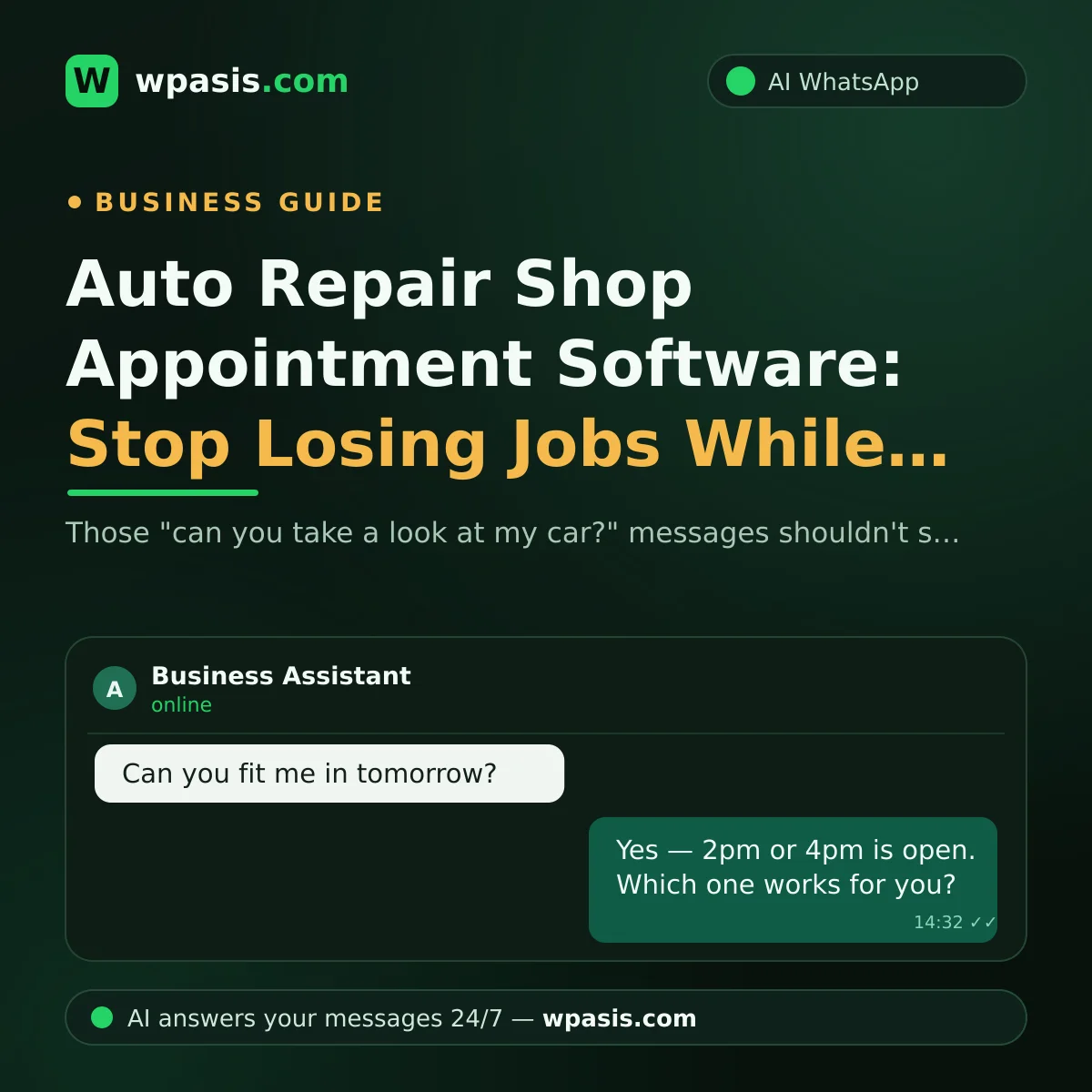
You're under the bonnet with grease up to your elbows. The phone in your pocket buzzes, then buzzes again. "Can you take a look at my car?" "How much for an oil change?" "Is my vehicle ready yet?" You can't stop what you're doing to type a reply. By the time you check the phone at the end of the day, the customer has already booked in somewhere else. That's exactly the problem auto repair shop appointment software exists to solve: a system that answers incoming messages on your behalf, books the job and handles the questions while you get on with the work.
This guide covers what a system like that actually does for repair shops, car washes and tyre fitters, why running it through WhatsApp is the most practical route, and what to look for before you commit to one.
A Familiar Scene: "Can You Take a Look at My Car?"
Picture a shop taking 30 to 40 messages a day. Some are booking requests, some are price questions, and some are customers wondering how their car is getting on. Every one of them is reasonable. Every one of them is waiting on you.
The real problem isn't that the messages arrive. It's that you can't answer them the moment they land. When you're head-down in an engine bay, under a lift, or holding a part you've just pulled off, the phone isn't happening. But the customer who messaged doesn't wait. No reply means they keep looking, and they usually go with whoever answers first.
We went into this in more detail in The Real Cost of Replying Late to Customer Messages. The short version: the most expensive message is the one nobody answers.
What Does Auto Repair Shop Appointment Software Actually Do?
Put simply, it's a system that takes over customer conversations for you. An AI-powered booking assistant running on WhatsApp puts three jobs on autopilot.
1. Taking Bookings
A customer writes, "Can I come in tomorrow afternoon for new tyres?" The assistant replies within seconds, sorts out a day and time that works, and records the booking. By the time you come up for air, the job is already in the diary.
The customer who messages at 11pm gets the same treatment, because the assistant runs 24/7. Your day ending doesn't end its shift.
2. Answering Price and Service Questions
"How much is an oil change?" "Do you do brakes?" "Are you open Saturday?" Questions like these make up a big share of the daily message traffic. The assistant answers them instantly, using the information you've given it.
For jobs where nobody could quote without seeing the vehicle, it doesn't invent a number. It says something like, "We can't give a firm price without looking at the car — shall we book you in so one of our techs can take a look?" The assistant only speaks within the limits you set.
3. Managing the "Is My Car Ready?" Traffic
A customer who's left their car with you is naturally going to check in once or twice during the day. The bad outcome is those messages disappearing into a pocket while your hands are covered in oil.
In a well-set-up system, the assistant handles the routine questions itself — opening hours, address, what work is being done — and brings vehicle-specific status questions to you in the dashboard. The first minute you're free, you take the conversation over, type "Should be ready around 5," and get back to work. Nothing gets lost, and nobody gets ignored.
Why It Should Run on WhatsApp
There are solutions out there that want you to install a separate app, or want your customers to create an account. For a small or mid-sized shop, the fatal flaw is simple: your customer will not download that app.
WhatsApp is already on their phone. Whatever way your customers message you today, they'll carry on messaging you the same way tomorrow. The only thing that changes is that there's now an assistant on the other end replying to every message straight away.
There's a second benefit: the whole conversation is on record. What work was discussed, what time was agreed, which photo the customer sent of the warning light — it all sits in the chat history. Compared to bookings taken over the phone and then forgotten, that alone is worth something. We covered where the paper diary starts to break down in Moving from a Paper Appointment Book to Digital.
What to Look for When Choosing Appointment Software
Before you worry about the brand name, check these:
- Easy setup: You should be able to connect by scanning a QR code. Anything that starts with "let's get your developer on a call" is out from the start.
- Works with your existing number: The number that's been on your business cards, your signage and your Google listing for years shouldn't change. The system should connect to your line.
- It knows your business: The assistant shouldn't give generic answers. It should reply based on your services and how you actually work. Being able to learn from the information on your website is a big plus.
- Human takeover: You need to be able to step in at any moment and carry the conversation yourself. The assistant should help you, not replace you.
- A dashboard to keep an eye on things: All conversations visible on one screen, so you can check what was said and how it was answered.
- Multiple languages: If customers who don't speak your language come through your doors, an assistant that can reply in theirs makes life easier.
Setup Isn't the Hurdle You Think It Is
WpAsis is a WhatsApp AI assistant built for exactly this kind of need. It connects to your existing WhatsApp line by scanning a QR code — no coding, no technical knowledge required. It reads your website to learn your business, then answers your customers with your information, 24/7.
It takes bookings, answers frequently asked questions and speaks multiple languages. You watch every conversation from the dashboard and take over whenever you want. You're always the one steering; the assistant just catches the messages you can't get to.
Frequently Asked Questions
Do I need technical knowledge to set up auto repair appointment software?
Not with WhatsApp-based tools. With WpAsis, setup is as simple as scanning a QR code with your phone — much like connecting to WhatsApp Web. After that you tell it about your business, and the assistant starts replying.
Won't customers be annoyed if they realise they're talking to a bot?
What annoys customers isn't a bot — it's being ignored. Someone who gets their problem sorted and their booking confirmed within seconds usually walks away happy. And for anything sensitive or important, you can take over from the dashboard and type yourself. The call is always yours.
What if the assistant quotes the wrong price?
The assistant doesn't go beyond the information you've given it. For jobs where you've shared a price, it passes that on. For jobs that can't be priced without seeing the vehicle, it steers the customer towards a booking instead. And because every conversation shows up in the dashboard, the moment you spot something missing or out of date you can fix it.
Does this make sense for a small business like a car wash or tyre fitter?
Yes — in fact, these are often the businesses that benefit most, because the message traffic is heavy but hands are constantly busy. Questions about the queue, questions about price and "are you free right now?" messages eat up most of the day in a small shop too. Handing that load to an assistant is one of the most practical ways to stop losing customers.
Nobody knows better than you how many times that phone buzzes while your hands are covered in grease. Now imagine a day where the messages answer themselves: you can see what the assistant could do for your business, and current pricing, at wpasis.com.