WhatsApp for Appliance Repair: From Fault to Appointment
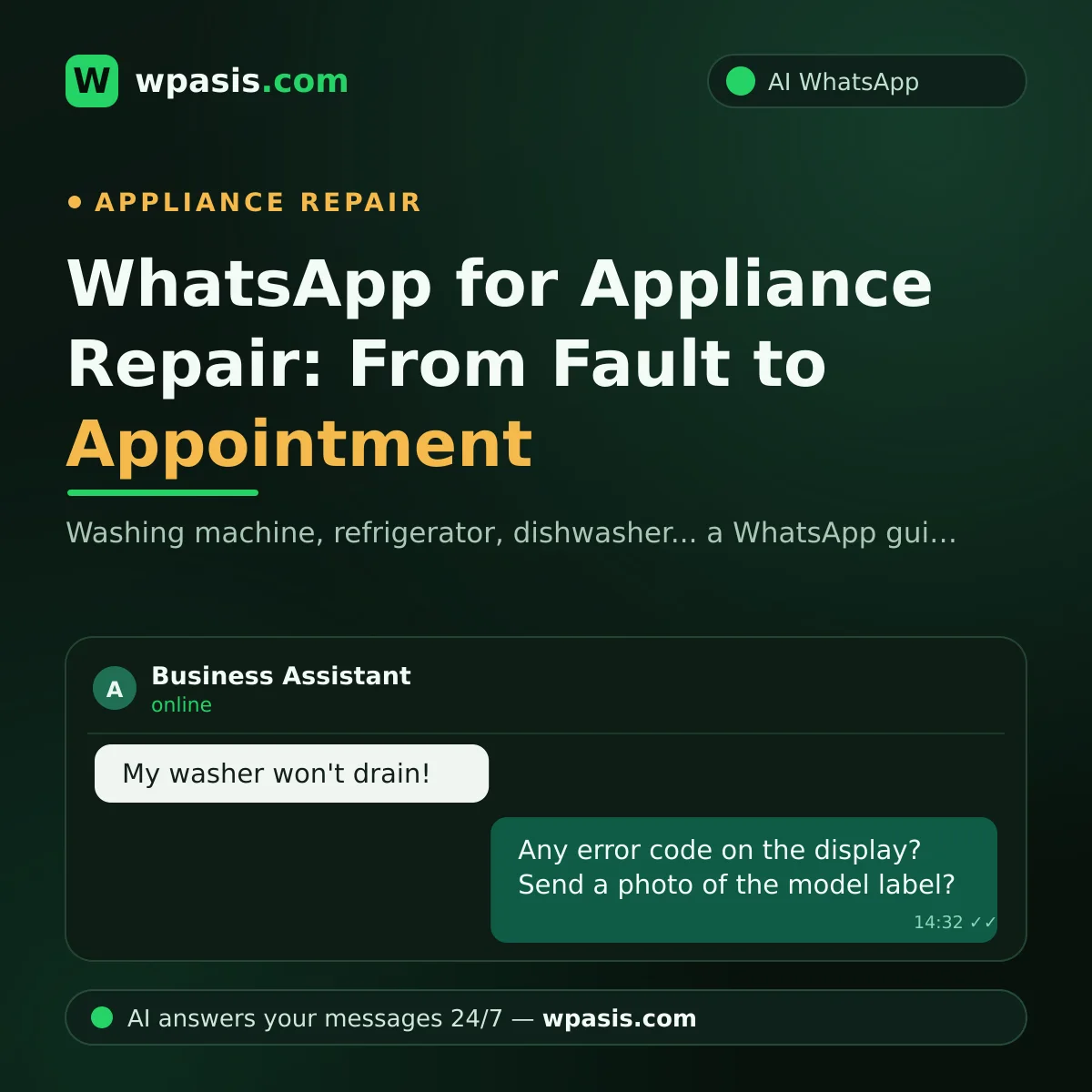
"The washing machine won't take water," "the fridge is making a noise," "the dishwasher is leaking from the door"... if you run an appliance repair business, your day starts with messages like these. For the customer, a broken machine means daily life grinding to a halt: laundry piles up, food spoils, patience runs out. That's why the repair service that answers quickly and methodically is always a step ahead. The trouble is that while you're bent over a machine on a repair, the phone doesn't stop. In this article, we'll walk through how to bring all your communication — from logging the fault to the wait for a spare part — into order on WhatsApp.
Why Is the First Message So Critical in an Appliance Repair Request?
With an appliance fault, two questions are on the customer's mind: "When can you come?" and "Can it be saved?" The reply to that first message sets the tone for both. A customer left unanswered for hours both starts to worry and starts looking for another service. Say a customer whose fridge has stopped cooling messages at midday and gets no reply by evening; since they'll be scrambling to save the food inside before it spoils, they've most likely already turned elsewhere.
A fast first reply isn't enough on its own — it has to start gathering the right information too. There's a real difference, in the customer's eyes, between the service that says "we'll come and take a look" and the one that says "let me get your appliance's brand and a description of the fault, so our technician arrives with the right part." The second one conveys professionalism from the very first minute.
The Fault Description: The Right Questions Save Time
With appliances, the fault description is the road map for the visit ahead. That first exchange needs to get answers to these:
- Which appliance: washing machine, dishwasher, refrigerator, oven, dryer?
- What's the symptom: won't run at all, making a noise, leaking water, not heating/cooling?
- Is an error code showing on the display? If so, which one?
- How long has the problem been there; did it start suddenly, or build up gradually?
- Roughly how old is the appliance, and has it been repaired before?
Say the customer writes "the washing machine is showing an E4 error and won't drain." Those two sentences already shorten the list of likely faults in the technician's mind and hint at which parts to load into the van. Ask for a photo and a short video too: a recording of the noise, footage of the leak, a photo of the error code — often clearer than any description.
Brand and Model: The Key to the Spare Part
With appliances, the part for the same fault varies from brand to brand, even from model to model. So a visit made without the brand-model details usually ends with "let's order the part and come back" — meaning two trips, two shifts, and a customer left waiting.
All you need to ask the customer for is this: the appliance's brand and a photo of the model label. The label is usually inside the lid, along the edge of the door, or on the back of the unit; it takes a few seconds to describe to the customer. With the model details in hand, you find the right part in advance and seriously raise the odds of finishing the job in one visit.
A repair finished in one visit is a three-way win: the customer gets their machine back sooner, you save the trip and the time, and your reputation grows stronger.
Keep the Customer Informed Through the Appointment and Parts Process
Once the fault description and brand-model details are gathered, it's time for the appointment. Give a clear time window: "Our technician will be there between 1 and 3 PM tomorrow." A short reminder before the appointment largely does away with the problem of finding no one at the door; for ready-made examples, see our appointment reminder message examples.
The stage that really gets neglected is the wait for a spare part. When a part is ordered, the customer is left in limbo: "Have I been forgotten, when will it come?" A few short updates during this stretch keep their trust: "Your part has been ordered," "The part is in, are you free for the fitting tomorrow?" and the like. The service that keeps the customer informed is the one that same customer calls first next time something breaks.
Because this kind of process communication is hard to keep up by hand, most services skip it; yet with a digital system, these messages can be made routine. We've explained how small businesses can build this system step by step in our small business digitalization roadmap.
What Does a WhatsApp AI Assistant Do for an Appliance Repair Business?
Running the whole flow above by hand all day isn't possible, especially at services with only a few technicians. A WhatsApp AI assistant like WpAsis runs this system for you:
- Connects to your existing WhatsApp number via QR code; no technical knowledge or setup required.
- Replies to every message within seconds, 24/7; whatever hour the customer writes, they get an answer.
- Asks the appliance type, the fault description, and the error code; requests a photo of the model label.
- Gathers the address and a convenient time and creates the booking request.
- Draws on the knowledge base you enter — your service area, the brands you handle, your working hours.
- Answers common questions: which areas you cover, which appliances you service, what your hours are.
- You watch every conversation from the panel and take over whenever you like; passing on a status update to a customer waiting on a part becomes part of this system too.
The upshot: the technician is on a repair, and the phone still works. When you look at the panel in the evening, which customer messaged about which appliance, what the fault is, what the model is, when the appointment is — it's all laid out neatly in front of you.
A Small Scenario: The Monday Rush
Say you have two repair appointments on Monday morning and eight new messages come in over the day. The assistant handled each one: for three washing machine faults, the description, error code, and model photo were gathered; a refrigerator request was logged with "not cooling"; two people asked about the service area and got their answer; and two more locked in an appointment time.
You looked at the panel over lunch, moved the refrigerator request to the front because food was at stake, and slotted the others into Tuesday and Wednesday. No customer said "why didn't you get back to me," because everyone had an answer within seconds.
Frequently Asked Questions
Does the assistant make a firm diagnosis of the fault?
No. The assistant gathers the preliminary details — the description, error code, brand-model, and photo; the technician makes the diagnosis on site. The goal is for the technician to arrive prepared, with the right part.
Can I teach the assistant which brands we handle?
Yes. The assistant draws on your business's knowledge base; when you enter which brands and appliances you service, it answers out-of-scope requests accordingly too.
How does keeping a customer informed while they wait on a part work?
You track the status of the parts process from the panel and pass it on to the customer; you can take over the conversation any time and write "your part is in, are you free for the fitting?" yourself. What matters is that the customer isn't left in the dark.
Do I need a technician to set it up?
You don't. WpAsis connects by scanning a QR code with your existing WhatsApp number. Once you've introduced your service details, the assistant starts replying on your behalf.
If you want your service phone to keep working while you're on a repair, you can try the free demo at wpasis.com. For current pricing, just visit wpasis.com.