How WhatsApp Simplifies Your Airport Transfer Bookings
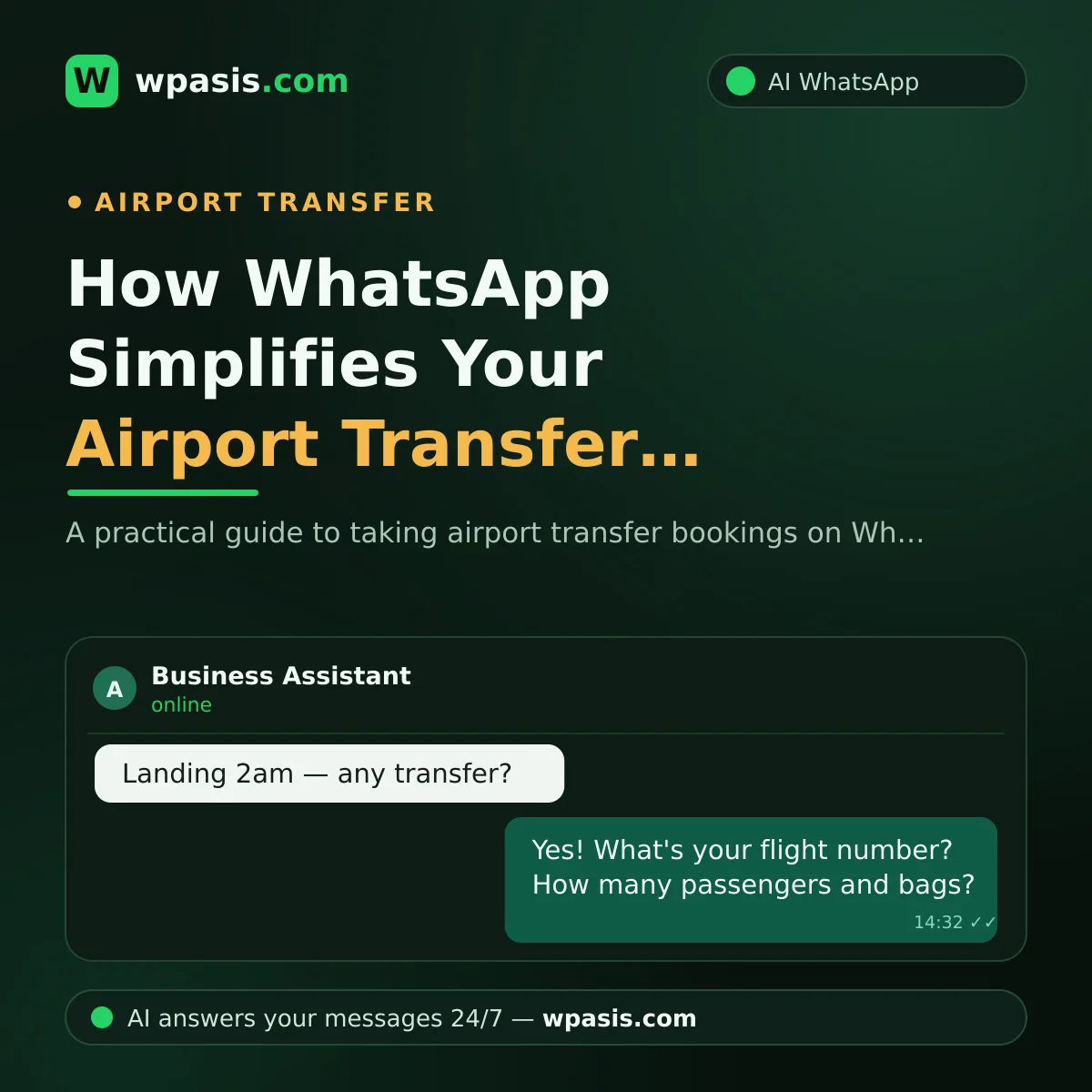
If you run a transfer business, you know this one truth cold: transfer requests keep no office hours. The passenger on a flight landing at 2:30 am books their ride at 11 pm the night before — while you're either behind the wheel or fast asleep. By the time you check your phone in the morning, the message is still sitting there, but the customer has already booked with someone else. In this article, we'll walk through how to catch every transfer request that comes in over WhatsApp — with complete information, at any hour of the day or night.
Why Do Late-Night Transfer Requests Slip Away?
By the nature of the transfer business, customers tend to finalize their travel plans at the last minute. The flight is booked, the hotel is sorted, and by the time transport comes up, it's already the middle of the night. For guests traveling from abroad, time zones make it worse: their afternoon is your small hours.
The classic scenario plays out like this. A customer writes on WhatsApp, "We're landing tomorrow night, do you do transfers?" No reply comes, so they wait five minutes, then message the second company on the list. Whoever answers first wins. What you lose isn't a message — it's the customer.
Suppose a handful of requests come in every week between 10 pm and 8 am. A good share of them are already dead by the time you reply in the morning. You can run the same numbers on your own message history: of the night messages that went unanswered, how many turned into a booking?
Why Are Flight Numbers and Pickup Details So Critical?
Taking a booking isn't enough in this business; you have to take it with the right information. A booking taken with missing details means a driver waiting at the airport, hours lost to a delay, and an irritated customer. A solid transfer booking usually needs:
- Flight number and landing time
- Passenger name and headcount
- Luggage situation (especially large groups and extras like golf clubs or a pushchair)
- Destination hotel or address
- Pickup preference (name board, meeting point)
- Whether a return transfer is needed
Here's the problem: on a phone call, at least one item on that list gets forgotten. The flight number doesn't get taken, then the flight is delayed and the driver waits at the wrong time. Or nobody asks the headcount, and a sedan gets sent to a family of six.
WhatsApp being written down is a huge advantage here: every detail is on record. When you use an AI-powered assistant, that checklist becomes systematic. The moment a customer says "I need a transfer," the assistant asks for the flight number, headcount, luggage, and address in turn — and skips none of them, because it never forgets. When you wake up, you don't find a messy chat; you find a complete booking.
How Does the WhatsApp Transfer Booking Process Work, Step by Step?
A WhatsApp AI assistant like WpAsis connects to your existing number with a QR code — no new number, no software know-how, no technical setup required. After that, here's how it flows:
1. The customer writes, the assistant greets them instantly
Even at 3 am, the message is answered within seconds. The assistant speaks on your business's behalf; it has learned your service areas, vehicle types, and how you work from the information you loaded in. We covered how to prepare that knowledge base in detail in our guide on building a business knowledge base.
2. Booking details are gathered in full
The assistant asks for the date, flight number, headcount, luggage, and address in a natural conversational flow. The customer doesn't feel like they're filling out a form, but you get data as tidy as if they had.
3. Foreign guests write in their own language
In airport transfers, a big share of customers come from abroad. With multilingual support, when a guest writes in German, French, or Spanish, the assistant replies in the same language. The worry of "my driver only speaks English, how am I supposed to reply?" disappears.
4. You monitor from the panel and step in when needed
Every conversation is in front of you in the panel. The assistant handles standard bookings; for haggling, special requests, or VIP guests, you take over the chat with a single click. Control always stays with you.
5. The booking is confirmed and remembered on the day
As the transfer day approaches, sending the customer a reminder message looks professional and cuts down on last-minute cancellations. For ready-made templates, take a look at our appointment reminder message templates.
What Does an AI Assistant Bring to a Transfer Company?
The heart of the matter is this: in a transfer company, the person watching the phone is often the same person driving the car. You can't type a detailed reply from behind the wheel; trying to is dangerous in the first place. When the assistant takes on that load, the concrete gains are:
- Fewer lost requests. You're always the first to reply, night included.
- No more missing information. No booking without a flight number or address.
- No more wrestling with the phone while driving. The assistant chats while you're on the road.
- The days of answering the same questions one by one are over. "Do you have a baby seat?", "How many suitcases fit?", "Is there a night surcharge?" — the assistant answers your FAQs with the replies you've set.
- A written record builds up. You have the chat history to counter any "that's not what I said" dispute.
One thing to keep in mind: because you collect passenger information, you're working with personal data. You should use the information only for the service and be careful about retention periods; for definitive guidance specific to your situation under GDPR (or your local data protection law), be sure to consult a professional.
What Do You Need to Get Started?
You don't need a huge system — you need organized information. Your service areas, your fleet, your working hours, your cancellation terms, and the answers to frequently asked questions... Compile these once and teach them to the assistant, and it starts speaking in your voice. Your existing WhatsApp number doesn't change; your customers keep finding you exactly where they always have.
Frequently Asked Questions
Can night-time booking requests really be answered instantly?
Yes. The AI assistant is active 24/7 and replies to messages within seconds. A request that comes in at 3 am is handled immediately rather than sitting unanswered until morning. When you log into the panel in the morning, you see the booking details already gathered.
Might the assistant forget to ask for something like a flight number?
No. The assistant works to the information flow you've defined. It asks for fields like flight number, headcount, luggage, and address in turn within the chat. Because it doesn't get tired or distracted like a person, it collects information consistently.
How do you communicate with foreign customers?
The assistant supports multiple languages; it replies in whatever language the customer writes in. There's no need for an interpreter or a translation app for a message that comes in German, French, or Spanish. Even if your business information is in English, the assistant adapts the reply to the customer's language.
Can I step into the conversation in special cases?
Yes. Every conversation is monitored live from the panel and can be taken over whenever you want. When there's haggling, a large group booking, or an unusual request, you continue the chat yourself. The assistant doesn't decide in your place — it saves you time.
If the first to pick up the phone wins in the transfer business, let's make sure you're always the one giving the first reply. To try an AI assistant that connects to your WhatsApp line with a QR code, request a free demo at wpasis.com.