Accountant WhatsApp Management: Automate the Client Questions You Answer Every Day
An accountant's phone does not stay quiet on certain days of the month. The VAT deadline is closing in, payroll submissions are due, the quarterly filing is about to shut — and while you are actually preparing returns, you are also trying to keep up with a stream of "Hi, has my payment gone out yet?" messages. In most practices, accountant WhatsApp traffic stopped being manageable a while ago.
Here is the frustrating part: the vast majority of those messages do not require your expertise at all. "When do you need my paperwork by?", "What time do you close?", "Can you send me your bank details again?" — none of that draws on your professional judgement. It is pure information transfer. And it still eats your time.
This article is about making WhatsApp communication in an accounting practice systematic. And, just as importantly, about what you should absolutely not automate.
What Does WhatsApp Traffic Actually Look Like in a Practice?
Think about your own office: how many clients do you have, and how many messages land on the last days of a filing period? We have no measurement to offer you here — but if you count for one week, your own number is not hard to produce. Treat the breakdown below as a frame for that count.
You can roughly sort those messages into four groups:
Group one — repeat information questions. Office address, opening hours, which document is needed by when, bank details. Fixed answers you have typed out dozens of times.
Group two — status questions. "Has my return been submitted?", "Has my payment gone out?", "Did my paperwork reach you?" These require a look at your system, but no complicated interpretation.
Group three — document submission and chasing. Invoices sent as photos, screenshots of bank statements, documents waiting to be signed. Organising all of that is a job in itself.
Group four — genuine professional questions. "Can I claim this as an expense?", "What happens if I move from sole trader to a limited company?", "Can we appeal this penalty?" That is your actual work. And in most practices this group is the smallest slice of the inbox — mark your own messages for a week and you will see the ratio clearly.
The problem is that the mental energy group four deserves is already spent by the time you get there, drained by the first three.
Sorting the Repeat Questions: Step One
There is something to do before automation: know what is actually being asked.
Go through a week of incoming WhatsApp messages and note down the ones that repeat. The list will probably come out shorter than you expect — the same few questions keep circling. That list is the foundation of every system you build after it.
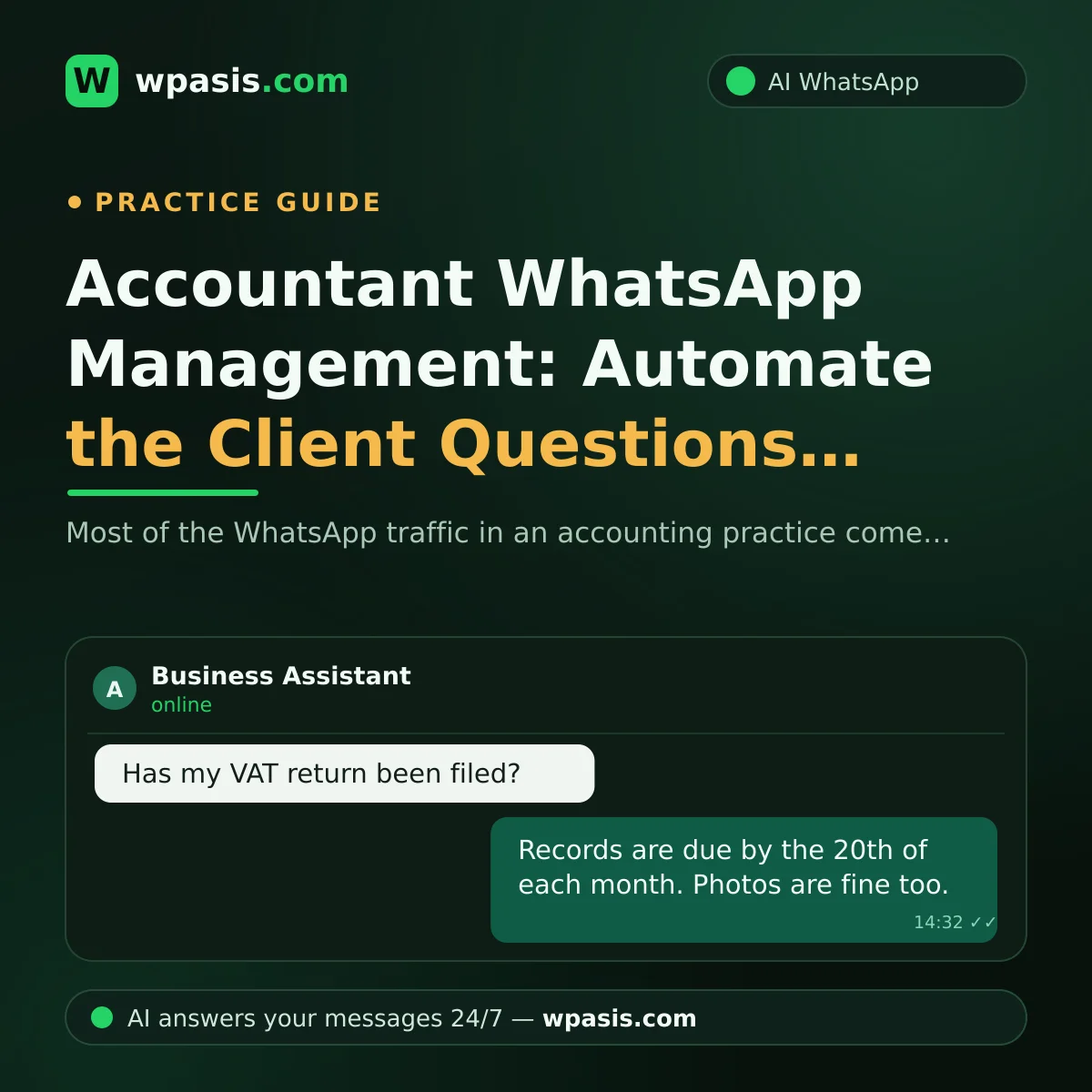
Then write a clear, short answer for each one. Something like: "We need your records at the office by the 20th of each month. Photos are fine — we accept those." Not vague. Specific.
If you are wondering how to structure that exercise, our guide on how to build a business knowledge base walks through it step by step. The same logic applies to an accounting practice.
A Few Things to Watch When Writing the Answers
Keep them short; your client is not reading a paragraph on WhatsApp. Avoid fixed dates, give rules instead: "by the 20th of each month" keeps your answer valid for another year in a way that "by April 1st" does not.
And most importantly: do not put anything requiring professional judgement on that list.
The Red Line in Accountant WhatsApp Automation
Let us be direct here. An AI assistant should not give your client tax advice. Full stop.
The answer to "can I claim this?" depends on the nature of the work, the client's circumstances, the current state of the rules, and dozens of other variables. An automated system saying "yes" or "no" to that question amounts to a wrong professional opinion issued in your name. And the liability lands on you.
The right approach: the assistant recognises this type of question and routes it.
"This depends on your specific circumstances. One of our accountants will get back to you — I've logged your question."
That reply does three things at once. The client feels heard rather than ignored. No wrong information goes out. And you are left with a clean list of who asked what.
When you set up your automated system, put these subjects explicitly in the "route it" bucket: expense deductibility, tax planning, penalties and appeals, changing business structure, payroll and employment edge cases, anything disputed. You do not want an automatic answer on any of them.
Important note: Tax and financial regulations change constantly, and every client's situation is different. Nothing in this article is financial or legal advice. For your own practice, check the current state of the rules and the guidance from your professional body, and always take expert advice on anything you are unsure about.
Managing Accountant WhatsApp Load During Filing Season
The defining feature of the accounting profession is that the workload is not evenly spread. The first half of the month is relatively calm; the last week is chaos. Certain points in the year are a level of their own.
You cannot change that cycle. But you can make the communication load predictable.
A Proactive Reminder Beats a Reactive Answer
By the time a client asks "when do you need my paperwork?", you are already late. Remind them before the period starts instead.
A simple reminder message heads off dozens of questions that month before they are asked. The content can be plain: which documents, by what date, how to send them. Three sentences.
On how to structure those messages, the thinking in our piece on appointment reminder message examples adapts directly to document reminders.
A Peak-Season Greeting
The first reply to a message arriving in filing week should not be the same as the one you use in a quiet month. Expectation management is everything here.
Saying "We're in the middle of filing season, so replies may take a little longer. If it's urgent, please say so" stops the client from messaging a second time. Because they know the message landed.
For a wider look at handling seasonal peaks, see customer communication during seasonal peaks.
Bringing Order to Document Chasing on WhatsApp
Clients photographing invoices and sending them over WhatsApp is standard now. The problem is not collection, it is tracking. Who sent what? Which month is missing? Whose bank statement was that from last week?
A few things that help:
Standardise the submission format. Telling clients "when you send the photo, put the month in the message" saves you hours later. An automated assistant can repeat that rule on every document that comes in.
Confirm receipt. "Your document has arrived and been logged" can go out automatically. The client never has to ask "did it go through?" again.
Keep a missing list. Knowing at month end who still owes you what is much faster than messaging people one at a time.
An automated assistant does not interpret the contents of the document here — you do that. What it can do is confirm receipt and keep the conversation on record in the panel. Chasing what is missing stays with you; the assistant only takes the "did it arrive?" traffic off your plate.
A Note for Sole Practitioners and Small Practices
If your practice is one accountant, or an accountant plus a couple of people, the WhatsApp load sits directly on you. An automated system is not a luxury here — it is how you stop feeling obliged to answer the "quick question" that lands at nine in the evening.
Our piece on customer management in a one-person business goes into structuring client communication at that scale and may be useful.
GDPR and Client Data
An accounting practice handles sensitive data by definition: tax information, turnover, bank movements, employee details. Letting that flow over WhatsApp is common practice, but it is not something to do without thinking it through. Where data is stored, who has access, how long it is kept — there should be an answer to each. A conversation log containing a client's turnover is not just any message.
For the general framing, see our article on GDPR and WhatsApp: what businesses need to watch. But for your own practice's data processing, do consult a data protection specialist — the data responsibilities of the accounting profession carry obligations that an ordinary business does not have.
Where to Start?
Do not try to build all of it at once. A workable order:
- Watch your messages for a week. List what gets asked most.
- Write clear answers to the top 10. Information questions only — no professional judgement.
- Draw the routing line. On which subjects will the assistant say "our accountant will come back to you"?
- Set up the document-period reminder. One message, big difference.
- Watch and correct. See what it missed in the first week, and add it.
If you want a general frame for getting started with AI, our guide on where small businesses should start with AI lays out a basic roadmap.
Frequently Asked Questions
Will an AI assistant give my clients tax advice?
No, and it should not. A properly configured assistant recognises questions requiring professional judgement and routes them to you. It tells the client "this depends on your specific circumstances, our accountant will get back to you" and leaves you a record. Automation's job is to take the repeat information questions — not to issue professional opinions.
Do I need to change my current WhatsApp number?
No. WpAsis connects to the WhatsApp line your practice already uses. Your clients keep writing to the same number, and your listed number does not change. Setup is done with a QR code and requires no technical knowledge.
What if the AI gives a wrong answer?
The clearer you write your knowledge base, the more accurate the assistant's answers. On subjects where it is unsure, you can have it route to you rather than produce an answer. You can also monitor every conversation from the panel and take over the chat at any moment. We covered this in detail in what to do if your AI assistant gives a wrong answer.
Can the system keep up during filing season?
This is exactly where an automated assistant shows its advantage: it does not queue messages one by one the way a person does, and it can handle messages arriving at the same time. Which means the time you set aside goes to the genuine professional questions the assistant routes to you.
The value of the accounting profession sits in the correct professional opinion you give a client. Not in typing out an answer to "what time do you close?"
WpAsis connects to your practice's existing WhatsApp line and answers repeat client questions from your own knowledge base. Anything requiring professional judgement gets routed to you — that part always stays yours.
If you would like to see how it works against your own practice's questions, get in touch at wpasis.com. Current pricing is at the same address.